Backup Strategy Mistakes: 7 Errors That Cause Data Loss
Organisations lose data not because backups fail to run, but because the recovery process lacks verification and isolation from active threats.
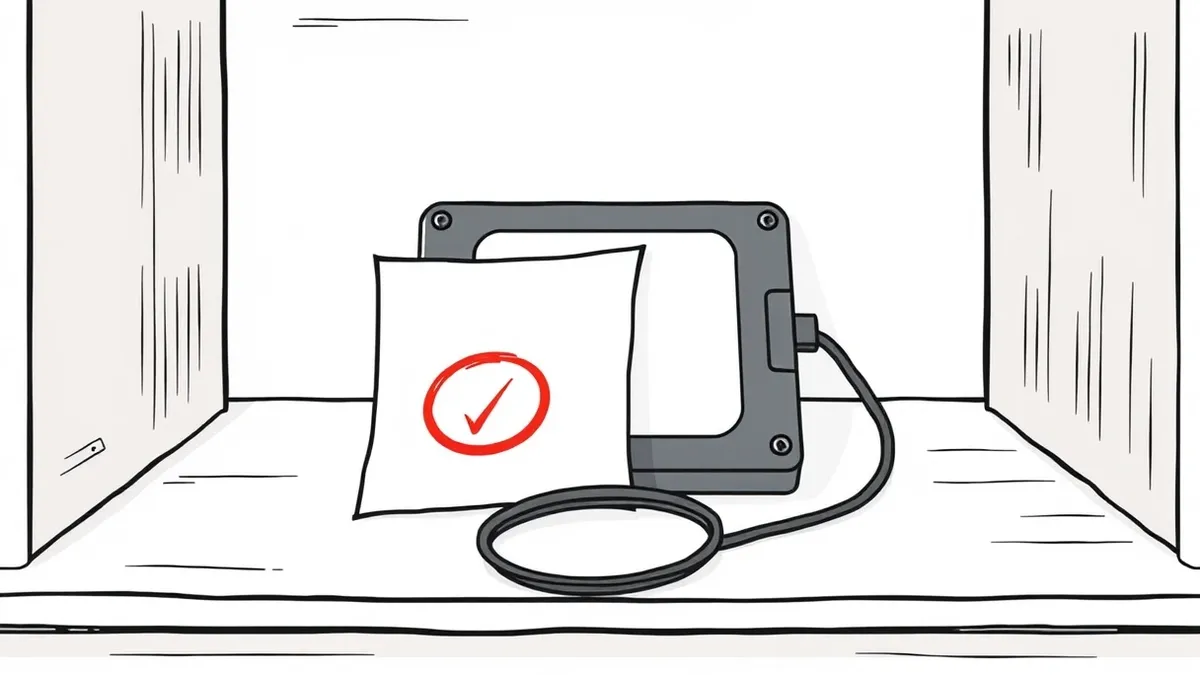
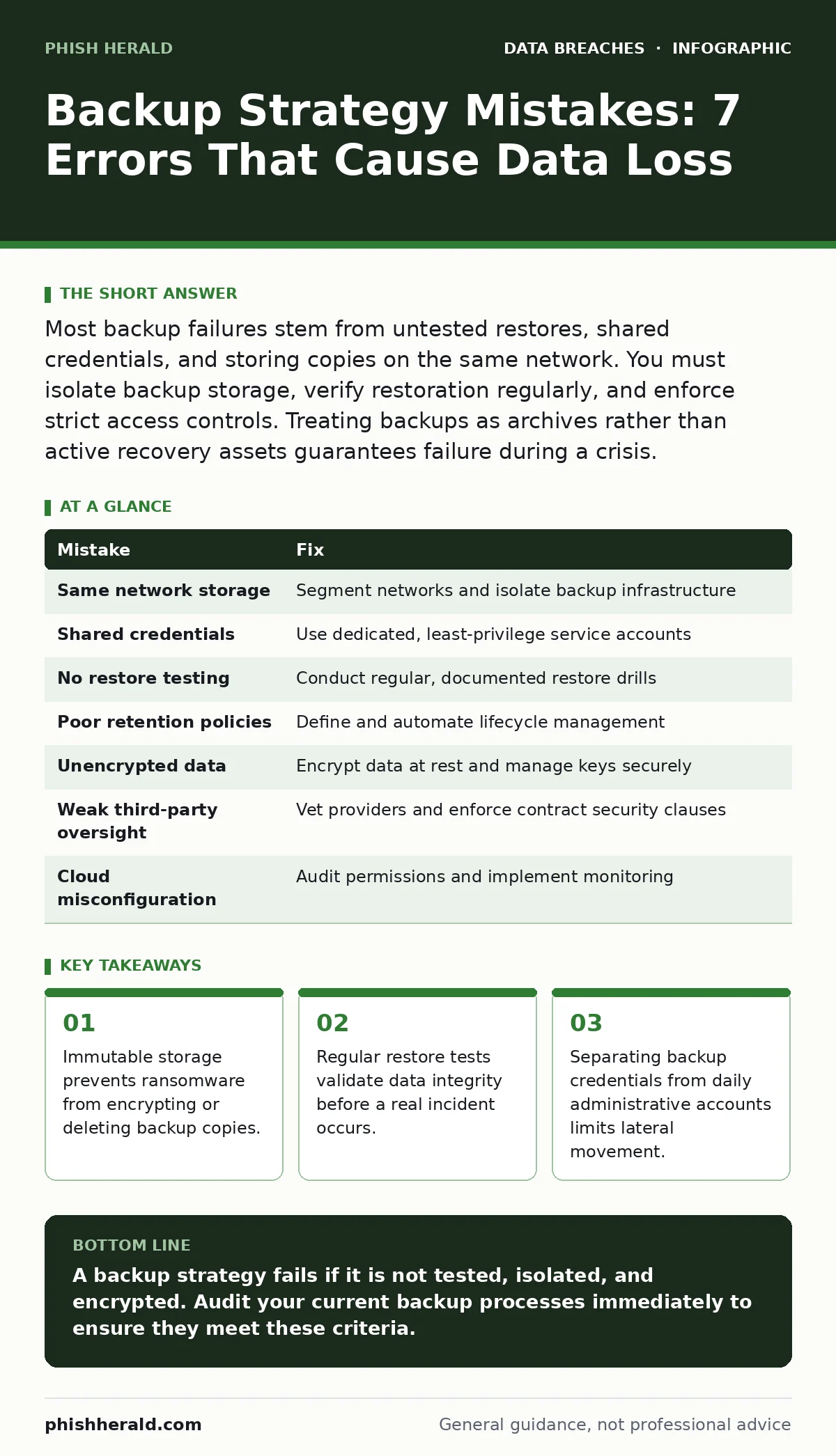
Most backup failures stem from untested restores, shared credentials, and storing copies on the same network. You must isolate backup storage, verify restoration regularly, and enforce strict access controls. Treating backups as archives rather than active recovery assets guarantees failure during a crisis.
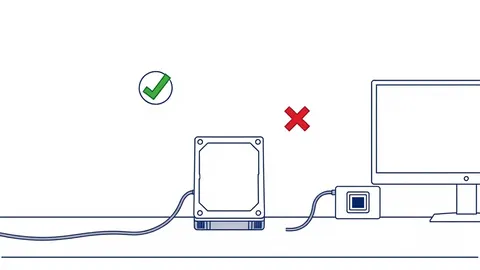
Mistake 1: Storing Backups on the Same Network as Production Data
Why it hurts: Keeping backup repositories on the same logical network as live servers creates a single point of failure. When malware infects a production server, it often scans the network for accessible drives. If the backup system shares the same subnet or domain credentials, the attacker encrypts or deletes the backups alongside the primary data. This renders your recovery plan useless.
The fix: Implement network segmentation that strictly isolates backup infrastructure. Use dedicated VLANs or physical air-gapping for critical data stores. Ensure that backup agents communicate over encrypted channels with minimal privileges. This separation ensures that a compromise in the production environment does not automatically grant access to the recovery assets.
Mistake 2: Sharing Administrative Credentials Between Systems
Why it hurts: Using the same service account for daily administration and backup operations is a critical error. If an attacker steals these credentials, they gain immediate access to both live systems and backup archives. This allows them to modify or delete backups to cover their tracks. You lose the ability to roll back to a clean state because the attacker has already contaminated the history.
The fix: Create dedicated service accounts with the least privilege necessary for backup tasks. These accounts should never be used for interactive logins or general administration. Rotate these credentials frequently and store them in a secure vault. This limits the blast radius of a credential theft incident.
Mistake 3: Failing to Test Restore Procedures Regularly
Why it hurts: A backup is only as valuable as its ability to be restored. Many organisations verify that backup jobs complete successfully but never attempt to recover data. Corruption can occur silently over time, or file formats may become incompatible with newer software versions. Without regular testing, you discover the failure only when you need the data most.
The fix: Schedule quarterly restore drills that involve actual data recovery to a isolated environment. Verify that the restored data is readable and complete. Document the time required for recovery and compare it against your recovery time objectives. This practice reveals hidden configuration errors and ensures your team knows the exact steps to take during an emergency.
Mistake 4: Ignoring Backup Retention Policies
Why it hurts: Keeping every version of every file indefinitely consumes storage resources and increases complexity. More critically, it may violate data protection regulations that require specific retention periods. If you retain data longer than necessary, you increase the attack surface. Conversely, deleting data too soon prevents recovery from slow-moving threats that remain undetected for weeks.
The fix: Define clear retention schedules based on business needs and legal requirements. Implement automated lifecycle management that deletes old backups once they are no longer required. Ensure that the deletion process is secure and irreversible. This balances storage costs with compliance and security risks.
Mistake 5: Neglecting Encryption for Data at Rest
Why it hurts: Backup media often contains sensitive information, including protected health information or financial records. If this media is stolen or lost, unencrypted data is exposed to anyone who possesses it. Storing backups in public cloud storage without encryption also risks exposure through misconfiguration or database exposure. Encryption ensures that data remains unreadable without the correct keys.
The fix: Encrypt all backup data before it leaves the source system. Use strong, standardised encryption algorithms and manage keys separately from the encrypted data. Ensure that key management processes are robust and that keys are rotated regularly. This protects data even if the physical or logical storage medium is compromised.
See also: Stop Exposed Storage Buckets: 3 Cloud Security Fixes That Work · Cloud Data Exfiltration: 6 Myths That Leave Your Assets Vulnerable
Mistake 6: Overlooking Third-Party Backup Services
Why it hurts: Many organisations outsource backup management to third-party providers. If these providers have weak security practices, your data is at risk. A breach at the provider can lead to third-party data breaches that affect multiple clients simultaneously. You lose direct control over the security of your backups and rely entirely on the provider's vigilance.
The fix: Conduct thorough due diligence on any third-party backup provider. Review their security certifications, incident response plans, and data handling procedures. Include strict security requirements in your contracts. Monitor their compliance regularly and maintain an independent copy of critical data if possible. This reduces dependency and mitigates supply chain risks.
Mistake 7: Assuming Cloud Storage is Automatically Secure
Why it hurts: Cloud storage providers offer robust infrastructure, but security is a shared responsibility. Misconfigurations, such as leaving storage buckets public, can lead to data scraping by malicious actors. Users often assume the provider handles all security aspects, leading to negligence in access controls. This assumption creates gaps that attackers exploit to exfiltrate data.
The fix: Treat cloud storage with the same security rigor as on-premises systems. Implement strict access controls, enable logging, and use file integrity monitoring to detect unauthorised changes. Regularly audit permissions and configurations. This ensures that your cloud backups remain secure against both external attacks and internal misconfigurations.
| Mistake | Fix |
|---|---|
| Same network storage | Segment networks and isolate backup infrastructure |
| Shared credentials | Use dedicated, least-privilege service accounts |
| No restore testing | Conduct regular, documented restore drills |
| Poor retention policies | Define and automate lifecycle management |
| Unencrypted data | Encrypt data at rest and manage keys securely |
| Weak third-party oversight | Vet providers and enforce contract security clauses |
| Cloud misconfiguration | Audit permissions and implement monitoring |
Key takeaways
- Immutable storage prevents ransomware from encrypting or deleting backup copies.
- Regular restore tests validate data integrity before a real incident occurs.
- Separating backup credentials from daily administrative accounts limits lateral movement.
A backup strategy fails if it is not tested, isolated, and encrypted. Audit your current backup processes immediately to ensure they meet these criteria.
Frequently asked questions
How often should I test my backup restoration process?
Test restoration at least quarterly to ensure data integrity and familiarity with the recovery procedure. More frequent testing is advisable for critical systems.
Is immutable storage necessary for all backups?
Immutable storage is highly recommended for critical data to prevent ransomware from deleting or altering backup copies. It adds a layer of security against sophisticated attacks.
What is the difference between a snapshot and a backup?
Snapshots are point-in-time copies that depend on the primary storage system. Backups are independent copies stored separately. Snapshots are faster but less resilient to certain failures.
How do I handle mobile device management in my backup strategy?
Include mobile device management policies that enforce data encryption and remote wipe capabilities. Ensure that data synced from mobile devices is backed up securely and separately.
How this guide was produced: written by the Phish Herald editorial team with AI assistance, checked against the public references listed below, and reviewed when the facts change. See our editorial policy or report an error.