File Integrity Monitoring Best Practices for Critical Infrastructure
Most organisations monitor only configuration files, leaving the executable code that attackers modify to bypass detection completely unwatched.
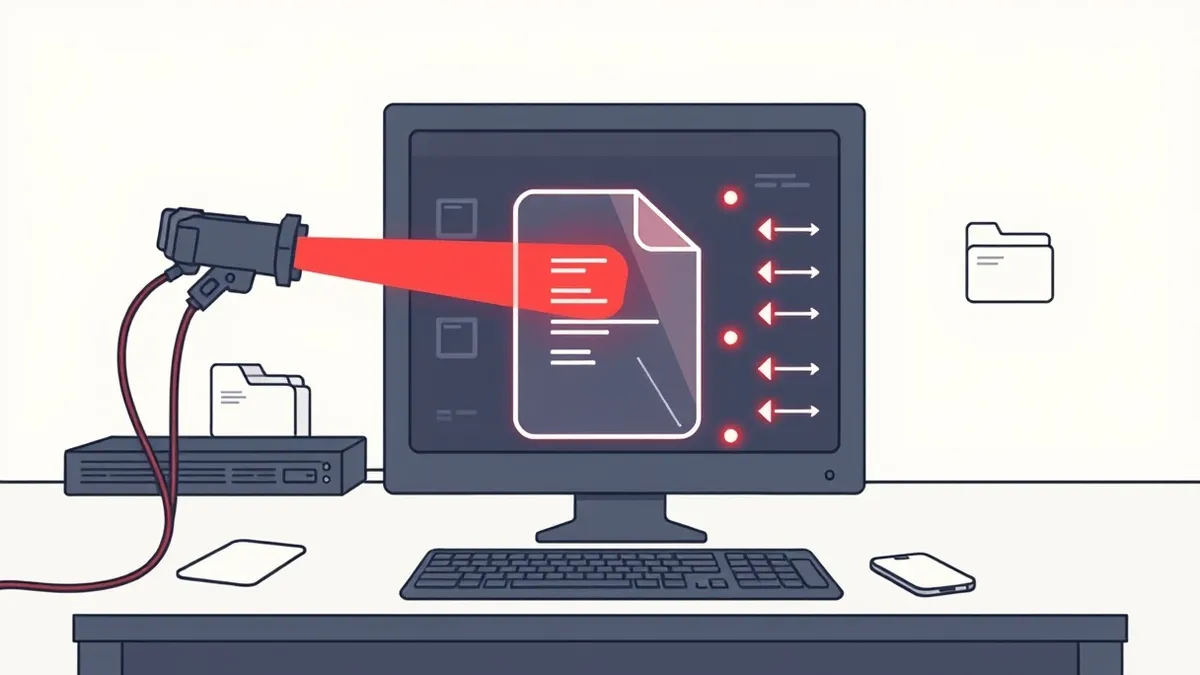
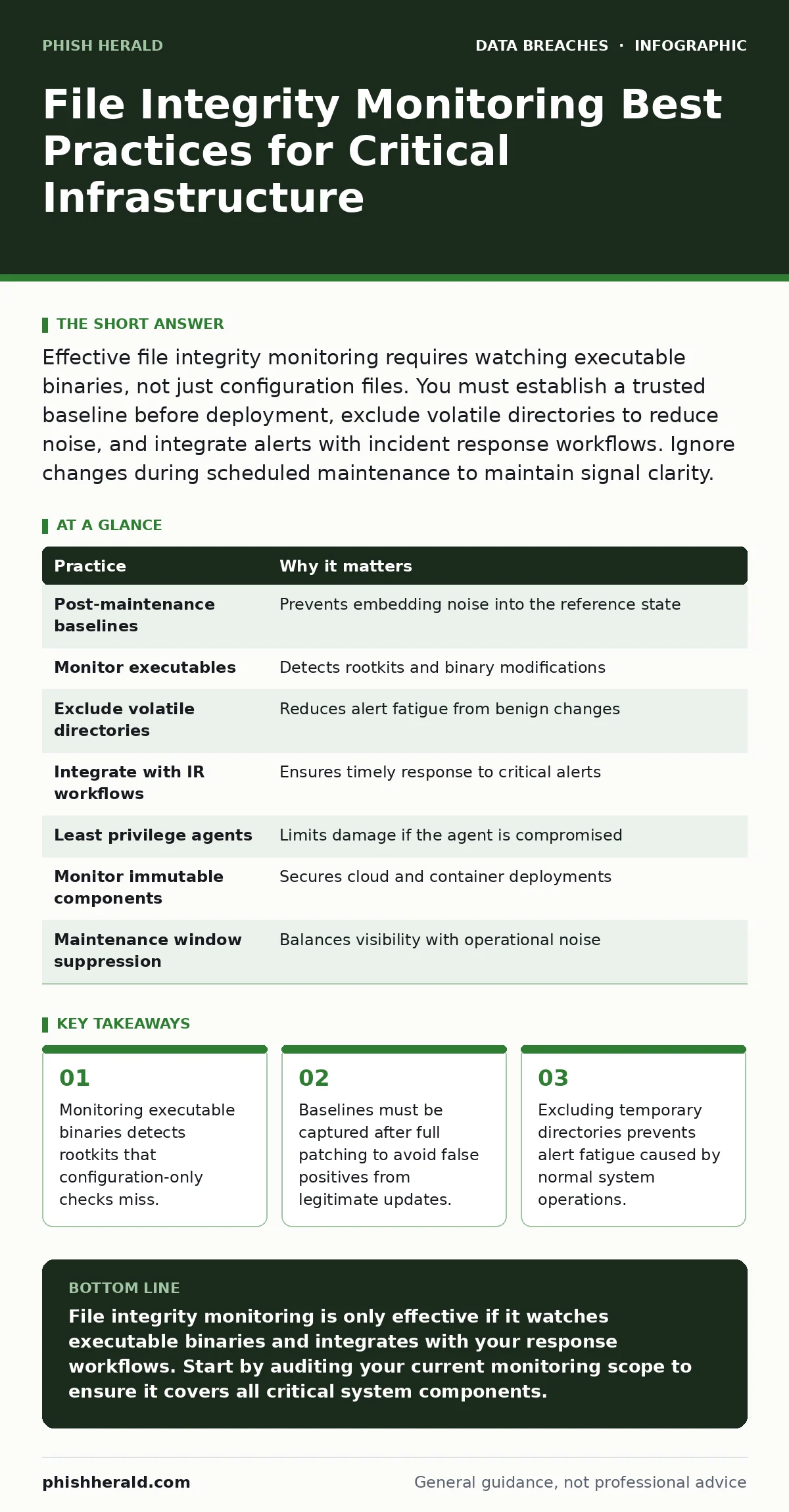
Effective file integrity monitoring requires watching executable binaries, not just configuration files. You must establish a trusted baseline before deployment, exclude volatile directories to reduce noise, and integrate alerts with incident response workflows. Ignore changes during scheduled maintenance to maintain signal clarity.
The Baseline Trap in Production Environments
You cannot detect change if you do not know what "normal" looks like. A baseline is the cryptographic hash of every file in your scope at a specific point in time. If you capture this baseline while the system is undergoing updates, you embed noise into your reference state. This creates a permanent source of false positives.
Imagine a web server receiving a security patch at 02:00. If your monitoring agent captures the baseline at 02:05, the new file versions become the standard. Any subsequent reversion to the old, vulnerable version will trigger an alert, but the initial compromise that allowed the patch to be bypassed may have already occurred.
1. Capture Baselines Post-Maintenance Only
Wait until all scheduled patches, configuration changes, and software updates are fully applied and verified. Only then should you record the cryptographic hashes of the file system. This ensures that the baseline represents a stable, known-good state.
Practical Tip: Automate baseline updates to trigger only after successful completion of your change management workflow, not on a fixed timer.
The Executable Blind Spot
Many administrators configure their agents to monitor configuration files and scripts, assuming these are the primary targets. This is a dangerous oversight. Attackers often modify executable binaries directly to hide their presence or to execute malicious code without altering configuration files. These modifications can be subtle, changing only a few bytes to redirect execution flow.
If you ignore binaries, you are blind to rootkits and backdoors that operate at the kernel or application level. The configuration files may remain pristine, giving you a false sense of security while the core logic of your services is compromised.
2. Monitor Executables and Libraries
Include all binary executables, shared libraries, and kernel modules in your monitoring scope. These components are the engine of your operating system and applications. Changes here indicate a high-severity incident, often requiring immediate isolation of the affected host.
Practical Tip: Use a whitelist approach for binaries in critical infrastructure, alerting on any change to known-good hashes rather than relying on behavioural heuristics alone.
The Noise of Volatile Data
Operating systems generate temporary files, logs, and cache data constantly. If your monitoring agent watches these directories, it will generate thousands of alerts daily. This noise buries the genuine security events you need to see. It leads to alert fatigue, where operators begin to ignore notifications entirely.
Volatile data changes are expected and benign. Monitoring them consumes storage and processing power without adding security value. You must distinguish between stateful data that defines system behaviour and transient data that reflects system activity.
3. Exclude Volatile and Temporary Directories
Identify directories used for temporary storage, such as /tmp, /var/log, and browser cache folders. Exclude these paths from your monitoring scope. This reduces the volume of alerts and allows your team to focus on changes to persistent system files.
Practical Tip: Review your exclusion list quarterly to ensure new applications have not placed critical configuration files in previously excluded directories.
The Integration Gap
Detecting a file change is useless if no one acts on it. Many organisations collect integrity data in a siloed dashboard that few people check. Without integration into your incident response workflow, a critical binary modification may go unnoticed for days.
You need a direct line from detection to action. When a protected file changes, the system must alert the right team through the right channel. This might involve triggering a playbook in your security orchestration platform or sending a high-priority message to your on-call engineer.
4. Integrate with Incident Response Workflows
Connect your file integrity monitoring solution to your central security information and event management system. Define automated responses for high-confidence alerts, such as isolating the host from the network or disabling the associated service. This reduces the time between detection and containment.
Practical Tip: Test your integration monthly by simulating a file change and verifying that the alert reaches the correct responder within seconds.
The Permission Paradox
Your monitoring agent needs read access to files to calculate their hashes. However, granting broad read access to the agent increases the attack surface. If the agent is compromised, an attacker could use its privileges to read sensitive data or escalate privileges.
You must balance visibility with least privilege. The agent should have only the permissions necessary to perform its function. This limits the damage if the agent itself is targeted by malware or a insider threat.
5. Apply Least Privilege to Monitoring Agents
Run the monitoring agent with minimal system privileges. Use dedicated service accounts with restricted access to only the directories you intend to monitor. Avoid running the agent as root or administrator unless absolutely necessary for kernel-level monitoring.
Practical Tip: Use application control policies to restrict what processes the monitoring agent can spawn or communicate with.
See also: How Endpoint Telemetry Works: The Hidden Data Pipeline
The Cloud Complexity
Cloud environments introduce ephemeral resources and shared responsibility models. Files in container images or serverless functions may not persist long enough for traditional monitoring. You must adapt your strategy to account for these transient workloads.
Ignoring cloud-native components leaves significant gaps in your defence. A compromised container image can deploy malicious files across multiple instances simultaneously. You need a strategy that covers both persistent servers and ephemeral workloads.
6. Monitor Immutable Infrastructure Components
For cloud and container environments, monitor the integrity of base images and deployment manifests. Use signed images and verify signatures before deployment. This ensures that the files running in your containers are exactly what you intended to deploy.
Practical Tip: Implement a policy that blocks the deployment of any container image with an invalid or missing cryptographic signature.
The Maintenance Override
Scheduled maintenance involves legitimate file changes. If your monitoring system alerts on every change during a patch window, it creates unnecessary noise. However, disabling monitoring entirely during maintenance creates a window of vulnerability.
You need a way to suppress alerts for known, authorised changes without losing visibility. This allows your team to distinguish between expected updates and unexpected modifications that occur outside the maintenance window.
7. Use Maintenance Windows for Alert Suppression
Define specific time windows for planned maintenance. During these windows, suppress alerts for known file changes but continue to log them for audit purposes. This keeps your alert queue clean while maintaining a record of all changes.
Practical Tip: Require a ticket number or change request ID to be associated with any maintenance window to ensure accountability.
| Practice | Why it matters |
|---|---|
| Post-maintenance baselines | Prevents embedding noise into the reference state |
| Monitor executables | Detects rootkits and binary modifications |
| Exclude volatile directories | Reduces alert fatigue from benign changes |
| Integrate with IR workflows | Ensures timely response to critical alerts |
| Least privilege agents | Limits damage if the agent is compromised |
| Monitor immutable components | Secures cloud and container deployments |
| Maintenance window suppression | Balances visibility with operational noise |
Related Considerations
While file integrity monitoring protects your system state, it does not protect the data within those files. For sensitive data at rest, you should implement full disk encryption. This ensures that even if an attacker gains physical access or steals a drive, they cannot read the contents without the encryption keys.
Furthermore, file integrity monitoring does not prevent identity theft protection failures. If an attacker compromises user credentials, they can make authorised changes that your monitoring system will flag as legitimate. You must combine integrity monitoring with strong identity and access management controls.
Consider also the risk of accidental data disclosure. An insider may legitimately modify files but inadvertently expose sensitive information. Monitoring helps detect the change, but data loss prevention tools are needed to identify the content.
Key takeaways
- Monitoring executable binaries detects rootkits that configuration-only checks miss.
- Baselines must be captured after full patching to avoid false positives from legitimate updates.
- Excluding temporary directories prevents alert fatigue caused by normal system operations.
File integrity monitoring is only effective if it watches executable binaries and integrates with your response workflows. Start by auditing your current monitoring scope to ensure it covers all critical system components.
Frequently asked questions
Does file integrity monitoring prevent data breaches?
No, it detects changes to files that may indicate a breach. It does not prevent the initial compromise or block network attacks.
How often should I update my file integrity baseline?
Only after authorised changes, such as patches or configuration updates. Frequent baselining without cause introduces noise and reduces detection accuracy.
Can file integrity monitoring detect ransomware?
It can detect the rapid encryption of files, which appears as massive file changes. However, it does not stop the encryption process itself.
Is file integrity monitoring sufficient for compliance?
It is a key requirement for many frameworks, but compliance also requires logging, access controls, and regular audits.
How this guide was produced: written by the Phish Herald editorial team with AI assistance, checked against the public references listed below, and reviewed when the facts change. See our editorial policy or report an error.