What Is Alert Fatigue: How to Stop Security Noise from Blinding Your Team
Alert fatigue causes operators to miss genuine threats because the sheer volume of noise desensitises them to critical signals, turning your defence tools into liabilities.

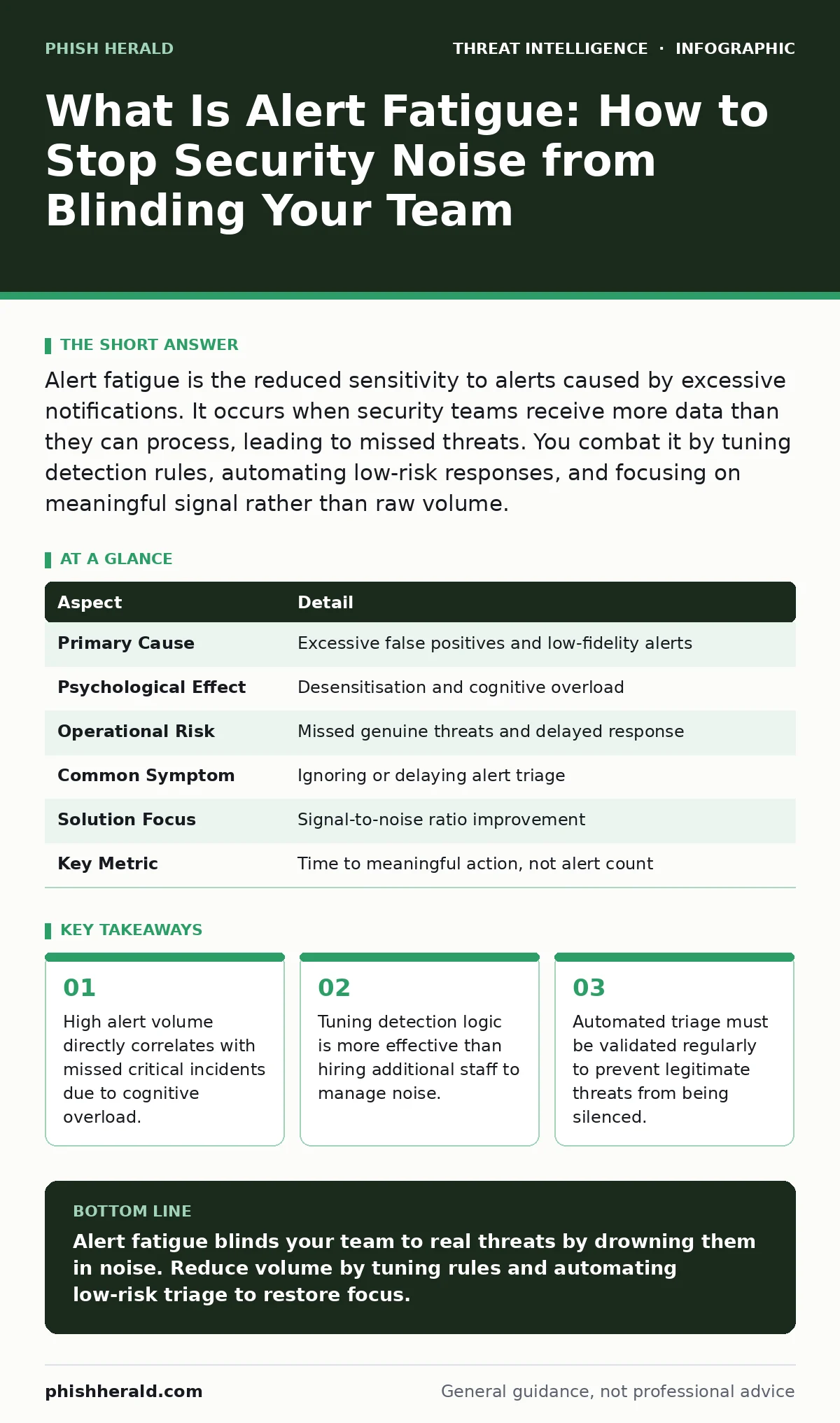
Alert fatigue is the reduced sensitivity to alerts caused by excessive notifications. It occurs when security teams receive more data than they can process, leading to missed threats. You combat it by tuning detection rules, automating low-risk responses, and focusing on meaningful signal rather than raw volume.
Everyday Analogy: The Cry Wolf Effect
Imagine a town where a siren sounds every time a leaf falls from a tree. Initially, residents rush to their windows. After weeks of constant noise, they ignore the siren entirely. When a real fire starts, no one reacts because the signal has lost its meaning. Security operations face this same dynamic. Your tools generate thousands of signals daily. Most are harmless. If you treat every signal as an emergency, you desensitise your team. The brain adapts to constant stress by shutting down. This biological response is the root of the problem.
What Is Alert Fatigue
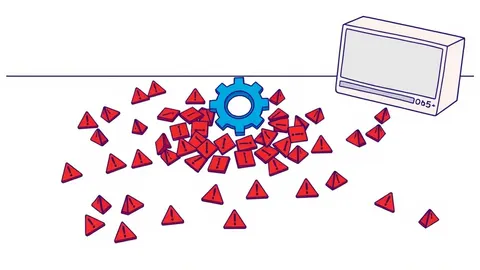
Alert fatigue is the psychological and operational state where security professionals become desensitised to warnings due to excessive volume. It happens when the ratio of false positives to true threats skews heavily toward noise. Operators begin to subconsciously dismiss alerts to preserve mental energy. This dismissal is not laziness. It is a survival mechanism against cognitive overload. When every notification demands attention, the brain stops distinguishing between critical and trivial events. You lose the ability to prioritise. The result is a blind spot in your defence posture.
| Aspect | Detail |
|---|---|
| Primary Cause | Excessive false positives and low-fidelity alerts |
| Psychological Effect | Desensitisation and cognitive overload |
| Operational Risk | Missed genuine threats and delayed response |
| Common Symptom | Ignoring or delaying alert triage |
| Solution Focus | Signal-to-noise ratio improvement |
| Key Metric | Time to meaningful action, not alert count |
How Alert Fatigue Works
The mechanism relies on the limits of human attention. Your security information and event management (SIEM) system ingests logs from hundreds of sources. Each log entry triggers a rule. Many rules are overly broad. A failed login from a known IP might trigger an alert. If that IP is a scanner, you get dozens of alerts per hour. You review them. They are benign. You close them. The next day, the scanner returns. You repeat the process. Your brain learns this pattern. It stops registering the alert as a threat. This is habituation. When a real attacker uses that same IP, your team may glance at the alert and move on. The threat slips through.
The cost is not just missed clicks. It is the erosion of trust in your tools. Teams begin to bypass standard procedures. They create workarounds. They ignore dashboards. The system becomes a paperweight. You pay for advanced detection capabilities but gain no visibility. The noise drowns out the signal. This dynamic applies to all layers of security. From endpoint detection to network monitoring, unfiltered data paralyzes decision-making.
Who Alert Fatigue Affects
Every organisation with active monitoring tools faces this risk. Small teams suffer most because they lack the headcount to filter noise manually. Large enterprises suffer differently. They have staff, but the noise fragments their focus. Incident responders spend hours on false alarms. They have less time for actual investigations. This leads to burnout.
High turnover follows. You lose experienced analysts who cannot cope with the pace. The remaining team is stretched thinner. The cycle worsens. Even automated systems suffer. If your automation triggers on low-confidence alerts, it generates alerts about its own actions. This creates feedback loops. The system amplifies noise instead of reducing it.
What People Usually Get Wrong
Many leaders believe alert fatigue is a staffing problem. They hire more analysts to handle the volume. This rarely works. Adding bodies does not reduce noise. It only increases the number of people experiencing burnout. The root cause is poor detection logic, not insufficient labour. Another common error is silencing alerts entirely. Teams disable rules that trigger too often. This creates blind spots. You assume the rule is flawed, but it might be catching real activity. Instead of disabling, you must refine. Adjust thresholds. Add context. Correlate events. The goal is precision, not silence.
Some organisations chase zero false positives. This is impossible. Every rule has a trade-off. Tightening a rule reduces noise but may miss subtle attacks. Loosening it catches more attacks but increases noise. You must find the balance that fits your risk appetite. There is no perfect setting. There is only a managed compromise.
See also: Alert Triage Checklist: Stop False Positives Before They Stop You · Implement User and Entity Behavior Analytics: A Practical Step-by-Step Approach
How to Fix Alert Fatigue
You must reduce the volume of low-value alerts. Start by reviewing your detection rules. Identify the top ten sources of noise. Are they misconfigured? Are they monitoring irrelevant traffic? Tune them. Adjust thresholds to ignore known benign patterns. Use allowlists for trusted sources. This reduces immediate noise. Next, automate triage for low-risk events. Let the system close obvious false positives. This frees analysts for complex threats. Ensure your automation is transparent. Analysts must trust the system's decisions.
Focus on indicators of compromise that matter to your environment. Ignore generic threats that do not apply to your industry or technology stack. Context is key. An alert about a rare vulnerability is critical if you run that software. It is noise if you do not. Segment your monitoring. Prioritise critical assets. Apply stricter rules to high-value targets. Use looser rules for low-risk endpoints. This tiered approach ensures resources are allocated where they count.
Measuring Success and Next Steps
You cannot improve what you do not measure. Track the ratio of true positives to total alerts. Aim for a high precision rate. Monitor the time taken to triage alerts. If this time increases, your noise is growing. Review these metrics monthly. Adjust rules accordingly. This is not a one-time fix. It is an ongoing process. Threats evolve. Your environment changes. Your rules must adapt.
Consider integrating breach and attack simulation to test your detection capabilities. These tools generate realistic attack traffic. They show you which alerts fire and which do not. This validates your tuning. It also highlights gaps. You can then refine rules based on actual attack behaviour, not just historical logs. This proactive approach keeps your signal clear. It ensures your team remains alert to real dangers.
Advanced Tuning Strategies
For deeper refinement, look at correlation. Single events are often noisy. Sequences of events are rarely benign. Combine multiple low-fidelity alerts into a high-fidelity incident. For example, a failed login followed by a successful login from a new device is suspicious. A single failed login is not. This reduces volume while increasing accuracy. Use YARA rules for file analysis. These rules scan for specific patterns in malware. They are highly specific. They generate fewer false positives than generic antivirus scans. This precision reduces noise in endpoint detection.
Network monitoring also benefits from refinement. Focus on unusual traffic patterns rather than all traffic. Use packet capture analysis for deep inspection when needed. Do not capture everything. Capture only what triggers a specific alert. This saves storage and processing power. It also reduces the amount of data analysts must review. By focusing on anomalies, you cut through the noise. You highlight what truly matters.
Maintaining Long-Term Clarity
Alert fatigue management is continuous. As you add new tools, you add new noise. Vet every new integration. Ensure it adds value before it adds volume. Train your team on the importance of tuning. Encourage them to report noisy rules. Make tuning part of their daily workflow. This collective effort keeps the system sharp. It prevents the gradual drift back into noise.
Remember that advanced persistent threats often move slowly. They may not trigger loud alerts. They rely on stealth. If your team is desensitised by loud, frequent alerts, they will miss quiet, slow attacks. Clarity allows you to see the subtle. It enables detection of sophisticated adversaries who operate below the noise floor. Keep your signal clean. Keep your team focused. Your defence depends on it.
Key takeaways
- High alert volume directly correlates with missed critical incidents due to cognitive overload.
- Tuning detection logic is more effective than hiring additional staff to manage noise.
- Automated triage must be validated regularly to prevent legitimate threats from being silenced.
Alert fatigue blinds your team to real threats by drowning them in noise. Reduce volume by tuning rules and automating low-risk triage to restore focus.
Frequently asked questions
How do I know if my team has alert fatigue?
Look for delayed response times, ignored dashboards, and high turnover. If analysts complain about noise, you likely have a problem.
Can automation completely solve alert fatigue?
No. Automation handles routine tasks but requires human oversight. Poorly configured automation can create new noise or miss nuanced threats.
Should I disable noisy alerts immediately?
No. Investigate the cause first. Disable only after tuning or confirming the alert is irrelevant to your environment.
How often should I review detection rules?
Review monthly. Adjust based on metrics and new threat intelligence. Regular tuning prevents gradual noise accumulation.
How this guide was produced: written by the Phish Herald editorial team with AI assistance, checked against the public references listed below, and reviewed when the facts change. See our editorial policy or report an error.