Alert Triage Checklist: Stop False Positives Before They Stop You
Most alerts fail because analysts check symptoms before verifying the underlying mechanism, wasting hours on noise that masks real compromise.

Use this grouped checklist to validate alerts by confirming asset value, verifying technical indicators, and assessing lateral movement potential. It forces you to prove the alert is genuine before escalating, saving time and reducing fatigue.
Who Uses This Checklist
This checklist serves security operations centre analysts and incident responders who face high volumes of automated alerts. You use it to decide whether an alert requires immediate investigation or can be dismissed as noise. The goal is not to process every alert, but to process the right ones quickly.
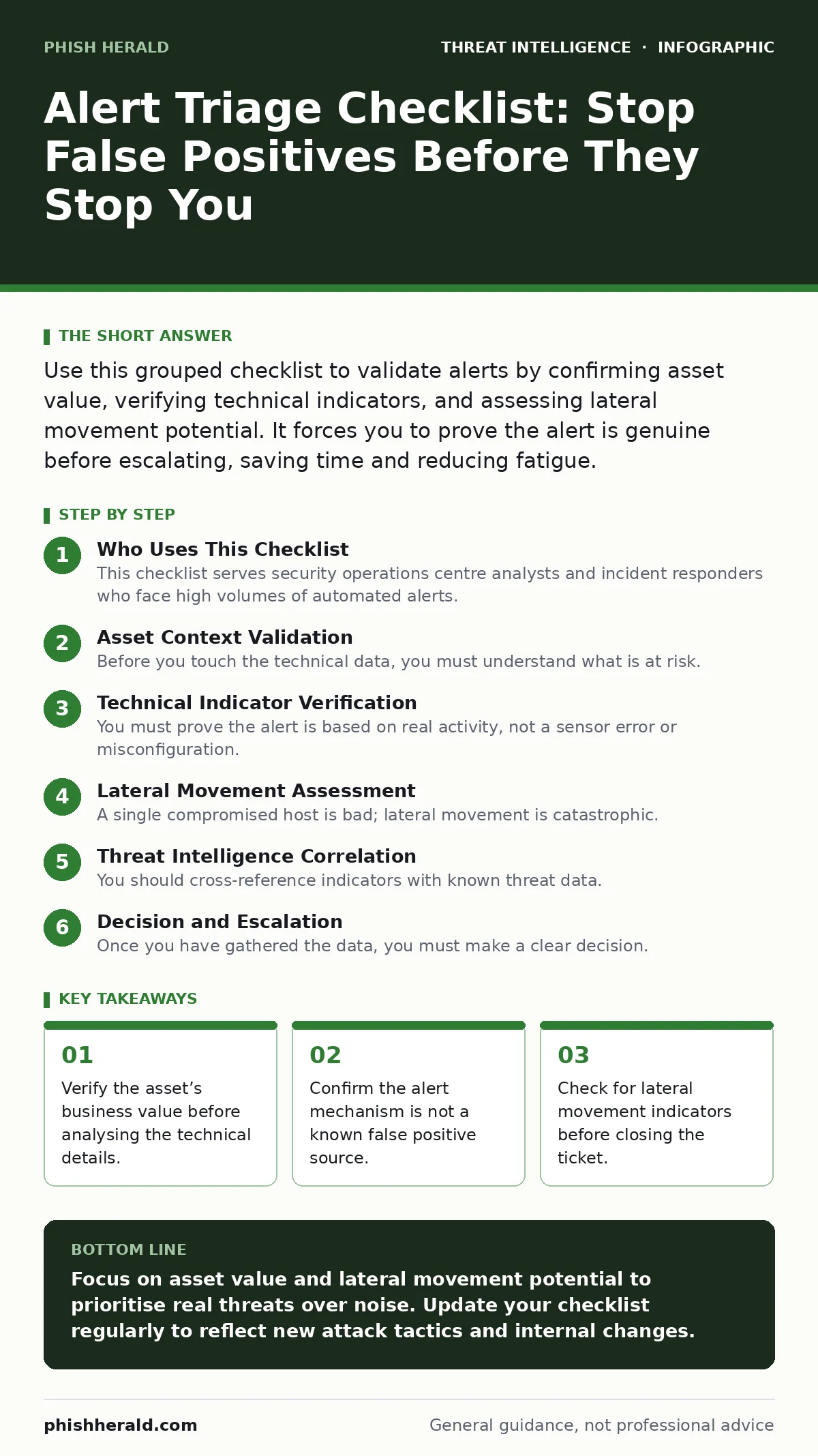
Asset Context Validation
Before you touch the technical data, you must understand what is at risk. An alert on a decommissioned server is less urgent than one on a production database. This step prevents you from wasting effort on irrelevant noise.
- Confirm the asset is currently active and managed: Dormant assets generate stale alerts that distract from live threats.
- Verify the asset’s business criticality rating: High-value targets require faster response times than low-value endpoints.
- Check if the asset is in a maintenance window: Scheduled changes often trigger false positives during updates.
- Identify the user or service account associated: Privileged accounts pose a higher risk than standard user accounts.
Technical Indicator Verification
You must prove the alert is based on real activity, not a sensor error or misconfiguration. Many detection rules fire on benign administrative tasks that mimic malicious behaviour. This section ensures the signal is genuine.
- Validate the source IP address reputation: Internal IPs may be compromised, but external IPs provide clearer attribution.
- Check for known false positive signatures: Some software updates trigger alerts that match malware behaviour patterns.
- Verify the hash of the executable file: Unique hashes confirm you are looking at a specific, potentially malicious file.
- Confirm the process parent-child relationship: Legitimate processes do not spawn unexpected child processes like command shells.
Refer to our guide on endpoint telemetry for details on collecting these process tree details.
Lateral Movement Assessment
A single compromised host is bad; lateral movement is catastrophic. You must determine if the threat actor is trying to move deeper into your network. This is where most breaches escalate from contained incidents to full compromises.
- Check for unusual outbound connections: Data exfiltration often occurs via unusual ports or protocols.
- Verify authentication logs from other hosts: Successful logins from the compromised host to other servers indicate spread.
- Look for shared folder access anomalies: Accessing sensitive shares from a compromised workstation is a red flag.
- Detect new admin account creations: Threat actors often create backdoor accounts to maintain persistence.
See our analysis of pass-the-ticket attacks to understand how stolen credentials enable this movement.
Threat Intelligence Correlation
You should cross-reference indicators with known threat data. This helps you understand if the attack is part of a broader campaign or an isolated incident. Context changes the urgency and the required response.
- Match indicators against known threat feeds: Public feeds help identify if the malware is part of a known family.
- Check for associated infrastructure patterns: Similar IP structures may indicate a coordinated campaign.
- Review recent threat actor tactics: Understanding the actor’s usual methods helps predict next steps.
- Verify if the attack vector is current: Some attack methods are outdated and may indicate a false positive.
Using STIX and TAXII standards allows you to automate this correlation process effectively.
See also: Kubernetes Misconfiguration Response: Stop, Contain and Recover · Threat Hunting vs Incident Response: Distinct Roles in Defence
Decision and Escalation
Once you have gathered the data, you must make a clear decision. Ambiguity leads to delayed responses and missed opportunities. This final step ensures accountability and clear communication.
- Document the findings clearly: Future analysts need to know why you made your decision.
- Assign a clear severity level: Severity guides the response team’s priority and resource allocation.
- Notify the appropriate response team: Different incidents require different specialist skills.
- Close or escalate the ticket promptly: Leaving tickets open creates backlog and reduces team morale.
Common Pitfalls to Avoid
Even experienced analysts make mistakes. Recognising these pitfalls helps you avoid them. The most common error is assuming the alert is correct without verification.
- Avoid assuming the alert is accurate: Sensors can malfunction or be misconfigured.
- Do not ignore low-severity alerts: Low-severity alerts can be early signs of advanced threats.
- Avoid rushing the initial assessment: Hasty decisions lead to missed indicators and false negatives.
- Do not skip the asset context check: Context determines the real impact of the incident.
Refer to detection engineering principles to improve the quality of your alerts at the source.
Refining Your Process
Triage is not a one-time task. It is a continuous improvement process. You should regularly review your checklist and update it based on new threats and lessons learned.
- Review triage decisions weekly: Identify patterns in false positives and adjust rules.
- Update the checklist quarterly: New attack methods require new verification steps.
- Train new analysts on the checklist: Consistency in triage improves overall team performance.
- Measure triage time metrics: Faster triage times indicate a more efficient process.
See our guide on user and entity behavior analytics for advanced methods to reduce alert noise.
Key takeaways
- Verify the asset’s business value before analysing the technical details.
- Confirm the alert mechanism is not a known false positive source.
- Check for lateral movement indicators before closing the ticket.
Focus on asset value and lateral movement potential to prioritise real threats over noise. Update your checklist regularly to reflect new attack tactics and internal changes.
Frequently asked questions
How often should I update my triage checklist?
Update it quarterly or whenever you encounter a new type of false positive or attack method.
What is the most common cause of false positives?
Misconfigured sensors and legitimate administrative tasks that mimic malicious behaviour are the top causes.
Should I triage low-severity alerts?
Yes, but with a lighter touch. Low-severity alerts can indicate early-stage attacks or reconnaissance.
How do I handle alerts with conflicting data?
Escalate to a senior analyst. Conflicting data requires deeper investigation and more experience.
How this guide was produced: written by the Phish Herald editorial team with AI assistance, checked against the public references listed below, and reviewed when the facts change. See our editorial policy or report an error.