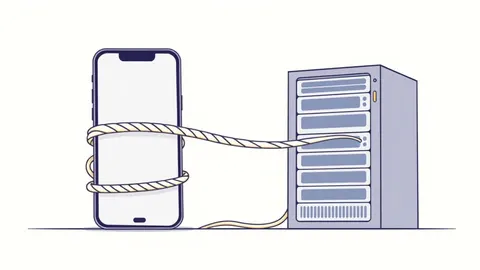
Full Disk Encryption Checklist: Verify Protection Against Physical Theft
Full disk encryption protects data at rest but fails to prevent breaches caused by compromised credentials or unencrypted network traffic.
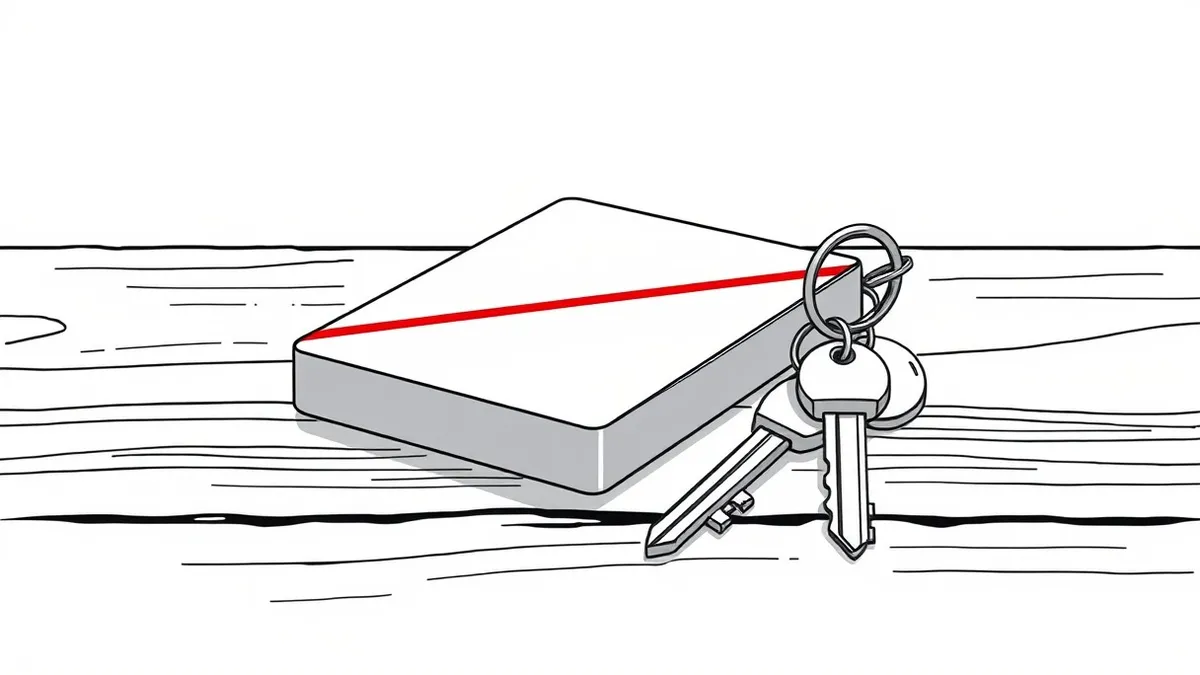
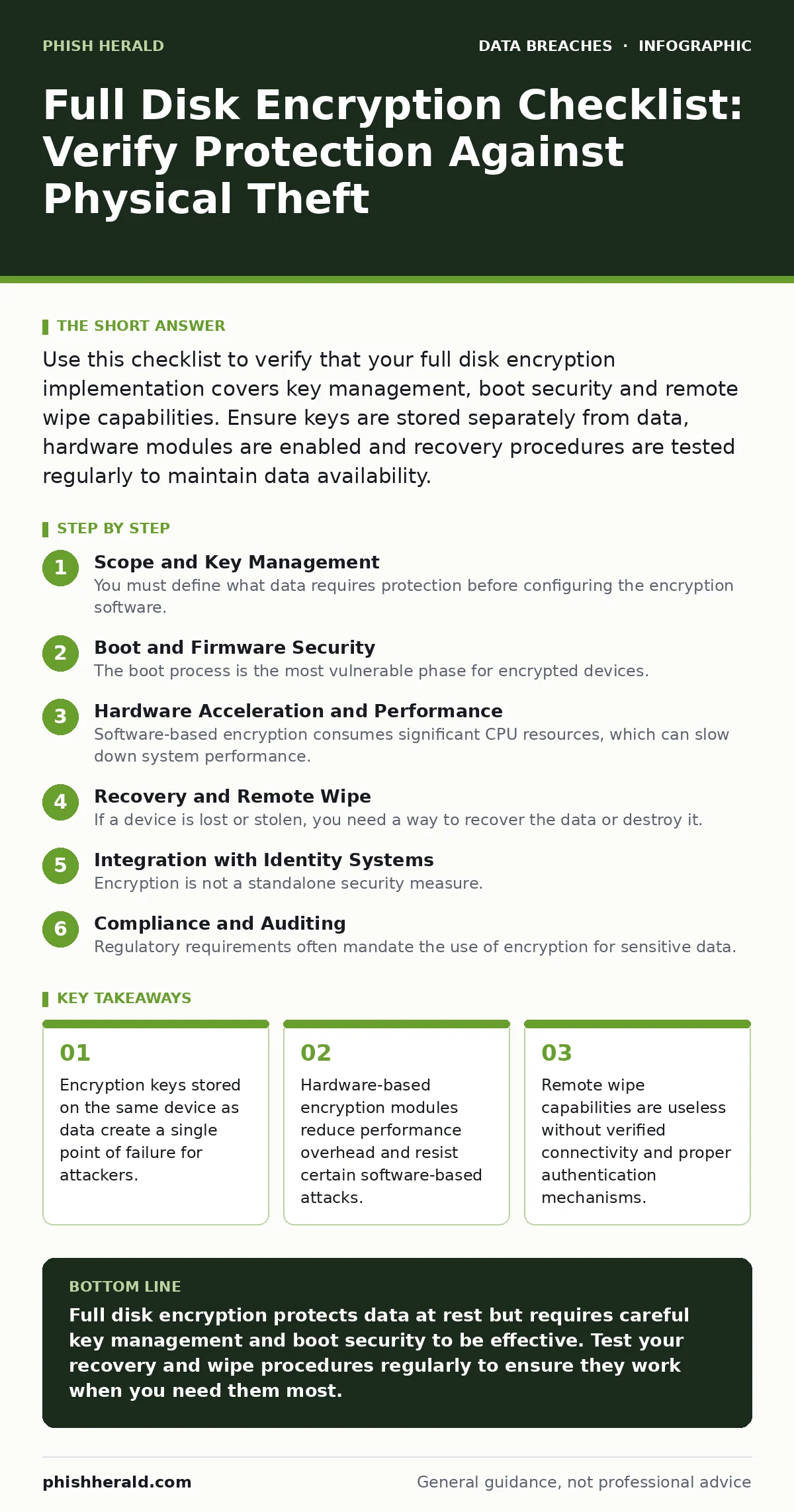
Use this checklist to verify that your full disk encryption implementation covers key management, boot security and remote wipe capabilities. Ensure keys are stored separately from data, hardware modules are enabled and recovery procedures are tested regularly to maintain data availability.
Scope and Key Management
You must define what data requires protection before configuring the encryption software. Full disk encryption applies to the entire storage volume, including the operating system files. This ensures that any data written to the drive is encrypted automatically. However, you must distinguish between data at rest and data in transit. Encryption does not protect files once they are decrypted in memory or transmitted over a network.
- Define encryption scope: Clarify whether temporary files and swap space are included in the encryption policy.
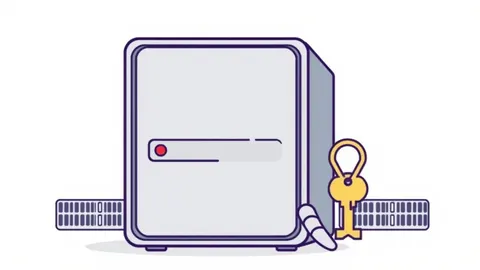
- Separate key storage: Store encryption keys on a different server or hardware module than the encrypted data.
- Rotate keys regularly: Establish a schedule for key rotation to limit the exposure window if a key is compromised.
Boot and Firmware Security
The boot process is the most vulnerable phase for encrypted devices. An attacker with physical access can often bypass encryption by modifying the boot loader or installing a keylogger before the operating system starts. You must ensure that the firmware is signed and that the boot process is verified. UEFI Secure Boot helps prevent unauthorized code from executing during startup. Without this, an attacker can load a malicious kernel that captures passwords as you type them.
- Enable Secure Boot: Verify that the firmware only loads signed and trusted boot loaders and operating systems.
- Disable legacy boot modes: Turn off BIOS compatibility support to prevent attackers from using older, less secure boot methods.
- Verify firmware updates: Check digital signatures on firmware updates to ensure they have not been tampered with.
Hardware Acceleration and Performance
Software-based encryption consumes significant CPU resources, which can slow down system performance. Modern processors include hardware instructions to accelerate encryption algorithms. Using these hardware features reduces the computational burden on the main processor. This allows the system to maintain responsiveness while encrypting and decrypting data in real time. You should verify that your hardware supports these instructions and that the operating system is configured to use them.
- Enable AES-NI support: Ensure the operating system uses Advanced Encryption Standard New Instructions for faster processing.
- Monitor performance impact: Measure read and write speeds before and after enabling encryption to identify bottlenecks.
- Use self-encrypting drives: Consider storage devices that handle encryption internally, offloading the work from the CPU.
Recovery and Remote Wipe
If a device is lost or stolen, you need a way to recover the data or destroy it. Recovery keys must be stored securely and accessed only by authorised personnel. Remote wipe capabilities allow you to erase data from a distance, but this requires the device to be connected to the network. You must test these procedures regularly to ensure they work when needed. Imagine a scenario where a laptop is stolen and the recovery key is lost; the data is permanently inaccessible.
- Store recovery keys securely: Use a hardware security module or a dedicated key management service for recovery keys.
- Test remote wipe: Simulate a lost device scenario to verify that the wipe command executes successfully.
- Document recovery procedures: Create clear instructions for IT staff to follow when recovering encrypted data.
Integration with Identity Systems
Encryption is not a standalone security measure. It works best when integrated with identity and access management systems. Multi-factor authentication adds an extra layer of security, ensuring that only authorised users can access the encrypted data. You should also consider how encryption interacts with your existing security tools. For example, file integrity monitoring can detect unauthorized changes to encrypted files. This combination of controls provides defence in depth.
- Integrate with MFA: Require multi-factor authentication for accessing encrypted volumes or management consoles.
- Log access attempts: Record all attempts to access or modify encryption settings for audit purposes.
- Monitor for anomalies: Use security information and event management tools to detect unusual access patterns.
See also: How Accidental Data Disclosure Happens: Step-by-Step Mechanics · Database Exposure Prevention Checklist for Infrastructure Security
Compliance and Auditing
Regulatory requirements often mandate the use of encryption for sensitive data. You must ensure that your implementation meets these standards. Regular audits help verify that encryption is applied consistently across all devices. These audits should check for misconfigurations, missing patches and unauthorized access. Compliance is not a one-time task; it requires ongoing monitoring and adjustment. See our guide on protected health information for specific requirements regarding medical data.
- Conduct regular audits: Verify that all devices meet encryption standards and that no exceptions exist.
- Review access logs: Analyze logs to ensure that only authorised personnel have accessed encryption keys.
- Update policies: Adjust encryption policies to reflect changes in technology and regulatory requirements.
Key takeaways
- Encryption keys stored on the same device as data create a single point of failure for attackers.
- Hardware-based encryption modules reduce performance overhead and resist certain software-based attacks.
- Remote wipe capabilities are useless without verified connectivity and proper authentication mechanisms.
Full disk encryption protects data at rest but requires careful key management and boot security to be effective. Test your recovery and wipe procedures regularly to ensure they work when you need them most.
Frequently asked questions
Does full disk encryption protect against ransomware?
No, encryption protects data at rest. Ransomware encrypts data while it is in use, so full disk encryption does not prevent this type of attack.
Can I recover data if I lose the encryption key?
Only if you have a secure backup of the key. Without the key, the data is mathematically unrecoverable.
Is hardware encryption better than software encryption?
Hardware encryption is generally faster and more secure against certain software-based attacks, but it depends on the implementation.
How often should I rotate encryption keys?
Key rotation frequency depends on your risk tolerance and regulatory requirements. Many organisations rotate keys annually or after a security incident.
How this guide was produced: written by the Phish Herald editorial team with AI assistance, checked against the public references listed below, and reviewed when the facts change. See our editorial policy or report an error.