Firmware Update Best Practices: Secure the Boot Chain
Unverified firmware updates bypass operating system security controls, granting attackers permanent root access that survives every hardware reset and reinstallation.
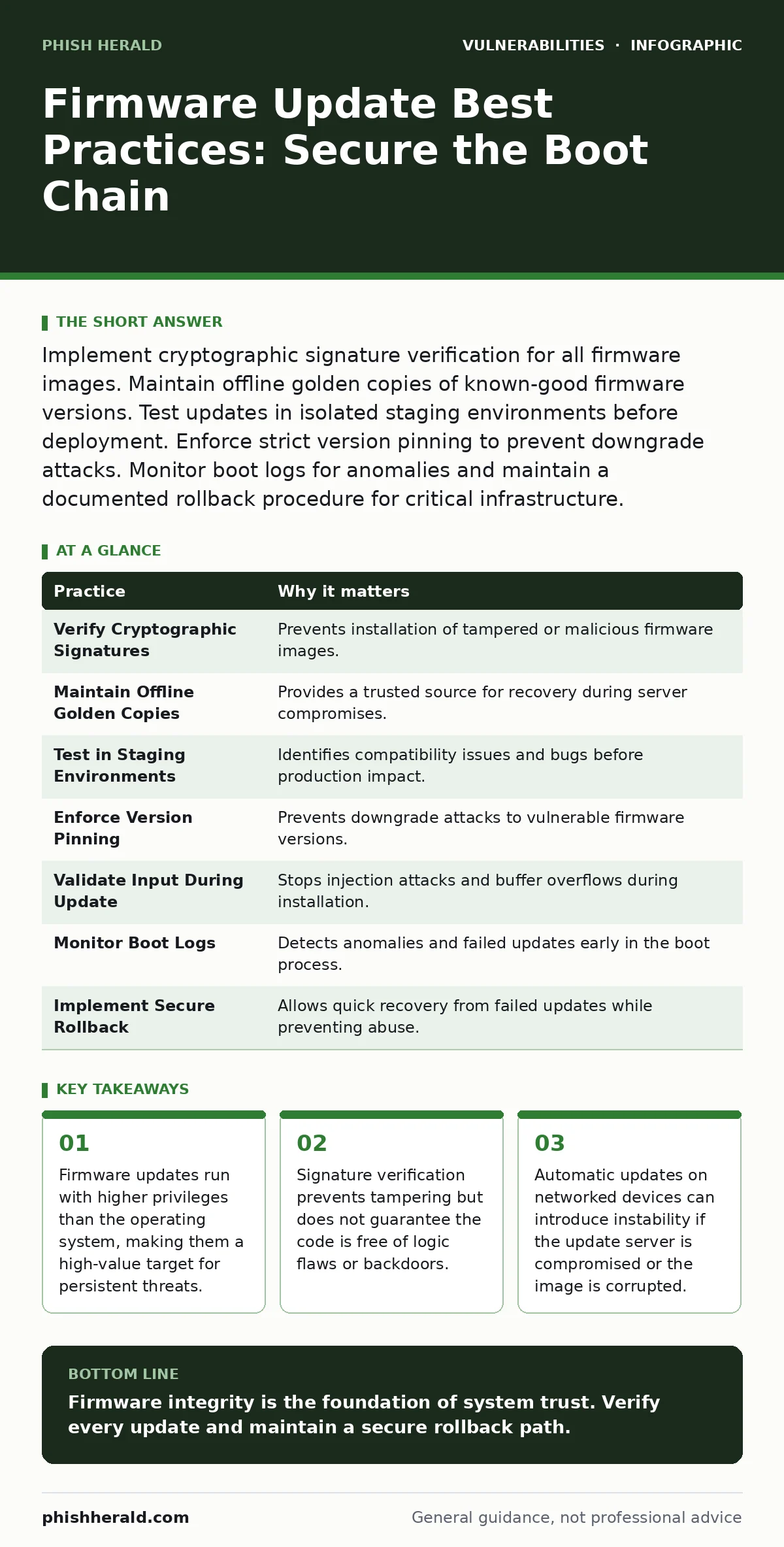
Implement cryptographic signature verification for all firmware images. Maintain offline golden copies of known-good firmware versions. Test updates in isolated staging environments before deployment. Enforce strict version pinning to prevent downgrade attacks. Monitor boot logs for anomalies and maintain a documented rollback procedure for critical infrastructure.
The Privilege Trap of Low-Level Code
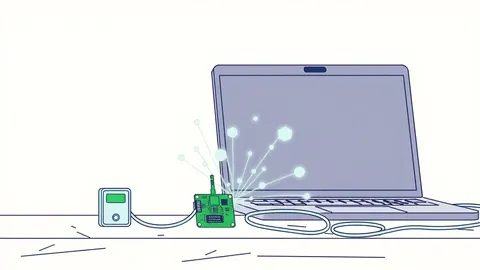
Firmware is the permanent software embedded in hardware components. It controls basic functions such as booting, network connectivity and sensor data handling. Unlike operating system software, firmware often runs before security modules initialise. This timing creates a window where an attacker with firmware access can intercept or modify data before the main system sees it.
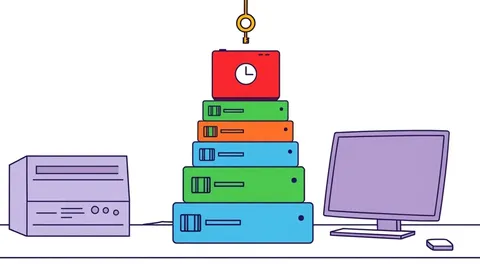
You must treat firmware as the root of trust. If this layer is compromised, no amount of application-level security will restore integrity. The damage is persistent because it survives disk wipes and operating system reinstalls. Understanding this hierarchy is the first step in securing your infrastructure.
1. Verify Cryptographic Signatures
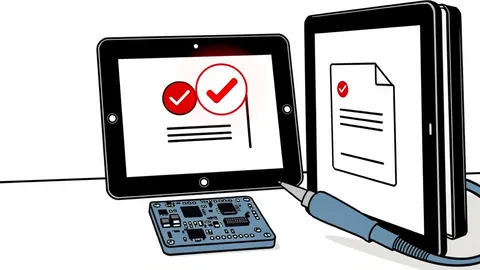
Every firmware image must be signed by a trusted private key. The device firmware must hold the corresponding public key to verify the signature before installation. This mechanism ensures that the code has not been altered since the manufacturer released it.
Without verification, an attacker who intercepts the update traffic can replace the legitimate image with a malicious one. This is known as a man-in-the-middle attack. You cannot rely on transport layer security alone, as certificates can be misconfigured or expired.
2. Maintain Offline Golden Copies
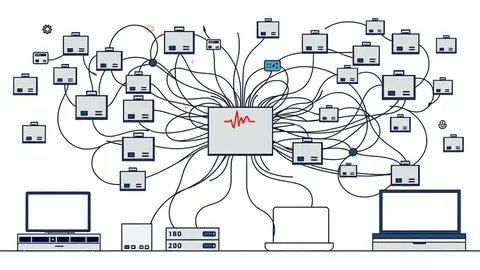
Network connectivity is a dependency that introduces risk. If your update server is compromised, every device that pulls from it becomes a potential victim. Storing verified firmware images on air-gapped media provides a fallback source.
These offline copies act as a reference for integrity checks. If a network-pulled update fails verification, you can compare it against your known-good copy. This practice also helps during widespread outages when vendor servers are unavailable.
Imagine a scenario where a distributed denial-of-service attack targets a vendor’s update infrastructure. Your offline copies allow you to maintain operations and recover compromised devices without relying on the attacker’s network.
3. Test in Isolated Staging Environments
Deploying firmware directly to production is reckless. Firmware updates often change hardware behaviour, which can cause compatibility issues with existing software stacks. A staging environment mirrors your production hardware and network configuration.
Testing reveals conflicts that automated checks miss. You can observe how the new firmware interacts with legacy protocols or specialised hardware modules. This step prevents cascading failures that disrupt business continuity.
See also: automatic software updates
4. Enforce Strict Version Pinning
Downgrade attacks occur when an attacker forces a device to revert to an older, vulnerable firmware version. This bypasses security patches applied in newer releases. Version pinning ensures that devices only accept updates that are strictly newer than the current version.
You must configure your update servers to reject requests for older versions. This prevents attackers from exploiting known vulnerabilities that have already been fixed. It also stops accidental reversion during maintenance windows.
See also: Detecting npm Package Vulnerabilities in Your Supply Chain · Patch Prioritization Logic: How to Rank Fixes by True Risk
5. Validate Input During Update Process
The update process involves parsing data streams, configuration files and binary images. If this parsing logic is flawed, an attacker can inject malicious data. This is similar to how input validation fails in web applications.
Weak parsing can lead to buffer overflows or denial of service conditions. You must ensure that the update client validates all input lengths and formats before processing. This reduces the attack surface during the critical installation phase.
See also: input validation
6. Monitor Boot Logs for Anomalies
Firmware updates change the boot sequence. Logging these changes provides visibility into the device’s state. You should configure devices to send boot logs to a centralised, secure logging server.
Anomalies in these logs can indicate a failed update or a tampered image. For example, a mismatch in expected hash values or unexpected delays in initialisation can signal an issue. Early detection allows you to isolate affected devices before they cause wider damage.
7. Implement Secure Rollback Procedures
Not all updates succeed. Some may introduce critical bugs or hardware incompatibilities. A secure rollback procedure allows you to revert to a previous stable version quickly. This procedure must be as secure as the update process itself.
Rollback mechanisms should also be protected against abuse. An attacker could use a rollback feature to revert to a vulnerable version. You must restrict rollback capabilities to authorised personnel only.
See also: least privilege access
8. Audit Third-Party Components
Modern firmware often includes third-party libraries and open-source code. These components may contain known vulnerabilities. Software composition analysis helps identify these risks before deployment.
You must maintain a bill of materials for your firmware images. This list tracks every component and its version. Regular audits ensure that you patch or replace vulnerable components promptly.
See also: software composition analysis
9. Restrict Physical Access
Physical access to a device often allows an attacker to bypass software protections. They can use debug interfaces or hardware tools to flash new firmware. Restricting physical access is a fundamental control.
Use tamper-evident seals and secure enclosures for critical hardware. Monitor access logs for data centres and server rooms. This physical layer of defence complements your technical controls.
| Practice | Why it matters |
|---|---|
| Verify Cryptographic Signatures | Prevents installation of tampered or malicious firmware images. |
| Maintain Offline Golden Copies | Provides a trusted source for recovery during server compromises. |
| Test in Staging Environments | Identifies compatibility issues and bugs before production impact. |
| Enforce Version Pinning | Prevents downgrade attacks to vulnerable firmware versions. |
| Validate Input During Update | Stops injection attacks and buffer overflows during installation. |
| Monitor Boot Logs | Detects anomalies and failed updates early in the boot process. |
| Implement Secure Rollback | Allows quick recovery from failed updates while preventing abuse. |
| Audit Third-Party Components | Identifies vulnerabilities in embedded libraries and open-source code. |
| Restrict Physical Access | Prevents attackers from bypassing software controls via hardware. |
Balancing Security and Availability
Firmware updates are necessary for security and functionality. However, they introduce significant risk if not managed correctly. The practices above create a defence-in-depth strategy. You must balance the need for timely patches with the risk of instability.
Regular testing and monitoring are key. You cannot afford to neglect firmware security because it is often out of sight. By treating firmware as a critical component of your security architecture, you reduce the risk of persistent compromise.
See also: file upload vulnerabilities
Key takeaways
- Firmware updates run with higher privileges than the operating system, making them a high-value target for persistent threats.
- Signature verification prevents tampering but does not guarantee the code is free of logic flaws or backdoors.
- Automatic updates on networked devices can introduce instability if the update server is compromised or the image is corrupted.
Firmware integrity is the foundation of system trust. Verify every update and maintain a secure rollback path.
Frequently asked questions
How often should I check for firmware updates?
Check for updates regularly, but only apply them after thorough testing and verification. Do not install them automatically without review.
Can I patch firmware vulnerabilities manually?
Manual patching is complex and risky. It is better to wait for official vendor updates that include proper signatures and testing.
What if a vendor stops supporting a device?
Isolate the device from critical networks. Consider replacing it if it cannot be secured or monitored effectively.
Does encryption protect firmware updates?
Encryption protects data in transit but does not verify integrity. You still need cryptographic signatures to ensure the code is authentic.
How this guide was produced: written by the Phish Herald editorial team with AI assistance, checked against the public references listed below, and reviewed when the facts change. See our editorial policy or report an error.