Firmware Updates: 9 Critical Questions Answered for Secure Systems
Updating firmware without verifying cryptographic signatures exposes your infrastructure to persistent root-level compromise that survives standard operating system reinstalls.
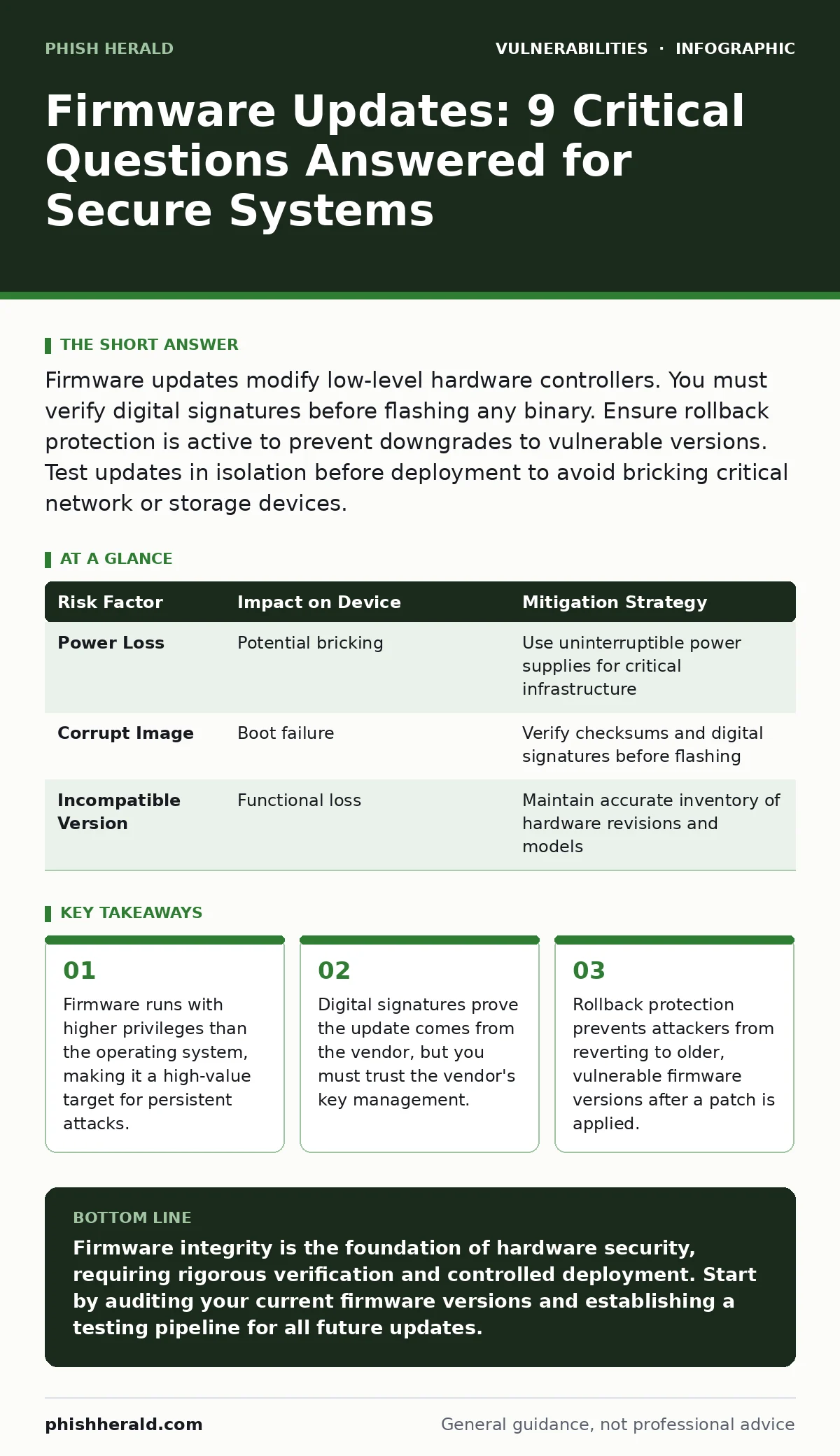
Firmware updates modify low-level hardware controllers. You must verify digital signatures before flashing any binary. Ensure rollback protection is active to prevent downgrades to vulnerable versions. Test updates in isolation before deployment to avoid bricking critical network or storage devices.
What exactly is firmware and why does it matter?
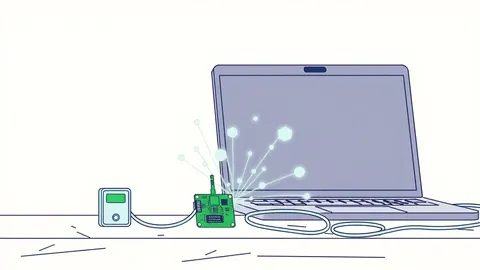
Firmware is the low-level software embedded in hardware devices that controls basic functions before the operating system loads. It sits between the silicon and the code you run, managing things like network interfaces, storage controllers, and power management. If an attacker compromises firmware, they gain a foothold that survives operating system reinstalls and hard drive wipes. This persistence makes firmware breaches significantly harder to detect and remediate than standard application vulnerabilities.
How do firmware updates differ from software patches?
Standard software patches modify files within the operating system or application layer, which you can often revert or ignore. Firmware updates rewrite the actual instructions stored in non-volatile memory on the hardware device itself. These changes are immediate and fundamental, often requiring a reboot that temporarily disables the device. Because firmware controls the hardware’s core behaviour, a failed update can render the device unusable, a state known as bricking.
Why is verifying digital signatures non-negotiable?
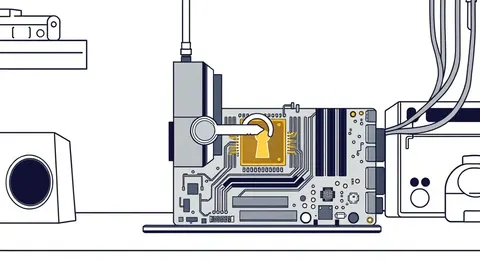
A digital signature is a cryptographic proof that the firmware image was created by the vendor and has not been altered in transit. Without verifying this signature, you cannot distinguish between a legitimate update and a malicious payload injected by a man-in-the-middle attacker. Modern firmware architectures use public key infrastructure to validate these signatures before allowing the write process to begin. If the signature is missing or invalid, the update must be rejected immediately to prevent unauthorized code execution.
What is rollback protection and how does it help?
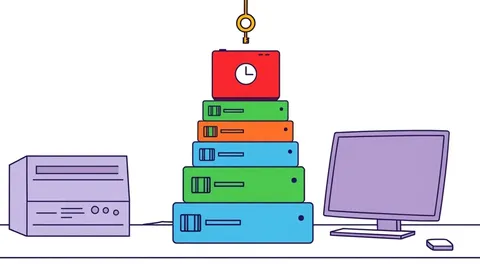
Rollback protection is a security mechanism that prevents a device from installing an older version of firmware after a newer one has been applied. Attackers often exploit the time window between a vulnerability disclosure and a patch to force devices back to a vulnerable state. By enforcing monotonic counters, rollback protection ensures that the firmware version number only increases, blocking attempts to downgrade to compromised versions. This feature is critical for maintaining the integrity of your security baseline over time.
Can a failed update brick my devices?
Yes, a failed firmware update can permanently disable a device if the write process is interrupted or the new image is corrupt. This happens when power is lost during flashing, when the network connection drops mid-download, or when incompatible firmware is applied to the wrong hardware revision. To mitigate this risk, many modern devices include a secondary, read-only firmware partition that acts as a recovery backup. If the primary update fails, the device automatically reverts to the backup partition, allowing you to retry the process safely.
| Risk Factor | Impact on Device | Mitigation Strategy |
|---|---|---|
| Power Loss | Potential bricking | Use uninterruptible power supplies for critical infrastructure |
| Corrupt Image | Boot failure | Verify checksums and digital signatures before flashing |
| Incompatible Version | Functional loss | Maintain accurate inventory of hardware revisions and models |
See also: Detecting npm Package Vulnerabilities in Your Supply Chain · Patch Prioritization Logic: How to Rank Fixes by True Risk
How do I test updates before deployment?
You should never apply firmware updates directly to production environments without prior validation. Create a staging environment that mirrors your production hardware and network configuration. Apply the update to a small subset of devices in this isolated zone and monitor for stability, performance degradation, or unexpected behaviour. This process helps identify compatibility issues, such as those related to input validation failures in the new firmware logic, before they affect your core operations.
What role does least privilege access play here?
Firmware update processes require elevated privileges to write to protected memory regions. If your update management system runs with excessive permissions, a compromise of the update server could lead to widespread firmware tampering. Restrict access to firmware repositories and update tools using least privilege access principles. Only authorised administrators should have the ability to approve and deploy firmware changes, and all actions must be logged for audit purposes.
How does this relate to automatic software updates?
While automatic software updates are convenient for operating systems, firmware updates often require manual approval due to the higher risk of failure. Automatic firmware flashing can lead to mass outages if a new version contains a critical bug or is incompatible with specific hardware configurations. A hybrid approach works best: automate the download and verification of updates, but require manual confirmation before the flashing process begins. This balance ensures timely patching while maintaining control over critical infrastructure changes.
Are there hidden supply chain risks?
Firmware often contains components from third-party vendors, introducing supply chain risks that you may not directly manage. If a third-party library used in the firmware contains a vulnerability, your devices are exposed even if the main vendor’s code is secure. This is similar to how software composition analysis identifies vulnerable dependencies in application code. You must rely on your hardware vendors to maintain a bill of materials and respond quickly to vulnerabilities in their third-party components.
What about physical security of the device?
Physical access to a device can allow an attacker to bypass software protections and directly modify firmware via debug ports or hardware interfaces. Attackers may use techniques like path traversal vulnerabilities to access sensitive files or use hardware debuggers to extract private keys. Secure your devices in locked data centres or cabinets with strict physical access controls. Disable unused debug ports and enable hardware security modules to protect cryptographic keys stored in the firmware.
How do I handle end-of-life devices?
When a hardware vendor stops providing firmware updates, the device becomes a permanent security risk. These devices will eventually contain unpatched vulnerabilities that can be exploited by attackers. You must have a plan to replace or isolate end-of-life devices from your network. Segmentation can limit the blast radius, but it does not eliminate the risk. Regularly review your hardware inventory to identify devices approaching end-of-life and budget for their replacement.
Can firmware updates fix zero-day vulnerabilities?
Firmware updates can patch known vulnerabilities, but they cannot always address zero-day exploits discovered after the update was released. Zero-day vulnerabilities are unknown flaws that have no existing patch. While keeping firmware current reduces the attack surface, it does not provide complete protection against novel attacks. Combine firmware hygiene with runtime protection mechanisms and network monitoring to detect anomalous behaviour that may indicate an active exploit.
What is the impact on system performance?
New firmware versions may introduce performance changes, either positive or negative. Optimisations can improve throughput and latency, while bugs can cause increased CPU usage or memory leaks. Always monitor key performance indicators after applying firmware updates to ensure stability. If you notice degradation, have a rollback plan ready, even if rollback protection is enabled, to allow for emergency recovery procedures.
Key takeaways
- Firmware runs with higher privileges than the operating system, making it a high-value target for persistent attacks.
- Digital signatures prove the update comes from the vendor, but you must trust the vendor's key management.
- Rollback protection prevents attackers from reverting to older, vulnerable firmware versions after a patch is applied.
Firmware integrity is the foundation of hardware security, requiring rigorous verification and controlled deployment. Start by auditing your current firmware versions and establishing a testing pipeline for all future updates.
Frequently asked questions
How often should I check for firmware updates?
Check for updates monthly or subscribe to vendor security advisories to receive notifications immediately when critical patches are released.
Can I update firmware remotely?
Yes, but only through encrypted, authenticated channels with strict access controls to prevent unauthorised remote modifications.
What if a device has no internet connection?
Use a secure, isolated network segment to transfer firmware images via USB or local file shares, ensuring all transfers are verified.
How do I know if my firmware is vulnerable?
Consult your vendor’s security advisories and cross-reference your firmware version with known vulnerability databases regularly.
How this guide was produced: written by the Phish Herald editorial team with AI assistance, checked against the public references listed below, and reviewed when the facts change. See our editorial policy or report an error.