IoT Device Patching: Definition, Purpose and Critical Mechanics
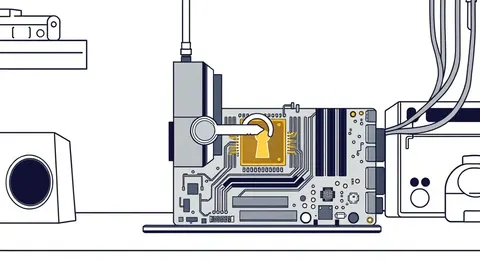
Firmware updates resolve low-level hardware flaws that application patches cannot touch, yet most teams ignore the supply chain risks inherent in binary blobs.

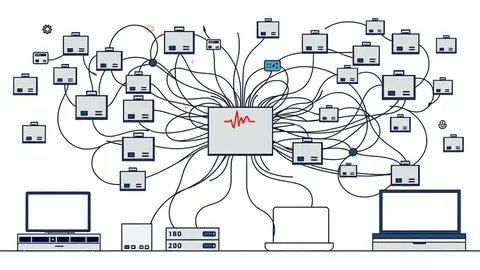
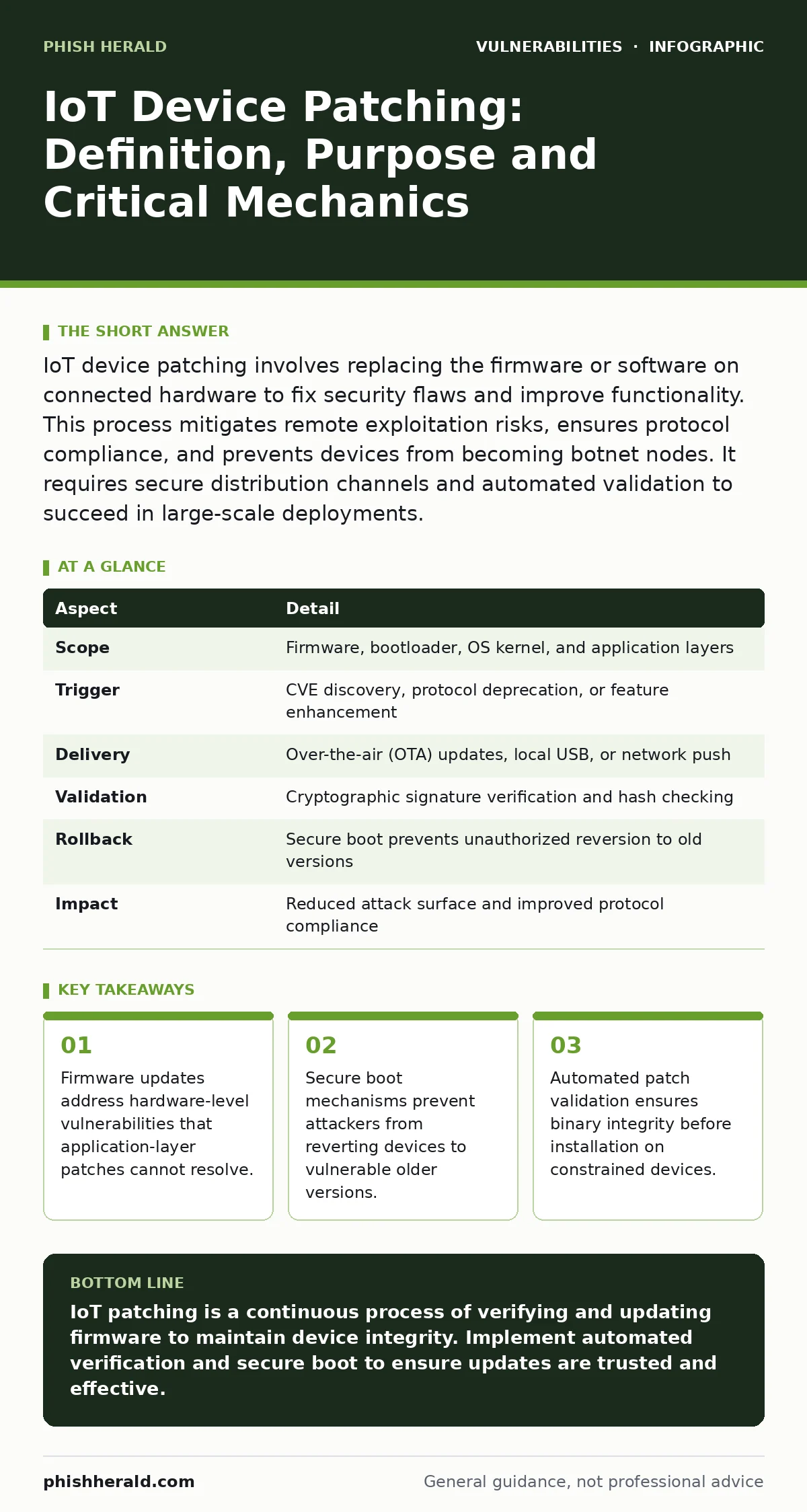
IoT device patching involves replacing the firmware or software on connected hardware to fix security flaws and improve functionality. This process mitigates remote exploitation risks, ensures protocol compliance, and prevents devices from becoming botnet nodes. It requires secure distribution channels and automated validation to succeed in large-scale deployments.
The Mechanism of IoT Patching
Imagine a smart building sensor that controls access doors. If the software running on that sensor contains a flaw, an attacker could bypass authentication. IoT device patching is the process of updating that software or firmware to remove the flaw. This definition extends beyond simple application updates. It encompasses the entire stack, from the bootloader to the user interface. The purpose is to maintain the integrity of the device against known threats.
Patching solves the problem of static vulnerability. Once a device is manufactured, its code is fixed. If a researcher discovers a weakness, that device remains exposed until you apply a change. This creates a window of risk. The patch closes that window by replacing vulnerable code with hardened versions. It also allows vendors to implement new security standards without replacing physical hardware. This reduces waste and extends the usable life of the infrastructure.
| Aspect | Detail |
|---|---|
| Scope | Firmware, bootloader, OS kernel, and application layers |
| Trigger | CVE discovery, protocol deprecation, or feature enhancement |
| Delivery | Over-the-air (OTA) updates, local USB, or network push |
| Validation | Cryptographic signature verification and hash checking |
| Rollback | Secure boot prevents unauthorized reversion to old versions |
| Impact | Reduced attack surface and improved protocol compliance |
Components of the Update Stack
An IoT device is not a single binary. It is a layered system. Each layer requires specific handling during the patching process. The bootloader is the first code to run. It must verify the signature of the operating system. If you skip this, an attacker can flash a malicious OS. The operating system kernel manages hardware resources. Patches here often fix memory management flaws. Application code runs on top. These patches fix logic errors in business functions.
You must treat these layers as distinct entities. A patch for the application does not fix a flaw in the bootloader. Conversely, a bootloader update might break compatibility with the current OS. This interdependence creates complexity. You need to test the entire stack together. Isolated testing misses integration failures. This is where many deployments fail. The update succeeds on paper but crashes the device in practice.
Integration with Other Defences
Patching does not exist in a vacuum. It relies on other security controls to function safely. You cannot patch a device if an attacker has already compromised the network. Network segmentation limits the blast radius of a failed update. It prevents a corrupted device from spreading malware to critical systems. Least privilege access ensures that only authorised systems can push updates to devices. This stops an attacker from forcing a malicious patch onto a device.
Consider the relationship with firmware updates. These are a subset of IoT patching but require stricter controls. A firmware update changes the fundamental behaviour of the hardware. If the update process is interrupted, the device may become a brick. You need redundancy in the update mechanism. Dual-bank firmware allows the device to revert to a known good state if the new version fails. This is a standard practice in reliable systems.
The Hidden Costs of Automation
Automation is often praised as the solution to scale. It is not without cost. Automated patching assumes that every device is in a known state. In reality, devices drift. Configuration changes accumulate over time. An automated patch may conflict with a local configuration change. This leads to silent failures. The patch appears to install, but the device behaves incorrectly. You only discover this during incident response.
Another hidden cost is the testing burden. You cannot push every patch to every device immediately. You need a staging environment that mirrors production. This environment must include all device models and firmware versions. Maintaining this mirror is expensive. It requires hardware, time, and expertise. Many organisations skip this step. They push patches to production and hope for the best. This is a gamble with your security posture.
What People Usually Get Wrong
Many teams assume that patching is a one-time event. They apply the update and move on. This ignores the verification step. You must confirm that the patch is active and effective. This requires active scanning or configuration auditing. Without verification, you have no proof of security. You are operating on faith. Faith is not a security control.
Another common error is ignoring the supply chain. You trust the vendor to provide a safe patch. But the vendor might be compromised. Or the patch might contain a new vulnerability. This is why software composition analysis is useful. It checks the components within the patch for known flaws. You must verify the integrity of the update source. Do not trust the update just because it comes from the vendor.
See also: Patch Prioritization Logic: How to Rank Fixes by True Risk · Detecting npm Package Vulnerabilities in Your Supply Chain
The Role of Secure Boot
Secure boot is a hardware feature that verifies the signature of the code before execution. It is critical for IoT security. Without secure boot, an attacker can replace the operating system with a malicious version. Even if you patch the device, the attacker can revert it to the vulnerable version. This is known as a rollback attack. Secure boot prevents this by refusing to load unsigned or modified code.
You must ensure that secure boot is enabled by default. Many manufacturers ship devices with this feature disabled for ease of development. This is a dangerous default. You should enable it before deploying devices to production. This adds a layer of trust to the patching process. It ensures that only authorised code runs on the device. This is non-negotiable for high-security environments.
Handling Legacy and End-of-Life Devices
Not all devices receive patches indefinitely. Vendors eventually stop supporting older models. These devices become end-of-life. They no longer receive security updates. This creates a persistent vulnerability. You cannot patch these devices. You must isolate them or replace them. Network segmentation is your primary defence here. Limit their connectivity to only what is strictly necessary.
You should monitor for vulnerabilities in these devices closely. Since you cannot patch them, you must detect exploitation attempts. Intrusion detection systems can help identify suspicious traffic. You must also review the risk acceptance process. Document why you keep the device. Accept the residual risk formally. This ensures that leadership is aware of the exposure. It also helps justify the budget for replacement.
Key takeaways
- Firmware updates address hardware-level vulnerabilities that application-layer patches cannot resolve.
- Secure boot mechanisms prevent attackers from reverting devices to vulnerable older versions.
- Automated patch validation ensures binary integrity before installation on constrained devices.
IoT patching is a continuous process of verifying and updating firmware to maintain device integrity. Implement automated verification and secure boot to ensure updates are trusted and effective.
Frequently asked questions
How often should I patch IoT devices?
Patch as soon as a verified update is available for critical vulnerabilities. For non-critical issues, follow a regular schedule based on risk assessment. Always test updates in a staging environment first.
Can I patch devices without an internet connection?
Yes. You can use local update servers or USB drives. This is often safer for air-gapped networks. Ensure the update source is authenticated and the installation process is monitored.
What is the difference between a software update and a firmware update?
Software updates change the application layer. Firmware updates change the low-level code that controls hardware. Firmware updates are more complex and carry a higher risk of bricking the device if they fail.
How do I verify a patch was applied correctly?
Use configuration auditing tools to check the version number. Perform functional tests to ensure the device operates as expected. Monitor logs for errors that might indicate a failed installation.
How this guide was produced: written by the Phish Herald editorial team with AI assistance, checked against the public references listed below, and reviewed when the facts change. See our editorial policy or report an error.