Software Composition Analysis Mistakes That Leave Backdoors Open
Most teams treat software composition analysis as a compliance checklist rather than a continuous control, leaving supply chain risks dormant in production.

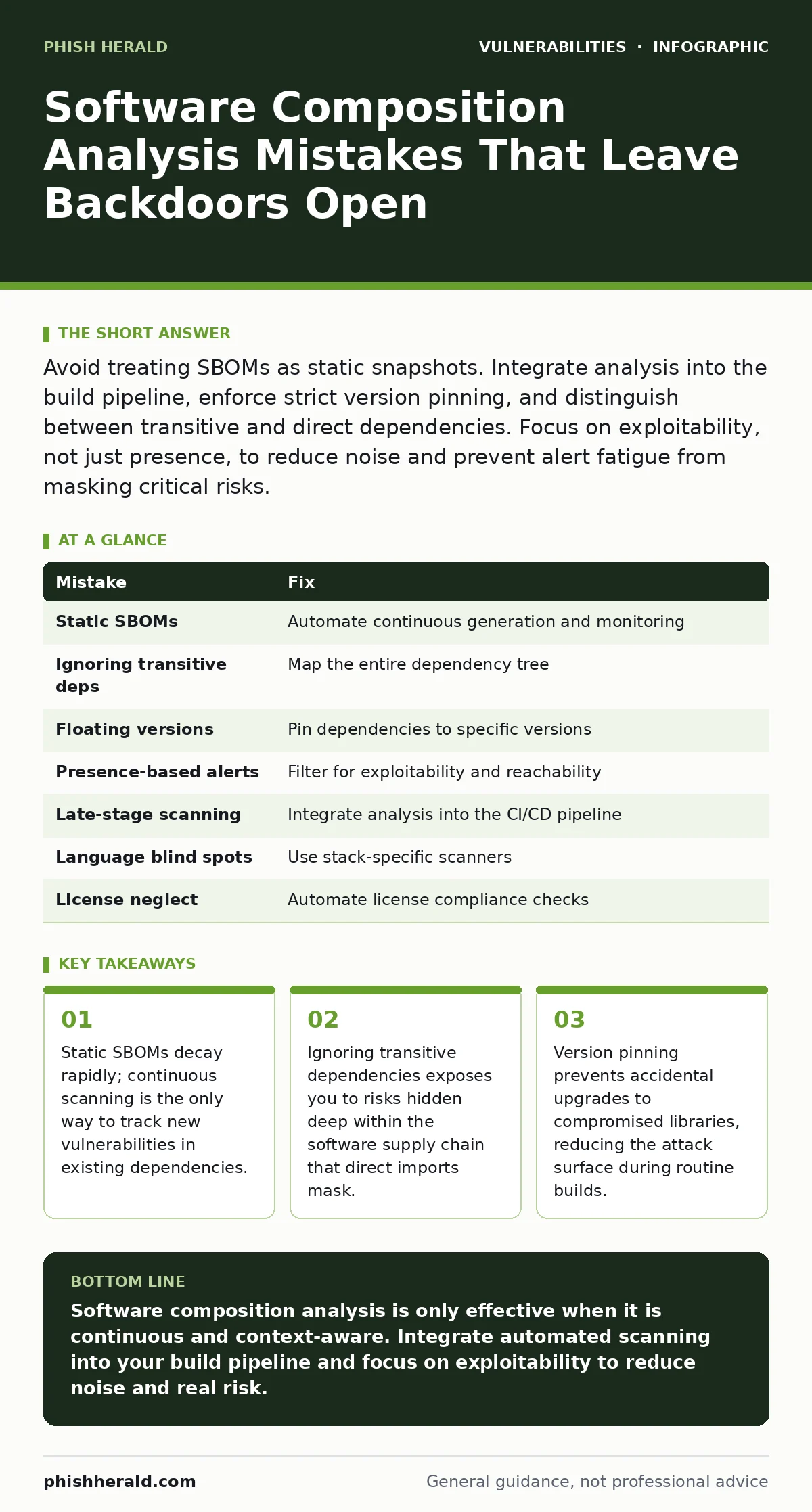
Avoid treating SBOMs as static snapshots. Integrate analysis into the build pipeline, enforce strict version pinning, and distinguish between transitive and direct dependencies. Focus on exploitability, not just presence, to reduce noise and prevent alert fatigue from masking critical risks.
Mistake 1: Treating the SBOM as a Static Snapshot
A software bill of materials (SBOM) is an inventory of the components used in your software. Many teams generate this document once during development and file it away. This approach fails because vulnerabilities are discovered continuously. A component that was safe at release may become critical weeks later.
Why it hurts: You operate under the false assumption that your supply chain is secure. Attackers exploit newly disclosed flaws in libraries you already use. Without continuous monitoring, these risks sit in production unnoticed until exploitation occurs.
The fix: Automate SBOM generation at every build. Connect your analysis tool to a vulnerability database that updates in real time. Treat the SBOM as a living record that reflects the current state of your code, not a historical artifact. This ensures you react to new findings before they become incidents.
Mistake 2: Ignoring Transitive Dependencies
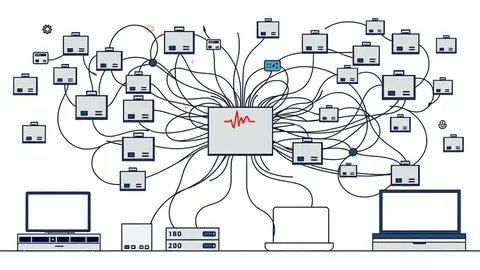
Direct dependencies are the libraries you explicitly import. Transitive dependencies are the libraries those imports rely on. Most composition tools scan only the top layer. This leaves the deeper layers of your software stack invisible to your security controls.
Why it hurts: A direct dependency may have no known issues, but its transitive dependency might contain severe flaws. This is a common vector for supply chain attacks. You inherit risk from code you did not choose and do not directly manage.
The fix: Configure your scanner to map the entire dependency tree. Include both direct and transitive components in your risk assessment. This provides a complete view of your attack surface. It also helps you identify which indirect libraries can be replaced with safer alternatives.
Mistake 3: Failing to Pin Dependency Versions
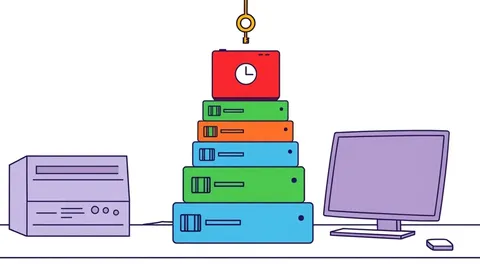
Some build systems allow floating versions, such as "use the latest minor release." This convenience introduces unpredictability. A routine build might pull in a new version that contains a vulnerability or breaking change. You lose control over what enters your application.
Why it hurts: Inconsistent builds make security testing unreliable. A version that passed security review in one build might differ in the next. This drift complicates incident response and makes it harder to reproduce environments. It also increases the likelihood of deploying compromised code accidentally.
The fix: Pin all dependencies to specific, immutable versions. Use lock files to ensure every build uses the exact same components. Review and update these pins deliberately. This aligns with the principles of least privilege access by ensuring only known, tested components enter your environment.
Mistake 4: Alerting on Presence Instead of Exploitability
Scanners often report every vulnerability found, regardless of context. This creates a flood of alerts for issues that cannot be reached. Teams waste time triaging noise while missing the risks that matter. This is known as alert fatigue.
Why it hurts: Security teams become desensitised to warnings. Critical flaws get buried under hundreds of low-risk findings. Resources are spent on false positives instead of fixing genuine weaknesses. This delays remediation for the most dangerous components.
The fix: Implement context-aware filtering. Evaluate whether the vulnerable code path is actually reachable. Consider whether the vulnerability requires specific conditions to trigger. This reduces noise and focuses effort on genuine threats. It makes your security posture more efficient and effective.
Mistake 5: Scanning Only at Release Time
Many organisations run composition analysis only when preparing for release. This delays the discovery of risks. By the time you find a flaw, it is already embedded in your release candidate. Fixing it requires rebuilding and retesting, which slows down development.
Why it hurts: Late discovery increases the cost of remediation. Developers must stop their work to fix issues that could have been caught earlier. This creates friction between security and development teams. It also extends the window of exposure if the flaw is discovered post-release.
The fix: Shift left by integrating analysis into the developer workflow. Run scans locally and in the continuous integration pipeline. Flag issues early, when they are cheaper and easier to fix. This supports automatic software updates by ensuring new dependencies are vetted before they are merged.
See also: Hardcoded Secrets Myths: Why Common Beliefs About Source Code Risks Are Wrong · Apache Struts Vulnerabilities: Real Questions Answered for Secure Infrastructure
Mistake 6: Neglecting Language-Specific Nuances
Different programming languages manage dependencies differently. A tool that works well for Java may fail to detect risks in Python or JavaScript. Generic scanners often miss language-specific installation methods or package managers.
Why it hurts: You have blind spots in your technology stack. Risks in less common languages or frameworks go undetected. This leaves gaps in your security coverage. Attackers often target these overlooked areas because they expect weaker scrutiny.
The fix: Use scanners that support your specific technology stack. Ensure they understand the nuances of each package manager. Test the scanner's accuracy with known vulnerable projects. This ensures comprehensive coverage across all your applications.
Mistake 7: Overlooking License Compliance Risks
Software composition analysis covers more than security flaws. It also identifies licensing issues. Some licenses impose restrictions on commercial use or require attribution. Ignoring these can lead to legal exposure and forced code changes.
Why it hurts: Legal disputes can halt product releases. Infringement may require rewriting significant portions of your code. This disrupts business continuity and damages reputation. It is a non-technical risk that has technical consequences.
The fix: Include license scanning in your composition analysis. Define acceptable licenses in your policy. Reject components that violate your terms automatically. This prevents legal issues from becoming technical debts. It also simplifies vendor audits and compliance checks.
| Mistake | Fix |
|---|---|
| Static SBOMs | Automate continuous generation and monitoring |
| Ignoring transitive deps | Map the entire dependency tree |
| Floating versions | Pin dependencies to specific versions |
| Presence-based alerts | Filter for exploitability and reachability |
| Late-stage scanning | Integrate analysis into the CI/CD pipeline |
| Language blind spots | Use stack-specific scanners |
| License neglect | Automate license compliance checks |
Key takeaways
- Static SBOMs decay rapidly; continuous scanning is the only way to track new vulnerabilities in existing dependencies.
- Ignoring transitive dependencies exposes you to risks hidden deep within the software supply chain that direct imports mask.
- Version pinning prevents accidental upgrades to compromised libraries, reducing the attack surface during routine builds.
Software composition analysis is only effective when it is continuous and context-aware. Integrate automated scanning into your build pipeline and focus on exploitability to reduce noise and real risk.
Frequently asked questions
How often should I regenerate my SBOM?
Regenerate it at every build to ensure it reflects the exact components in that version. This captures changes in dependencies immediately.
Can I use open-source tools for this?
Yes, many open-source tools provide robust SBOM generation and vulnerability matching. Ensure they support your specific package managers and languages.
What is the difference between SCA and SAST?
SCA focuses on third-party libraries, while SAST analyses your own source code for flaws. Both are needed for complete coverage.
Does SCA replace penetration testing?
No, SCA identifies known issues in dependencies. Penetration testing finds logical flaws and configuration errors. They complement each other.
How this guide was produced: written by the Phish Herald editorial team with AI assistance, checked against the public references listed below, and reviewed when the facts change. See our editorial policy or report an error.