Detecting npm Package Vulnerabilities in Your Supply Chain
Most supply chain attacks bypass signature checks by exploiting legitimate dependencies, meaning you must monitor for behavioural anomalies rather than just known bad hashes.
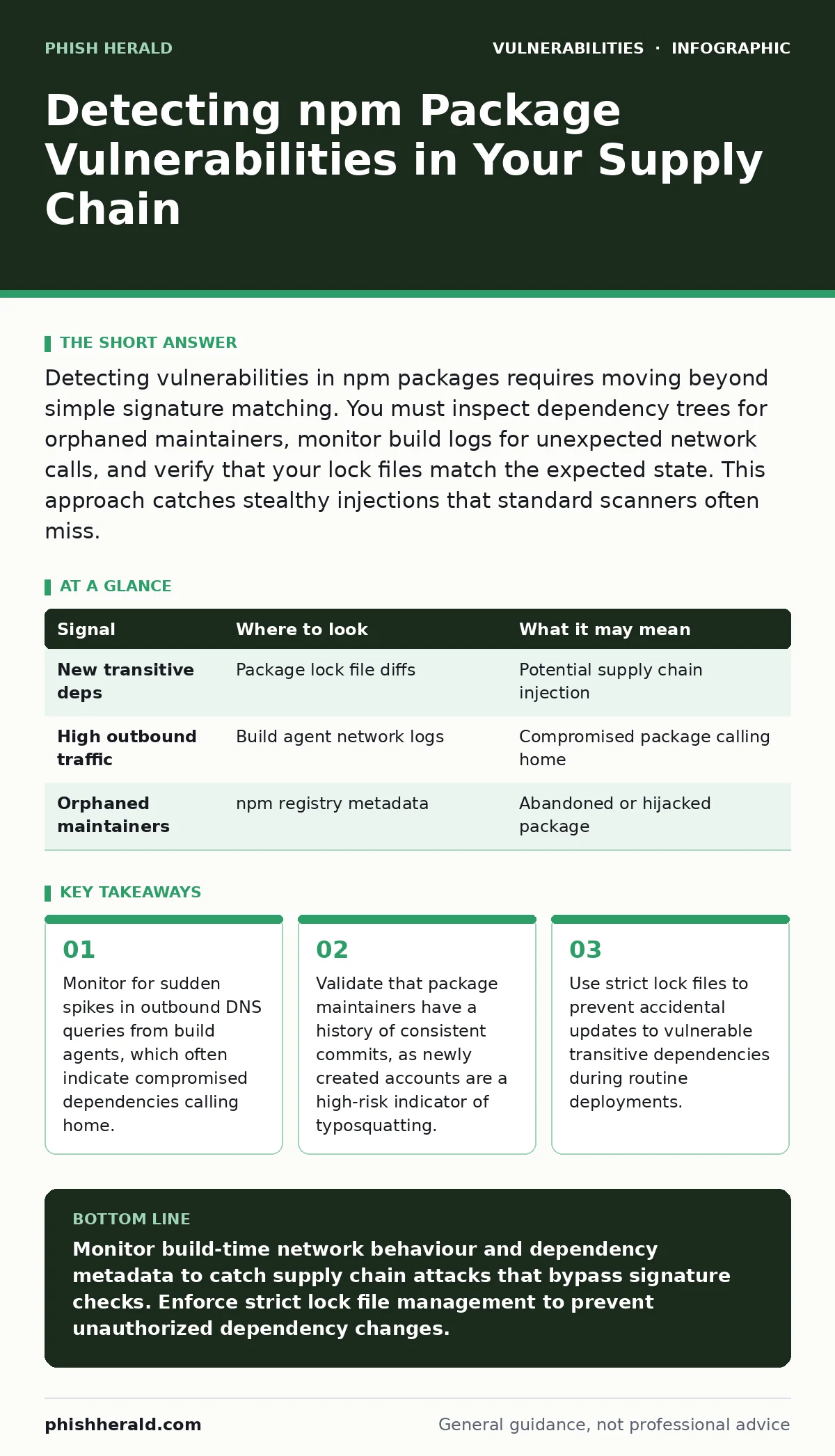
Detecting vulnerabilities in npm packages requires moving beyond simple signature matching. You must inspect dependency trees for orphaned maintainers, monitor build logs for unexpected network calls, and verify that your lock files match the expected state. This approach catches stealthy injections that standard scanners often miss.
Dependency Tree Anomalies
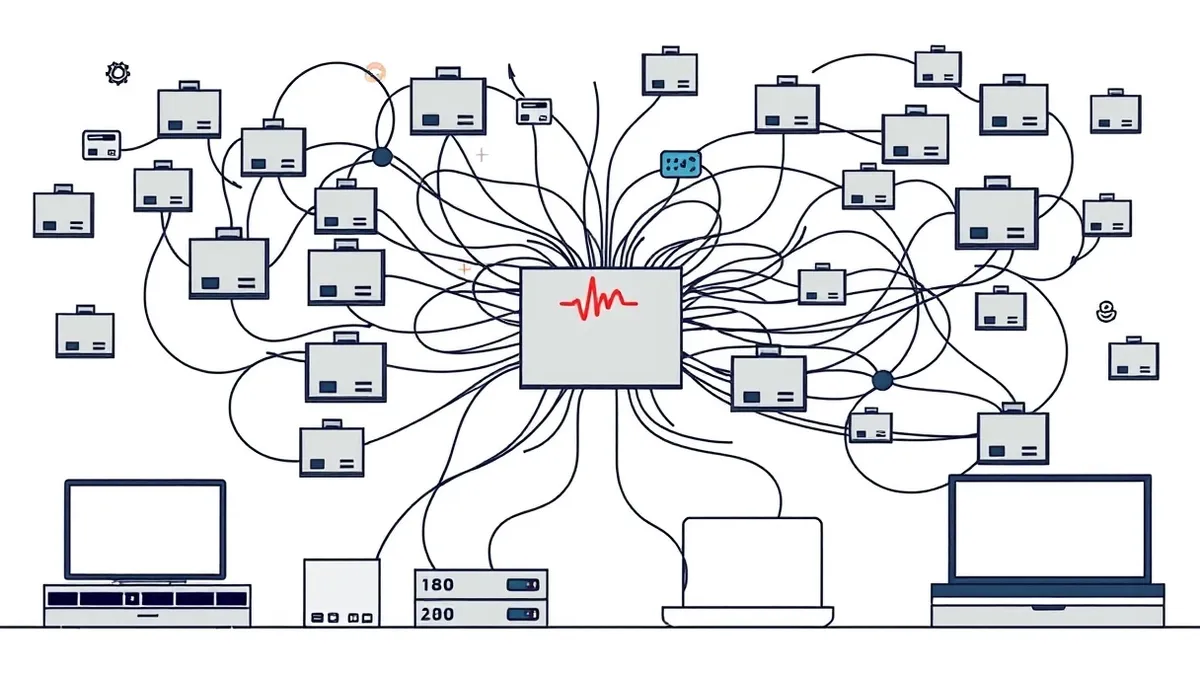
Vulnerabilities in npm packages rarely appear as obvious malicious code. They often hide within transitive dependencies, which are libraries required by the libraries you explicitly install. Your primary detection method must be a regular audit of the full dependency tree, not just the direct dependencies. Look for packages that have no clear upstream source or that depend on other packages with zero downloads.
Imagine a legitimate library suddenly pulls in a new sub-dependency that has no documentation. This change might not trigger a security alert if the new package has a clean reputation. However, the sudden addition of an obscure dependency is a strong signal of a potential supply chain compromise. You should treat any new transitive dependency as suspicious until you can verify its purpose and maintainer history.
| Signal | Where to look | What it may mean |
|---|---|---|
| New transitive deps | Package lock file diffs | Potential supply chain injection |
| High outbound traffic | Build agent network logs | Compromised package calling home |
| Orphaned maintainers | npm registry metadata | Abandoned or hijacked package |
Build Agent Network Behaviour
Your build agents should operate in a predictable network environment. They need access to the package registry and your artifact repository, but they should not initiate connections to unknown external endpoints. Monitor the network traffic generated during the installation and build phases. Any connection to a domain that is not part of your approved allow-list warrants immediate investigation.
Suppose your build server suddenly attempts to resolve a domain in a country unrelated to your software development lifecycle. This behaviour often indicates that a compromised dependency is exfiltrating environment variables or configuration secrets. You must configure your CI/CD pipelines to block all outbound traffic except for explicitly allowed hosts. This restriction prevents malicious packages from communicating with their command and control servers.
Maintainer and Package Metadata
The identity of the package maintainer is a critical trust signal. Legitimate projects usually have a history of consistent contributions, clear documentation, and active community engagement. Packages maintained by accounts created recently, or by accounts with no other activity, present a higher risk. These accounts are often used for typosquatting, where attackers register names similar to popular libraries.
Check the ownership history of the packages you use. If a package changed owners recently, verify that the change was intentional and documented. Unauthorised transfers of package ownership can allow attackers to push malicious updates to previously trusted libraries. You should also look for packages that have not been updated in years but are still being actively pulled into your builds. Stale packages may contain known vulnerabilities that are no longer being patched.
Consider how prototype pollution attacks can exploit weak input validation in older packages. If your dependency tree includes packages that do not handle object properties safely, you may be exposed to this class of vulnerability. Regular reviews of package metadata help you identify these risks before they become exploitable.
Lock File Integrity and Drift
The package lock file is your source of truth for the exact versions of dependencies installed in your project. Any uncommitted change to this file indicates that the dependency tree has shifted. This drift can occur when developers run install commands without specifying exact versions, or when automated tools update dependencies without proper review.
You must enforce a policy where lock files are committed to version control and protected from direct modification. Any pull request that changes the lock file should trigger a detailed review process. Look for changes that introduce new major versions of dependencies, as these can contain breaking changes or new vulnerabilities. Automated checks can verify that the lock file matches the expected state and flag any deviations.
Common Blind Spots in Detection
Most security tools focus on direct dependencies, leaving transitive dependencies under-monitored. This blind spot allows attackers to hide malicious code deep within the dependency tree. Another common oversight is the failure to inspect development dependencies. These packages are often excluded from production builds but are used during the build process, making them a prime target for supply chain attacks.
Imagine a developer installs a linting tool that contains a malicious script. This script runs during the build phase, injecting code into the application before it is deployed to production. Standard runtime scanners will not detect this injection because the malicious code never appears in the final application bundle. You must include development dependencies in your security audits and monitor their network behaviour during builds.
See also: Patch Prioritization Logic: How to Rank Fixes by True Risk · Hardcoded Secrets Myths: Why Common Beliefs About Source Code Risks Are Wrong
Integrating Detection into CI/CD
Detection must be integrated into your continuous integration and deployment pipeline. Post-deployment scanning is too late, as the damage may already be done. Pre-commit hooks can check for new dependencies before they are merged into the main branch. Build-time scans can verify that all dependencies match known good hashes.
You should also consider how patch prioritization affects your response to detected vulnerabilities. Not all vulnerabilities require immediate attention. Focus on those that are exploitable in your specific environment and that have known active exploits. This approach allows you to manage risk effectively without overwhelming your development teams with false positives.
Responding to Detected Anomalies
When you detect an anomaly, your first step is to isolate the affected build environment. Do not deploy the artifact until you have verified its integrity. Investigate the source of the anomaly by reviewing the package metadata, the maintainer history, and the network logs. If the anomaly is confirmed as malicious, remove the package from your dependency tree and notify your security team.
Consider how path traversal vulnerabilities can be exploited if the malicious package attempts to access files outside the intended directory. Ensure that your build environment restricts file system access to only the necessary directories. This containment strategy limits the impact of any potential compromise and helps you maintain control over your software supply chain.
Key takeaways
- Monitor for sudden spikes in outbound DNS queries from build agents, which often indicate compromised dependencies calling home.
- Validate that package maintainers have a history of consistent commits, as newly created accounts are a high-risk indicator of typosquatting.
- Use strict lock files to prevent accidental updates to vulnerable transitive dependencies during routine deployments.
Monitor build-time network behaviour and dependency metadata to catch supply chain attacks that bypass signature checks. Enforce strict lock file management to prevent unauthorized dependency changes.
Frequently asked questions
How do I detect if an npm package has been compromised?
Look for sudden changes in the dependency tree, new outbound network connections from build agents, and unusual maintainer activity such as recent account creation or ownership transfers.
Can development dependencies compromise my production environment?
Yes, if they execute code during the build process, they can inject malicious code into your application before it is deployed, bypassing runtime security controls.
Why is monitoring network traffic during builds important?
Compromised packages often attempt to communicate with external servers to exfiltrate data or download additional payloads, which can be detected by monitoring outbound DNS and HTTP requests.
Should I trust packages with high download counts?
High download counts indicate popularity but not security. Popular packages are prime targets for attackers, so you must still verify the integrity of the package and its dependencies.
How this guide was produced: written by the Phish Herald editorial team with AI assistance, checked against the public references listed below, and reviewed when the facts change. See our editorial policy or report an error.