Stop Insecure Container Images Before They Reach Production
Scanning images after build misses logic flaws, so you must shift security left by enforcing strict base images and signing every artifact before deployment.
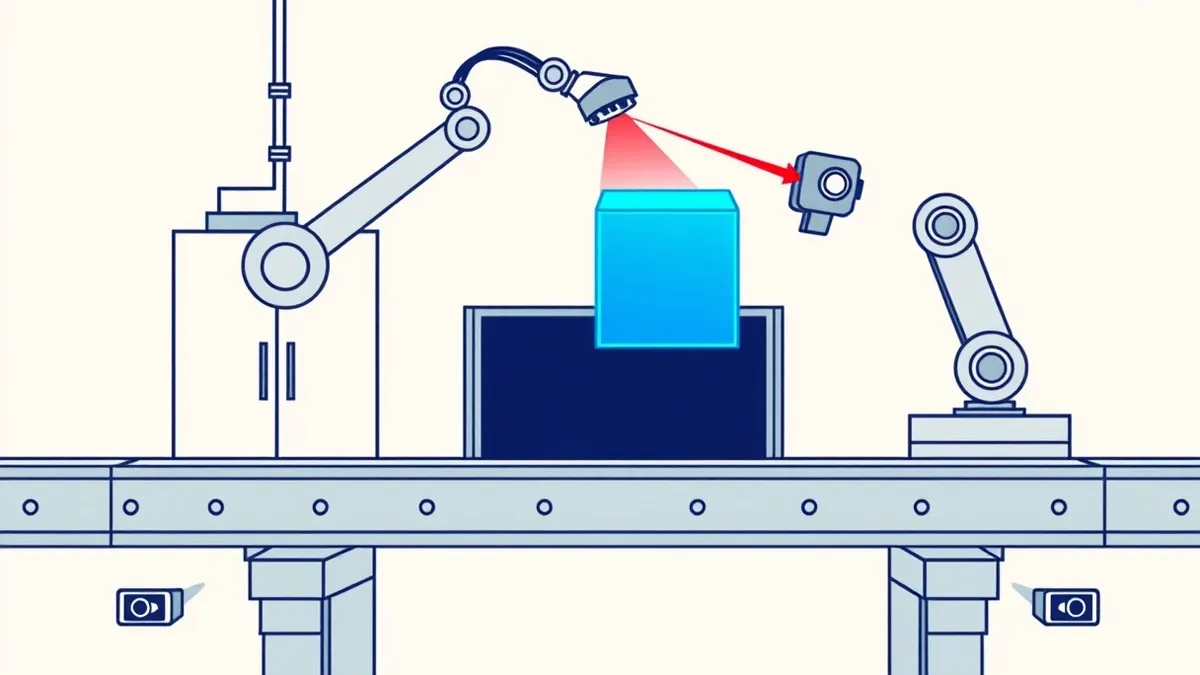
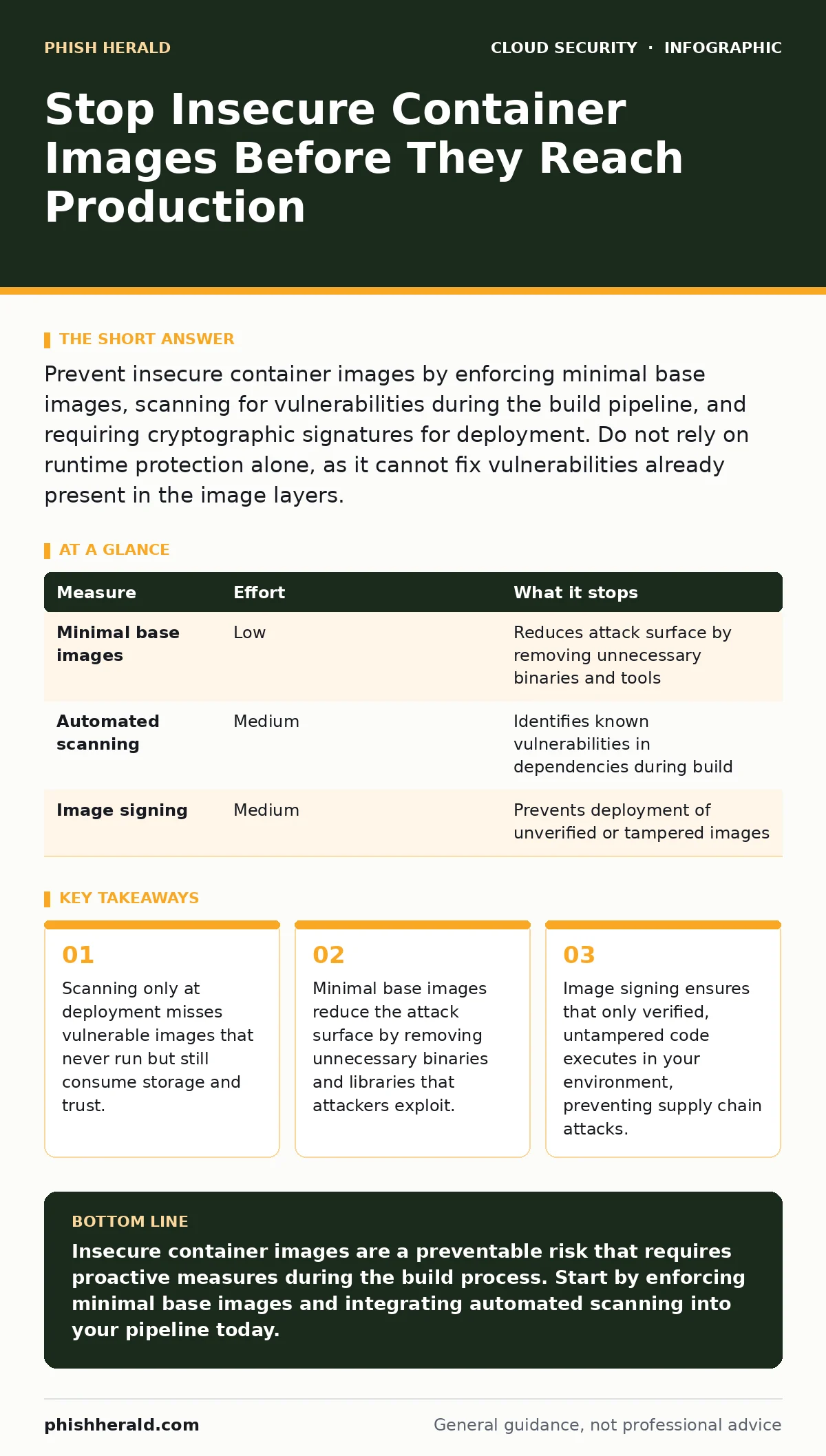
Prevent insecure container images by enforcing minimal base images, scanning for vulnerabilities during the build pipeline, and requiring cryptographic signatures for deployment. Do not rely on runtime protection alone, as it cannot fix vulnerabilities already present in the image layers.
The Silent Risk of Unverified Layers
Container images are layered file systems. Each layer adds files, configurations, or dependencies. If one layer contains a vulnerability, the final image inherits it. You might assume that because containers are isolated, they are safe. This assumption fails when the image itself is compromised. Attackers do not need to break out of the container if they can inject malicious code into the image before it runs.
The problem is often invisible. A developer pulls a public image, adds their application, and pushes it to your registry. That public image may contain outdated libraries or hidden backdoors. By the time you deploy it, the damage is already baked in. You cannot patch a running container effectively without rebuilding the image. Prevention must happen before the image is ever created.
Enforce Minimal Base Images
Start with the smallest possible base image. Alpine Linux is a common choice, but distroless images from trusted vendors are even smaller. These images contain only the runtime dependencies required by your application. They lack shells, package managers, and debug tools. This reduces the attack surface significantly.
If an attacker compromises your application, they have fewer tools to explore the system. They cannot install new software or run interactive commands if no shell exists. This limits lateral movement. However, this approach requires careful planning. You must ensure your application does not depend on libraries that the minimal image excludes. Test thoroughly in a staging environment before adopting this strategy.
| Measure | Effort | What it stops |
|---|---|---|
| Minimal base images | Low | Reduces attack surface by removing unnecessary binaries and tools |
| Automated scanning | Medium | Identifies known vulnerabilities in dependencies during build |
| Image signing | Medium | Prevents deployment of unverified or tampered images |
Scan During the Build Pipeline
Scanning images after deployment is too late. You must integrate vulnerability scanning into your continuous integration pipeline. This catches issues before the image is pushed to your registry. Use automated tools that check against known vulnerability databases. Configure your pipeline to fail if critical vulnerabilities are found.
This practice shifts security left. Developers receive immediate feedback on insecure dependencies. They can fix issues while the code is still fresh in their minds. Do not ignore low-severity vulnerabilities entirely, but prioritize critical and high-severity ones. Over time, you will see a reduction in the number of vulnerabilities reaching production. This creates a culture of security accountability.
Require Cryptographic Signings
Image signing ensures integrity. You sign an image with a private key after it passes security checks. The deployment pipeline verifies the signature using the corresponding public key. If the signature is missing or invalid, the deployment fails. This prevents attackers from injecting malicious images into your registry.
It also prevents accidental deployments of untested images. Developers cannot bypass the security pipeline by pushing images directly to production. This control is particularly effective against supply chain attacks. Attackers who compromise a developer’s machine cannot push a signed image without the private key. Store signing keys securely, preferably in a hardware security module or a dedicated key management service.
Restrict Image Sources
Do not allow pulls from arbitrary public registries. Maintain an allowlist of trusted registries. This prevents developers from pulling unvetted images that may contain malware or vulnerabilities. It also reduces the risk of typosquatting, where attackers mimic legitimate image names.
You can further restrict this by requiring that all images come from your internal registry. This gives you full control over the images that enter your environment. It simplifies auditing and compliance. However, this requires a robust internal registry management strategy. You must ensure that internal images are also scanned and signed.
See also: Stop Malicious PyPI Packages: Verified Builds and Air-Gapped Caching · What is SaaS security: controlling risk in shared environments
What Does Not Work
Relying solely on runtime protection is insufficient. Runtime security tools monitor container behaviour for anomalies. They can detect suspicious activity, such as unexpected network connections or file modifications. However, they cannot fix vulnerabilities that are already present in the image. They are reactive, not preventive.
Similarly, isolating containers with strict network policies does not prevent insecure images from being deployed. It only limits the damage if an image is compromised. You still need to ensure that the images themselves are secure. Do not assume that network segmentation replaces the need for secure image practices.
Another common mistake is ignoring image metadata. Metadata can contain sensitive information, such as environment variables or API keys. If this data is exposed, attackers can use it to access other systems. Always scrub sensitive data from image layers and metadata. Use secrets management solutions instead of hardcoding secrets into images.
Integrating with Broader Security
Secure container images are one part of a larger security strategy. You must also address Kubernetes misconfigurations, which can allow attackers to exploit secure images. Even a perfect image can be compromised if the cluster permissions are too broad. Review your cluster policies regularly.
Consider container escape risks. If an image is compromised, an attacker might try to break out of the container. While minimal images reduce this risk, they do not eliminate it. Combine image security with runtime isolation techniques.
For data protection, implement bring your own key encryption. This ensures that even if an image is compromised, the data it processes remains encrypted. Control access to these keys carefully.
Address misconfigured IAM roles by applying the principle of least privilege. Containers should only have the permissions they need. This limits the impact of a compromised image.
Implement just-in-time access for administrative tasks. This reduces the window of opportunity for attackers to exploit credentials.
Use cloud-native application protection platforms (CNAPP) to provide visibility across your container lifecycle. These platforms integrate scanning, policy enforcement, and runtime protection.
Be aware of public code repository leaks. If your build scripts or configuration files are exposed, attackers can learn how your images are built. They might find weaknesses to exploit. Secure your code repositories.
Finally, manage identity sprawl. Too many identities with access to your container registry increases the risk of credential theft. Regularly audit access rights and remove unused accounts.
Immediate Actions Checklist
- Enforce the use of minimal base images for all new containers.
- Integrate vulnerability scanning into your CI/CD pipeline and block builds with critical vulnerabilities.
- Require cryptographic signatures for all images deployed to production.
Key takeaways
- Scanning only at deployment misses vulnerable images that never run but still consume storage and trust.
- Minimal base images reduce the attack surface by removing unnecessary binaries and libraries that attackers exploit.
- Image signing ensures that only verified, untampered code executes in your environment, preventing supply chain attacks.
Insecure container images are a preventable risk that requires proactive measures during the build process. Start by enforcing minimal base images and integrating automated scanning into your pipeline today.
Frequently asked questions
Can I use public container images safely?
You can use public images, but only from trusted registries. Always scan them for vulnerabilities and verify their integrity before use. Do not use images from unknown or unverified sources.
How often should I scan container images?
Scan images every time they are built. This ensures that new vulnerabilities are caught immediately. Do not rely on periodic scans, as new vulnerabilities are discovered daily.
What is the difference between image signing and scanning?
Scanning identifies known vulnerabilities in the image contents. Signing verifies that the image has not been tampered with and comes from a trusted source. They serve different purposes and should be used together.
Do I need to sign every image?
Yes, every image deployed to production should be signed. This ensures that only verified images run in your environment. Unsigned images should be blocked from deployment.
How this guide was produced: written by the Phish Herald editorial team with AI assistance, checked against the public references listed below, and reviewed when the facts change. See our editorial policy or report an error.