What is SaaS security: controlling risk in shared environments
SaaS security shifts responsibility from infrastructure to configuration, meaning most breaches stem from mismanaged permissions rather than software vulnerabilities.
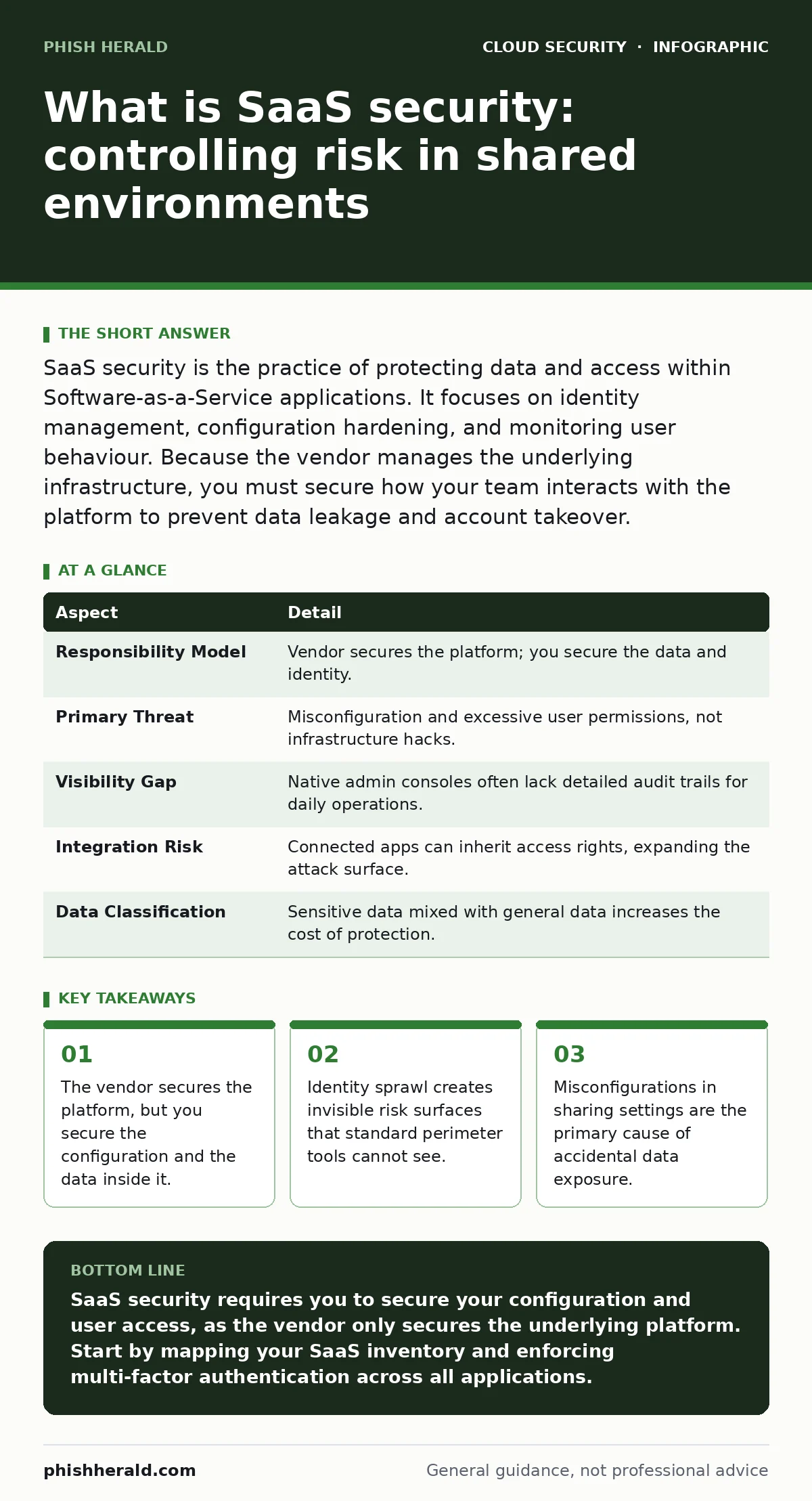
SaaS security is the practice of protecting data and access within Software-as-a-Service applications. It focuses on identity management, configuration hardening, and monitoring user behaviour. Because the vendor manages the underlying infrastructure, you must secure how your team interacts with the platform to prevent data leakage and account takeover.
The shared responsibility analogy
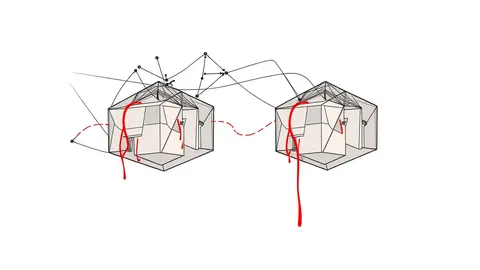
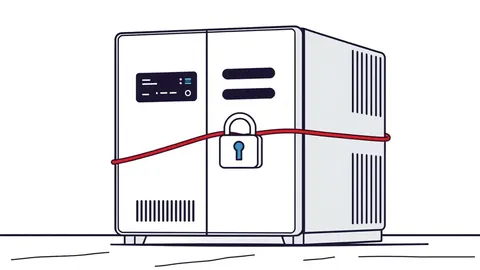
Imagine renting a secure warehouse. The landlord installs heavy steel doors, advanced alarm systems, and 24-hour surveillance. They guarantee the building cannot be breached from the outside. However, they do not control who holds the keys to the individual storage units inside. If you lend a key to a contractor and forget to take it back, or if you leave a unit door ajar, the landlord’s security measures do not protect your specific goods. This is the core dynamic of SaaS security.
The software vendor manages the infrastructure, the application code, and the physical data centres. You manage the users, the permissions, and the data you upload. Understanding where your responsibility begins and ends is the first step in securing your environment. Most organisations focus on the landlord’s locks while ignoring the keys in their own pockets.
What is saas security
What is saas security? It is the framework of policies, technologies, and processes that protect your organisation’s data and access within third-party cloud applications. Unlike traditional on-premise software, you do not control the server hosting the application. Therefore, security shifts from protecting the perimeter to managing identity and configuration.
This discipline covers three main areas. First, it ensures that only authorised users can access the application. Second, it verifies that the application is configured securely, preventing accidental data sharing. Third, it monitors activity within the application to detect suspicious behaviour. You are securing the tenant, not the building.
| Aspect | Detail |
|---|---|
| Responsibility Model | Vendor secures the platform; you secure the data and identity. |
| Primary Threat | Misconfiguration and excessive user permissions, not infrastructure hacks. |
| Visibility Gap | Native admin consoles often lack detailed audit trails for daily operations. |
| Integration Risk | Connected apps can inherit access rights, expanding the attack surface. |
| Data Classification | Sensitive data mixed with general data increases the cost of protection. |
How SaaS security works
SaaS security relies on continuous visibility into user activity and application configuration. Most SaaS platforms provide an admin console, but these consoles are designed for management, not security. They often lack granular audit logs or real-time alerts. Dedicated security tools connect to the application via APIs to pull this data into a centralised view.
These tools establish a baseline of normal behaviour. They learn how your team typically uses the application. When an action deviates from this baseline, such as a user downloading a large volume of data at an unusual hour, the system flags it. This is behavioural analytics. It does not rely on known malware signatures, which are useless against internal misuse.
The mechanism also checks configuration settings. It scans for public folders, external sharing links, and overly permissive access groups. If a setting changes from private to public, the tool detects the shift immediately. This proactive scanning prevents data from sitting exposed for weeks before discovery.
Who it affects
SaaS security affects any organisation that uses cloud-based applications for business operations. This includes email platforms, collaboration suites, customer relationship management tools, and human resources systems. The risk is not limited to large enterprises. Small businesses often have fewer security controls and rely heavily on third-party vendors, making them attractive targets.
The impact extends beyond the IT department. Business units choose their own tools, creating shadow IT. These unmanaged applications bypass security policies and connect to corporate data without oversight. Finance, human resources, and engineering teams often hold the most sensitive data, yet they rarely have the security expertise to configure their tools correctly.
What people usually get wrong
Organisations often assume that securing the network perimeter is sufficient. This is incorrect for SaaS applications. Users access these tools from anywhere, often via public networks or personal devices. The traditional firewall does not inspect traffic destined for a SaaS provider’s domain. You must secure the identity, not the network location.
Another common error is trusting the vendor’s security certifications. Certifications like ISO 27001 prove the vendor secures the platform. They do not prove your configuration is secure. A perfectly secure platform can still leak data if your users misconfigure sharing settings. You must assume the platform is secure and focus entirely on your tenant.
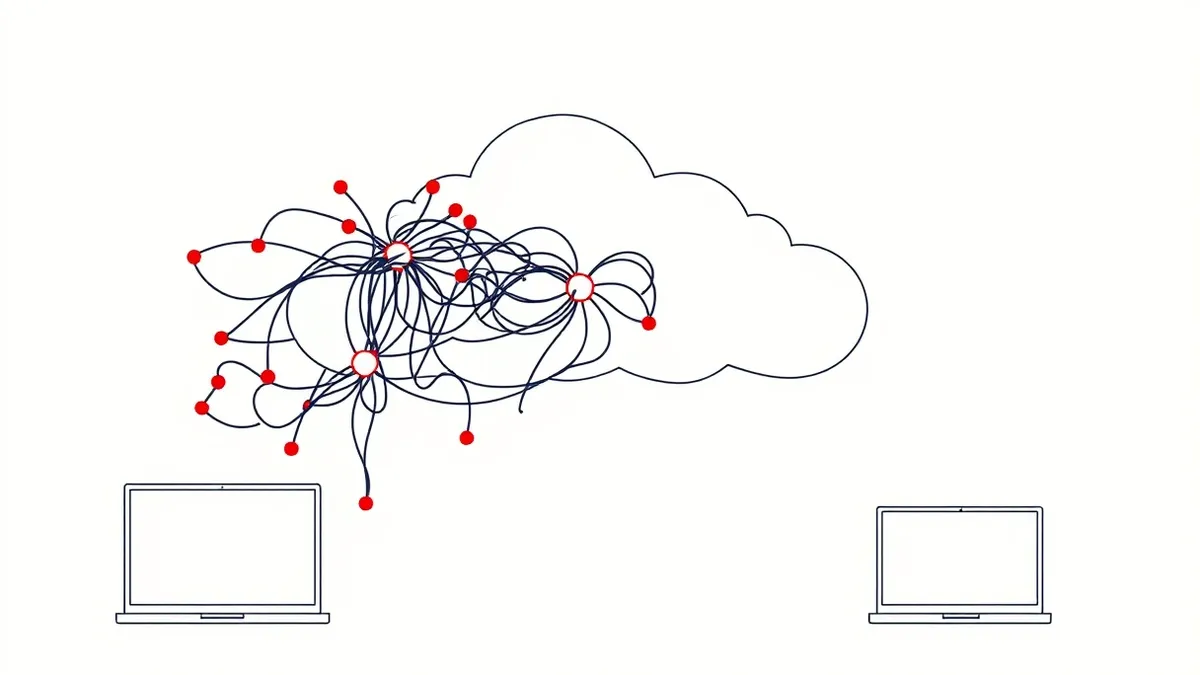
Many teams also neglect the integration layer. When you connect two SaaS applications, they often share credentials or tokens. If one application is compromised, the attacker may pivot to the other. This connected risk is often invisible in standard monitoring. You must map these connections and restrict the permissions granted to each integration.
See also: Service Mesh Security Checklist for Secure Microservices · Stop Exposed Storage Buckets: 3 Cloud Security Fixes That Work
Practical steps to improve posture
Start by mapping your SaaS inventory. Identify every application your organisation uses, including those purchased by individual departments. Categorise them by risk based on the data they hold. You cannot secure what you do not know exists. This inventory forms the foundation for all subsequent security measures.
Implement least privilege access. Review user permissions regularly. Remove access for employees who no longer need it. Use role-based access control to assign permissions based on job function, not individual preference. This limits the damage if an account is compromised. An attacker with limited permissions can do far less harm than one with admin rights.
Enable multi-factor authentication for all SaaS accounts. This adds a layer of verification beyond the password. Even if credentials are stolen, the attacker cannot access the account without the second factor. This is one of the most effective controls against account takeover. Ensure it is enforced consistently across all applications, not just email.
Monitoring and response
Continuous monitoring is required because configurations change and users leave. Set up alerts for high-risk actions, such as bulk data exports or changes to admin settings. Investigate these alerts promptly. Delayed response allows attackers to exfiltrate data or persist in the environment. Automation can help by blocking risky actions in real-time, but human review is necessary to avoid false positives.
Regularly review audit logs. Look for patterns of unusual activity. Are users accessing data they do not normally touch? Are there logins from unfamiliar locations? These indicators often precede a significant incident. Proactive review helps you catch issues before they become breaches.
Consider how this relates to broader cloud strategies. Securing SaaS is distinct from securing infrastructure. While cloud-native application protection platforms (CNAPP) focus on the underlying cloud infrastructure and containers, SaaS security focuses on the application layer and user behaviour. You need both to have a complete view. Similarly, managing identity sprawl is critical, as too many identities across too many apps creates confusion and risk.
Key takeaways
- The vendor secures the platform, but you secure the configuration and the data inside it.
- Identity sprawl creates invisible risk surfaces that standard perimeter tools cannot see.
- Misconfigurations in sharing settings are the primary cause of accidental data exposure.
SaaS security requires you to secure your configuration and user access, as the vendor only secures the underlying platform. Start by mapping your SaaS inventory and enforcing multi-factor authentication across all applications.
Frequently asked questions
Does the SaaS vendor protect my data from hackers?
The vendor protects the infrastructure hosting the application, but you are responsible for securing the data you upload and the permissions you grant to users.
How do I find shadow IT applications?
Use network traffic analysis to identify connections to unknown SaaS domains and survey employees to discover tools they use for work but have not registered with IT.
Is multi-factor authentication enough for SaaS security?
MFA prevents unauthorised access but does not stop insider threats or data leakage caused by misconfigured sharing settings or excessive permissions.
What is the difference between SaaS security and CASB?
SaaS security is the broader discipline of securing cloud applications, while CASB is a specific technology category that provides visibility and control over SaaS usage.
How this guide was produced: written by the Phish Herald editorial team with AI assistance, checked against the public references listed below, and reviewed when the facts change. See our editorial policy or report an error.