Identity Sprawl Explained: How Digital Keys Multiply and Break Security
Unmanaged digital identities accumulate silently, creating hidden entry points that automated systems often fail to detect or revoke.

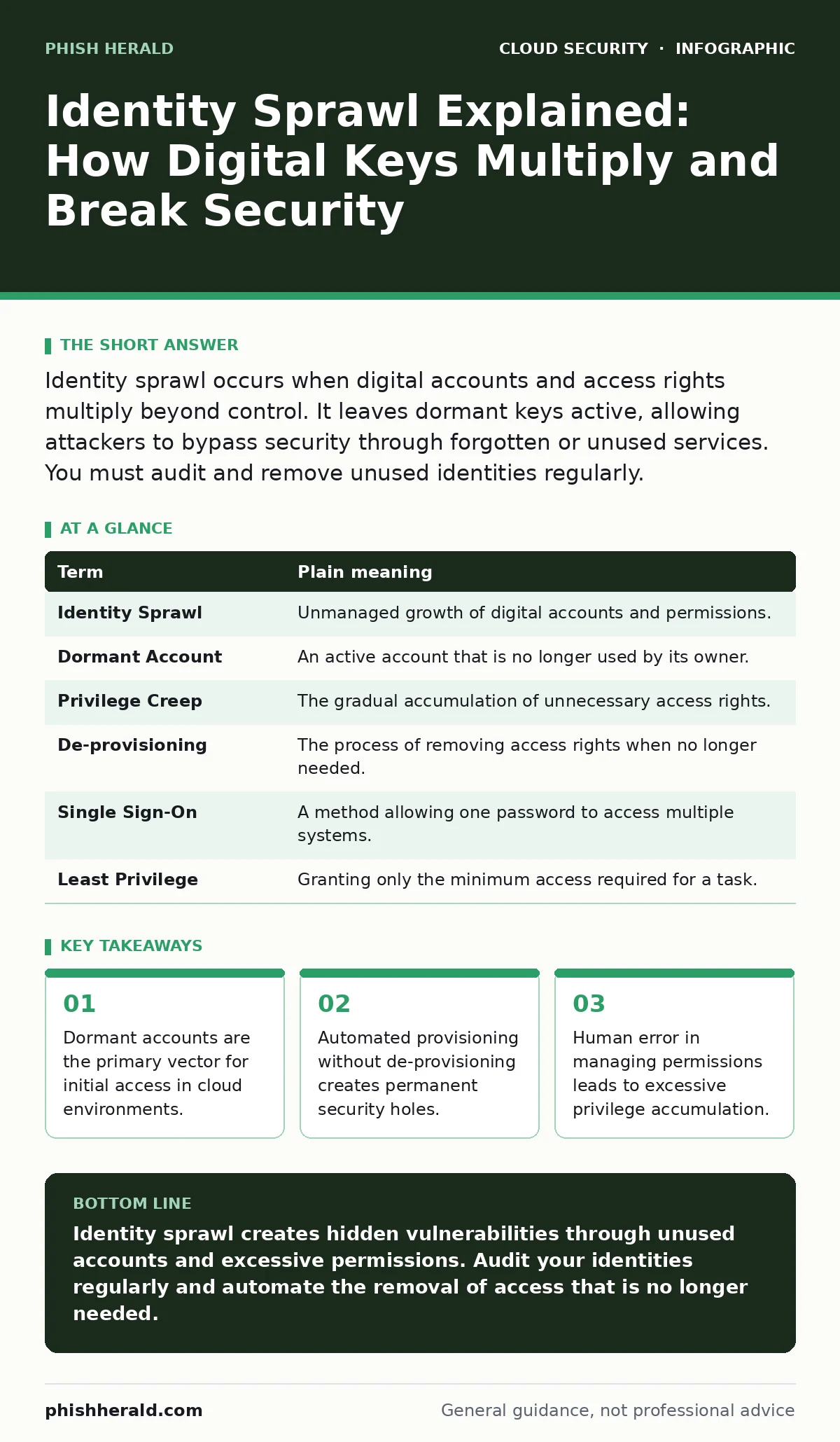
Identity sprawl occurs when digital accounts and access rights multiply beyond control. It leaves dormant keys active, allowing attackers to bypass security through forgotten or unused services. You must audit and remove unused identities regularly.
The Library of Forgotten Keys
Imagine a large public library that issues a unique key to every visitor. These keys open specific sections, such as the archives or the periodicals room. When a visitor leaves, they are supposed to return their key. Now, suppose the library never checks if keys are returned. Over time, thousands of keys circulate in the community. Some belong to former employees who no longer work there. Others belong to contractors who finished their projects years ago.
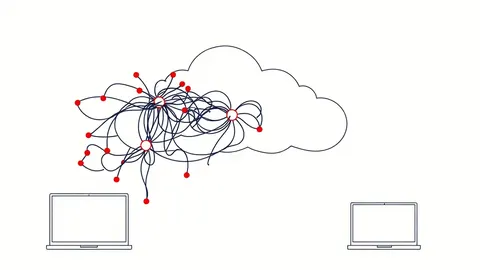
This is identity sprawl. It is the uncontrolled growth of digital identities, access rights, and permissions across your organisation. It happens because systems create new accounts easily, but removing them is often forgotten or difficult. The library still has to manage every key, even if the person holding it is gone.
Defining the Digital Clutter
You need precise language to manage this problem. Identity sprawl is not just about having many users. It is about the loss of visibility and control over who can access what. When you add a new cloud service, you often create new identities. If you do not track them, they become part of the sprawl.
| Term | Plain meaning |
|---|---|
| Identity Sprawl | Unmanaged growth of digital accounts and permissions. |
| Dormant Account | An active account that is no longer used by its owner. |
| Privilege Creep | The gradual accumulation of unnecessary access rights. |
| De-provisioning | The process of removing access rights when no longer needed. |
| Single Sign-On | A method allowing one password to access multiple systems. |
| Least Privilege | Granting only the minimum access required for a task. |
The Hidden Cost of Convenience
You might think that granting broad access is efficient. It saves time onboarding staff and reduces friction for daily tasks. However, this convenience creates a hidden cost. Every extra permission is a potential door for an attacker. If you grant a user access to a database they rarely use, that database is now exposed if their account is compromised.
This connects directly to misconfigured IAM roles. When roles are too broad, they amplify the impact of a single breach. You are not just protecting one account; you are protecting every resource that account can touch. The more resources it can touch, the higher the risk.
What It Means for Ordinary Users
You may wonder how this affects you personally. Identity sprawl often leads to password fatigue. You have dozens of accounts, each with different passwords. You reuse passwords to cope. When one service leaks data, your other accounts become vulnerable. This is why public code repository leaks are so dangerous. Developers often accidentally commit credentials to shared spaces. If those credentials have broad access, the entire system is at risk.
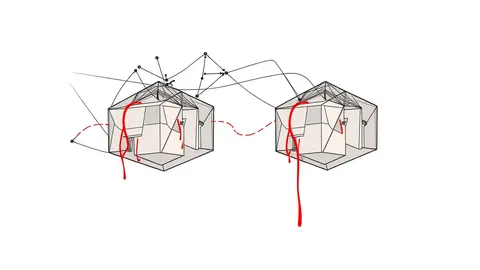
For organisations, the risk is similar. A single compromised identity can move laterally across the network. Attackers look for the path of least resistance. They find it in accounts that have been left open by mistake.
Simple Safety Habits
You can reduce identity sprawl with simple, consistent habits. Start by auditing your access rights. Check who has access to critical systems. Remove anyone who no longer needs it. This is not a one-time task. It must be a regular process.
- Review active users monthly. Remove those who are inactive.
- Apply the principle of least privilege. Grant only what is needed.
- Use just-in-time access for temporary tasks. Revoke access immediately after.
See also: Backup Strategy Mistakes: 7 Errors That Cause Data Loss · Service Mesh Security Checklist for Secure Microservices
The Role of Automation
Manual management fails at scale. You cannot check hundreds of accounts by hand every week. Automation helps, but it can also create sprawl if not configured correctly. If your automation creates accounts but does not delete them, you have doubled your problem. You need systems that handle the full lifecycle of an identity.
This is where Kubernetes admission controllers can help. They enforce policies before resources are created. They can block the creation of overly permissive identities. However, they only work if the policies are correct. Bad policies lead to Kubernetes misconfigurations, which are another form of sprawl.
Preventing Future Growth
You must stop sprawl before it starts. Implement strict governance for new identities. Require justification for every new account. Monitor for insecure cloud APIs that might expose identity data. If an API allows unauthorised access to user lists, attackers can map your entire identity landscape.
Also, watch for container escape vulnerabilities. If an attacker escapes a container, they may inherit the identity of the host. This gives them broad access. Securing the identity of the host is just as important as securing the container.
The Path to Control
Identity sprawl is a slow leak. It does not happen overnight. It accumulates through small oversights. You must treat it as a continuous risk. Regular audits, strict policies, and automated lifecycle management are your best tools. Do not wait for a breach to notice the problem. The keys are already in the hands of people who do not need them.
Key takeaways
- Dormant accounts are the primary vector for initial access in cloud environments.
- Automated provisioning without de-provisioning creates permanent security holes.
- Human error in managing permissions leads to excessive privilege accumulation.
Identity sprawl creates hidden vulnerabilities through unused accounts and excessive permissions. Audit your identities regularly and automate the removal of access that is no longer needed.
Frequently asked questions
How do I find dormant accounts?
Use identity management tools to flag accounts with no login activity for a set period. Review these flags regularly.
Is single sign-on a solution?
Single sign-on reduces password fatigue but does not stop sprawl. You still need to manage which applications a user can access.
What is privilege creep?
Privilege creep is when users accumulate more access rights over time without losing old ones. It happens when access is added but never removed.
How often should I audit identities?
Audit identities at least quarterly. For high-security environments, monthly audits are recommended.
How this guide was produced: written by the Phish Herald editorial team with AI assistance, checked against the public references listed below, and reviewed when the facts change. See our editorial policy or report an error.