Public Code Repository Leaks: Response and Recovery Steps
The most dangerous data in a leaked repository is often not the source code itself, but the transient secrets embedded in its history that survive deletion.

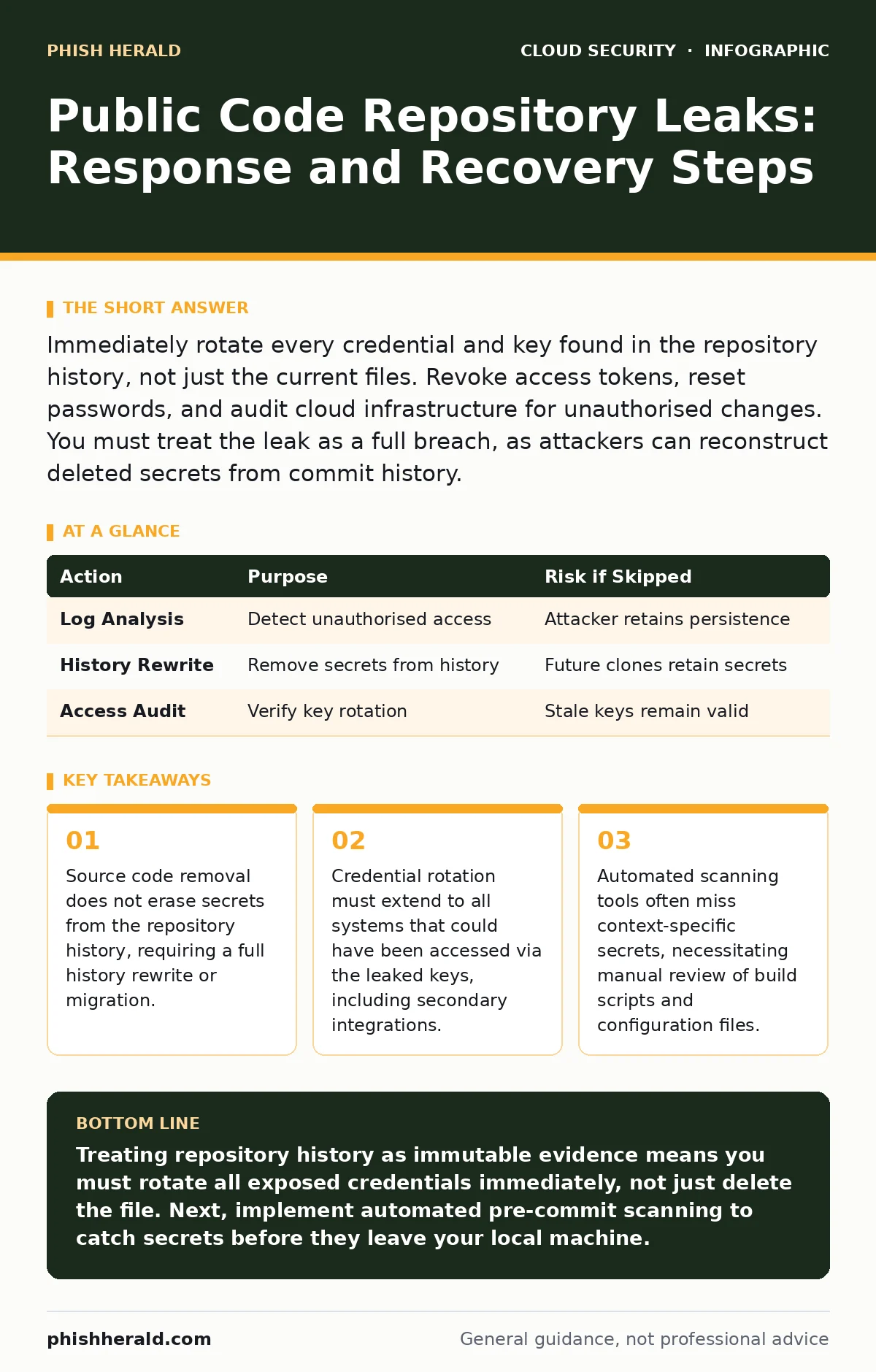
Immediately rotate every credential and key found in the repository history, not just the current files. Revoke access tokens, reset passwords, and audit cloud infrastructure for unauthorised changes. You must treat the leak as a full breach, as attackers can reconstruct deleted secrets from commit history.
The Silent Threat in Commit History
Public code repositories are designed for transparency, but they are ill-suited for storing sensitive credentials. When you push code containing API keys, database passwords, or private SSH keys to a public platform, those secrets become permanently accessible. The immediate danger is not merely the exposure of intellectual property, but the compromise of the systems those keys control.
Many teams assume that deleting a file containing a secret removes the risk. This assumption is false. Git and similar version control systems store every change ever made. A deleted file remains in the repository’s history, accessible to anyone who clones the project. Attackers write simple scripts to scrape public repositories for patterns matching known secret formats. They do not need to break into your network; they simply wait for you to make a mistake.
First hour
The first sixty minutes determine whether the breach remains contained or escalates into a full system compromise. Your priority is to neutralise the value of the stolen credentials. If an attacker has a valid key, they can access your cloud infrastructure, deploy malicious code, or exfiltrate data before you even notice the leak.
You must act with speed and precision. Panic leads to errors, such as shutting down critical services without a plan or failing to rotate all affected keys. Focus on the specific assets exposed by the leaked code. If the repository contains a database connection string, you must assume the database is compromised. If it contains a cloud provider’s access key, you must assume the cloud account is breached.
- Identify all secrets exposed in the current code and the repository history.
- Rotate every credential, API key, and password found in the leak.
- Revoke any active sessions or tokens associated with the compromised keys.
- Disable the affected service accounts if they cannot be rotated immediately.
- Notify your internal incident response team and legal counsel.
- Preserve a local copy of the repository for forensic analysis before any changes are made.
First day
Once the immediate keys are rotated, you must assess the scope of the damage. The attacker may have used the credentials to move laterally within your environment. You need to determine what systems were accessed and whether any data was altered or stolen. This phase requires a thorough audit of logs from the time the secret was first committed to the time it was discovered.
Review your cloud infrastructure for unusual activity. Look for new user accounts, modified security groups, or unexpected data transfers. If you use Kubernetes admission controllers, check if any unauthorised pods were deployed. If your application relies on misconfigured IAM roles, the leaked key might have granted broader access than intended, amplifying the impact.
You must also address the root cause in the repository. Simply removing the secret from the latest commit is insufficient. You must rewrite the repository history to eliminate the secret from all previous commits. This process is complex and can disrupt other developers, so coordinate carefully. Alternatively, you may choose to migrate the code to a new repository, ensuring the new repository is clean from the start.
| Action | Purpose | Risk if Skipped |
|---|---|---|
| Log Analysis | Detect unauthorised access | Attacker retains persistence |
| History Rewrite | Remove secrets from history | Future clones retain secrets |
| Access Audit | Verify key rotation | Stale keys remain valid |
First week
The final phase involves restoring normal operations and preventing recurrence. You must ensure that all development teams understand the severity of the incident and the procedures for handling secrets. This is not just a technical fix; it is a cultural shift. Developers must be trained to treat secrets as sensitive data, not as configuration values to be hardcoded.
Implement automated scanning tools to detect secrets before they are pushed to the repository. These tools should run as part of your continuous integration pipeline, blocking any commit that contains a potential secret. However, automation is not a panacea. It can produce false positives and may miss context-specific secrets. Regular manual audits remain necessary.
Consider using bring your own key encryption for sensitive data stored in the cloud. This ensures that even if cloud provider keys are compromised, your data remains encrypted with keys you control. Additionally, review your cloud-native application protection platforms (CNAPP) to ensure they are configured to detect and block unauthorised actions.
Who to tell
Transparency is critical during a security incident. You must inform all stakeholders who may be affected by the breach. This includes your internal teams, customers, and regulatory bodies if required by law. Delaying notification can erode trust and lead to legal consequences.
Communicate clearly and honestly. Explain what happened, what data was exposed, and what steps you are taking to mitigate the risk. Avoid technical jargon that may confuse non-technical stakeholders. Provide clear instructions on what they should do, such as changing passwords or monitoring their accounts for suspicious activity.
If the leak involves customer data, you may be required to notify regulatory authorities under data protection laws. Consult with your legal team to determine your obligations. Failure to notify can result in significant fines and reputational damage.
See also: Kubernetes Misconfiguration Response: Stop, Contain and Recover · Alert Triage Checklist: Stop False Positives Before They Stop You
How to stop a repeat
Preventing future leaks requires a combination of technical controls and cultural changes. You must enforce strict policies on how secrets are handled in your development process. Code reviews should include a specific check for hardcoded secrets. Developers should be trained to use environment variables or secrets managers instead of hardcoding credentials.
Regular audits of your repositories can help identify potential leaks before they become public. Use automated tools to scan for secrets on a scheduled basis. These tools can detect patterns matching known secret formats, such as API keys or private keys. However, remember that no tool is perfect. Manual reviews are still necessary to catch edge cases.
Address identity sprawl by regularly reviewing and revoking unused access keys. The more keys you have, the higher the risk of one being leaked. Implement least privilege access, ensuring that each service account has only the permissions it needs. This limits the damage if a key is compromised.
The Hidden Cost of Convenience
The most damaging thing people do in a panic is to assume that deleting the file solves the problem. This assumption ignores the fundamental nature of version control systems. Git stores every change, meaning the secret remains in the history. Even if you delete the file, the secret is still accessible to anyone who clones the repository.
This misconception leads to a false sense of security. Teams believe they have mitigated the risk, but the vulnerability remains. Attackers know this and actively search for secrets in the history of public repositories. They use scripts to clone repositories and scan the entire history for patterns matching known secret formats.
The solution is to rewrite the history or migrate to a new repository. This is a tedious process, but it is necessary to fully remove the secret. You must also rotate all credentials associated with the leaked secret. This ensures that even if an attacker finds the secret in the history, it is no longer valid.
A New Baseline for Security
Recovering from a public code repository leak is a complex process that requires careful coordination and attention to detail. You must act quickly to neutralise the stolen credentials, assess the scope of the damage, and implement measures to prevent recurrence. This is not just a technical challenge; it is a test of your organisation’s resilience and commitment to security.
By treating every leak as a serious incident, you can minimise the impact and protect your systems from further compromise. Remember that security is an ongoing process, not a one-time fix. Regular audits, training, and automation are essential to maintaining a secure development environment.
Key takeaways
- Source code removal does not erase secrets from the repository history, requiring a full history rewrite or migration.
- Credential rotation must extend to all systems that could have been accessed via the leaked keys, including secondary integrations.
- Automated scanning tools often miss context-specific secrets, necessitating manual review of build scripts and configuration files.
Treating repository history as immutable evidence means you must rotate all exposed credentials immediately, not just delete the file. Next, implement automated pre-commit scanning to catch secrets before they leave your local machine.
Frequently asked questions
Can I just delete the branch containing the secret?
No, deleting a branch does not remove the secret from the repository history if it was merged into another branch. You must rewrite the history or migrate to a new repository to fully remove the secret.
How long does it take for scanners to find a leaked secret?
Automated scanners can find and exploit leaked secrets within minutes of them being made public. You must assume immediate exposure and act accordingly.
Should I notify customers of a code repository leak?
You must notify customers if the leak involves their personal data or if it compromises the security of the service they use. Consult legal counsel to determine your specific obligations.
What is the difference between a secret and a configuration value?
A secret is sensitive data that grants access or authentication, such as a password or API key. A configuration value is non-sensitive data that defines system behaviour, such as a database host name. Only secrets require strict protection.
How this guide was produced: written by the Phish Herald editorial team with AI assistance, checked against the public references listed below, and reviewed when the facts change. See our editorial policy or report an error.