Bring Your Own Key: How Cloud Encryption Actually Works
Cloud providers cannot decrypt your data without your key, but they can still block access if you lose control of the key management system.
Bring your own key means you generate and store encryption keys outside the cloud provider’s default system. The provider holds encrypted data but lacks the ability to read it. You retain control over key rotation, deletion, and access policies, shifting the burden of key security from the provider to your own infrastructure.
The Architecture of Separation
Bring your own key (BYOK) changes the fundamental trust model of cloud storage. In standard cloud configurations, the provider manages the encryption keys. They encrypt your data, store the keys, and decrypt the data when you request it. This is convenient, but it means the provider technically holds the ability to read your plaintext data.
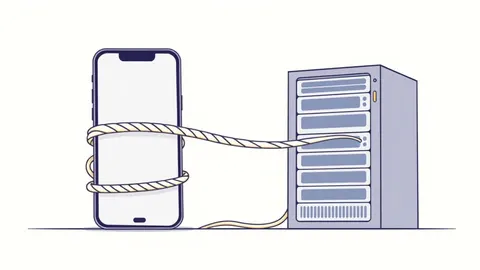
BYOK separates the data storage from the key storage. You generate the cryptographic keys in your own environment or a dedicated hardware security module. You then upload these keys to the cloud provider’s key management service. The provider stores the encrypted key material but cannot use it without your explicit permission.
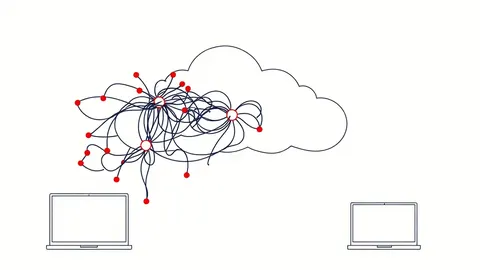
This separation ensures that even if an attacker compromises the cloud provider’s infrastructure, they only obtain ciphertext. Without the key, which remains under your control, the data is mathematically useless. However, this convenience comes with a steep operational price. You are now responsible for the entire lifecycle of the key, including backup, rotation, and emergency access.
Stage 1: Key Generation and Protection
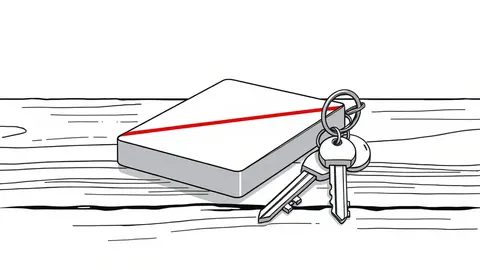
The process begins before any data touches the cloud. You generate a master encryption key within a controlled environment. This is often done using a hardware security module, a physical device designed to securely generate and store cryptographic keys. The HSM ensures that the key never exists in plaintext in the system’s memory or on disk.
You must protect this key with multiple layers of security. If the key is generated on a standard server, it is vulnerable to memory dumps and disk imaging. The strength of your BYOK setup is only as strong as the environment where the key is first created.
Once generated, you export the key in an encrypted format. This export process is risky. If the export file is intercepted, the attacker can decrypt your cloud data. You must use secure transport protocols and verify the integrity of the key material during transit.
Stage 1: Generation Risks
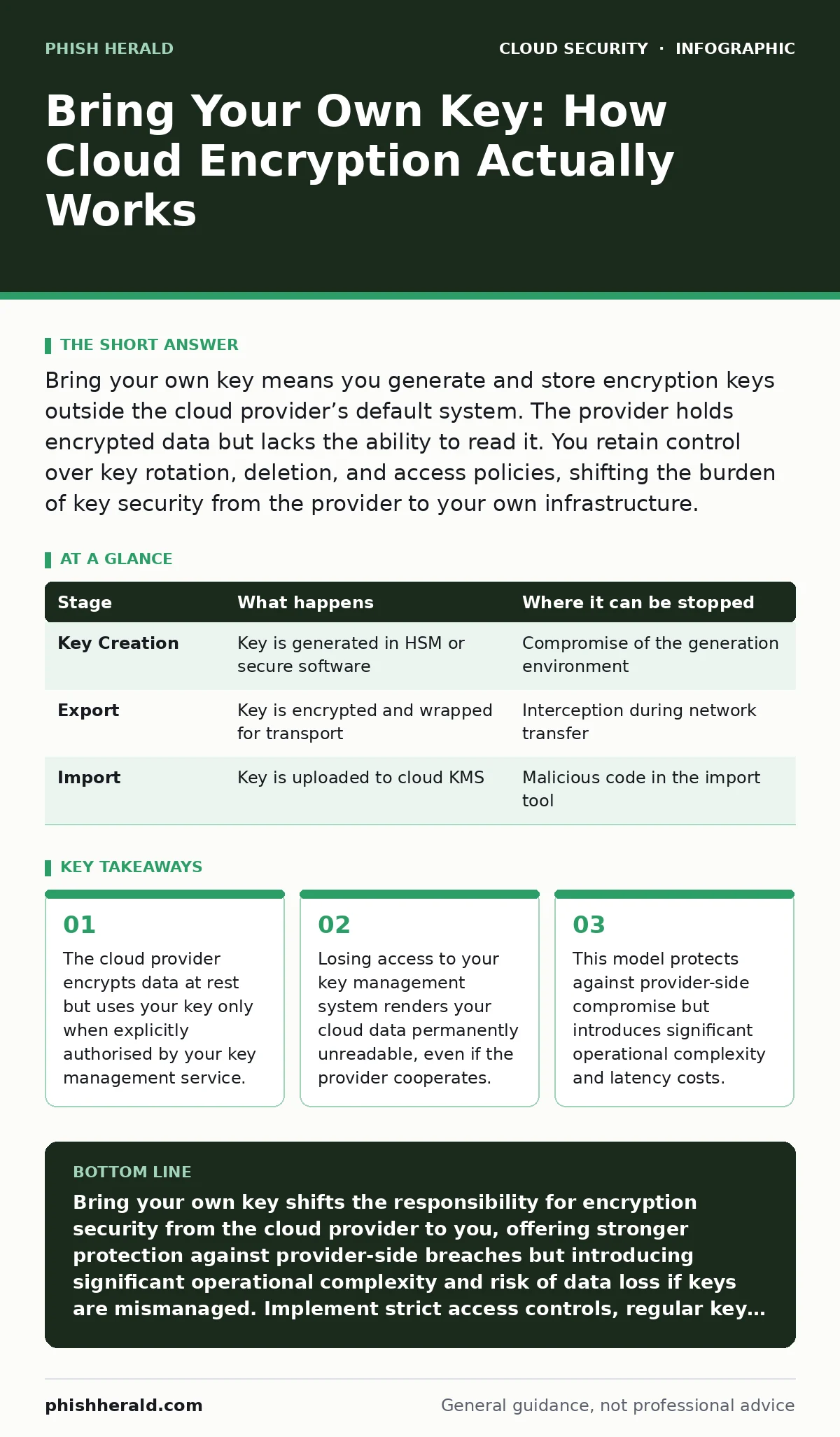
| Stage | What happens | Where it can be stopped |
|---|---|---|
| Key Creation | Key is generated in HSM or secure software | Compromise of the generation environment |
| Export | Key is encrypted and wrapped for transport | Interception during network transfer |
| Import | Key is uploaded to cloud KMS | Malicious code in the import tool |
Stage 2: Key Import and Wrapping
You upload the key to the cloud provider’s key management service (KMS). The provider does not store your key in plaintext. Instead, they encrypt your key with their own master key. This is called key wrapping. Your key becomes a ciphertext blob stored in the provider’s database.
The provider now holds your key, but it is useless to them. They cannot unwrap it without your permission. The permission is granted through identity and access management policies. You define who can use the key to encrypt or decrypt data.
This stage introduces a dependency on the provider’s infrastructure. If the provider’s KMS goes down, you cannot access your data. You are trading provider-side key exposure for provider-side availability dependency. This is a critical trade-off. You must have contingency plans for KMS outages.
Stage 3: Data Encryption Workflow
When you write data to the cloud, the application requests an encryption operation. The KMS checks your permissions. If authorised, it uses your key to encrypt a data key. The data key is a temporary key used to encrypt the actual data.
The encrypted data key is stored alongside the encrypted data. The provider’s storage system holds both. The provider never sees the plaintext data key. It only sees the encrypted blob. When you read the data, the process reverses. The KMS decrypts the data key, which then decrypts the data.
This workflow adds latency. Every read or write operation requires a round-trip to the KMS. For high-throughput applications, this can become a bottleneck. You must design your architecture to cache data keys where possible, but caching introduces its own security risks.
Stage 4: Access Control and Auditing
Access to your keys is controlled by policies. These policies are separate from the policies that control access to the data itself. You can grant a user access to the storage bucket but deny them access to the key. This prevents them from reading the data.
This separation allows for fine-grained control. You can audit who accessed the key and when. The KMS logs every cryptographic operation. These logs are critical for forensic analysis. If you suspect a breach, you can trace exactly which keys were used and when.
However, logging generates massive amounts of data. You must have a strategy for storing and analysing these logs. If you cannot parse the logs, they are useless. Consider how this integrates with your existing security information and event management systems.
See also: How Accidental Data Disclosure Happens: Step-by-Step Mechanics · What is SaaS security: controlling risk in shared environments
Stage 5: Key Rotation and Deletion
Keys must be rotated regularly. Rotation involves generating a new key and re-encrypting data with the new key. This is not automatic in most BYOK setups. You must orchestrate the rotation. Failure to rotate keys increases the risk if a key is compromised.
Deletion is more dangerous. If you delete a key, the data encrypted with that key is lost forever. The cloud provider cannot recover it. You must have a strict policy for key deletion. Accidental deletion is a common cause of data loss in BYOK environments.
Imagine a scenario where an administrator deletes a key thinking it is unused. The key was actually used for backup data. The backup is now unrecoverable. This highlights the need for multi-person approval for key deletion actions.
Stage 6: Emergency Recovery and Limits
BYOK is not a panacea. It does not protect against all threats. If an attacker gains access to your application with the necessary permissions, they can decrypt the data in real-time. The key protects data at rest, not data in use.
You must also consider the limits of the cloud provider’s infrastructure. If the provider suffers a catastrophic failure, your data may be unavailable. Your key is safe, but the data is inaccessible. You must have disaster recovery plans that include key replication.
This model also complicates compliance. You must prove that your key management practices meet regulatory standards. Auditors will scrutinise your HSM configurations, access policies, and logging procedures. Ensure your documentation is thorough and up to date.
Integration with Broader Security
BYOK works best when integrated with other security controls. For instance, misconfigured IAM roles can bypass key access controls if not properly scoped. Ensure that only specific roles can invoke cryptographic operations.
Similarly, identity sprawl can lead to orphaned keys. If employees leave without revoking their access, their keys may remain active. Regularly audit key access permissions to remove stale entries.
Consider how BYOK interacts with just-in-time access. Granting temporary access to keys reduces the window of opportunity for attackers. This aligns with the principle of least privilege.
Operational Costs and Complexity
The hidden cost of BYOK is operational overhead. You must manage the key lifecycle, monitor logs, and handle emergencies. This requires skilled personnel and robust tooling. If your team lacks expertise, the risk of misconfiguration increases.
You must also budget for the performance impact. KMS calls add latency. For large datasets, this can affect application performance. Test your architecture under load to identify bottlenecks.
Finally, consider the legal implications. In some jurisdictions, the cloud provider may be required to hand over data to law enforcement. With BYOK, they cannot. This can create legal friction. Understand the local laws where your data resides.
Key takeaways
- The cloud provider encrypts data at rest but uses your key only when explicitly authorised by your key management service.
- Losing access to your key management system renders your cloud data permanently unreadable, even if the provider cooperates.
- This model protects against provider-side compromise but introduces significant operational complexity and latency costs.
Bring your own key shifts the responsibility for encryption security from the cloud provider to you, offering stronger protection against provider-side breaches but introducing significant operational complexity and risk of data loss if keys are mismanaged. Implement strict access controls, regular key rotation, and robust disaster recovery plans to mitigate the risks of key unavailability.
Frequently asked questions
Does BYOK protect against ransomware?
BYOK protects data at rest from being read by attackers who compromise the cloud provider. It does not protect against ransomware that encrypts your data keys or steals them from your environment.
Can the cloud provider recover my data if I lose my key?
No. If you lose access to your key management service or delete the key, the cloud provider cannot decrypt your data. The data remains permanently encrypted and inaccessible.
How does BYOK affect application performance?
BYOK adds latency because every encryption or decryption operation requires a call to the key management service. This can slow down applications, especially those with high throughput requirements.
Is BYOK required for compliance?
Many compliance frameworks recommend or require customer-managed keys for sensitive data. Check your specific regulatory requirements to determine if BYOK is mandatory for your industry.
How this guide was produced: written by the Phish Herald editorial team with AI assistance, checked against the public references listed below, and reviewed when the facts change. See our editorial policy or report an error.