Stop Exposed Storage Buckets: 3 Cloud Security Fixes That Work
Public access blocks fail when service accounts bypass user controls, making least-privilege policies the only reliable defence against accidental data exposure.
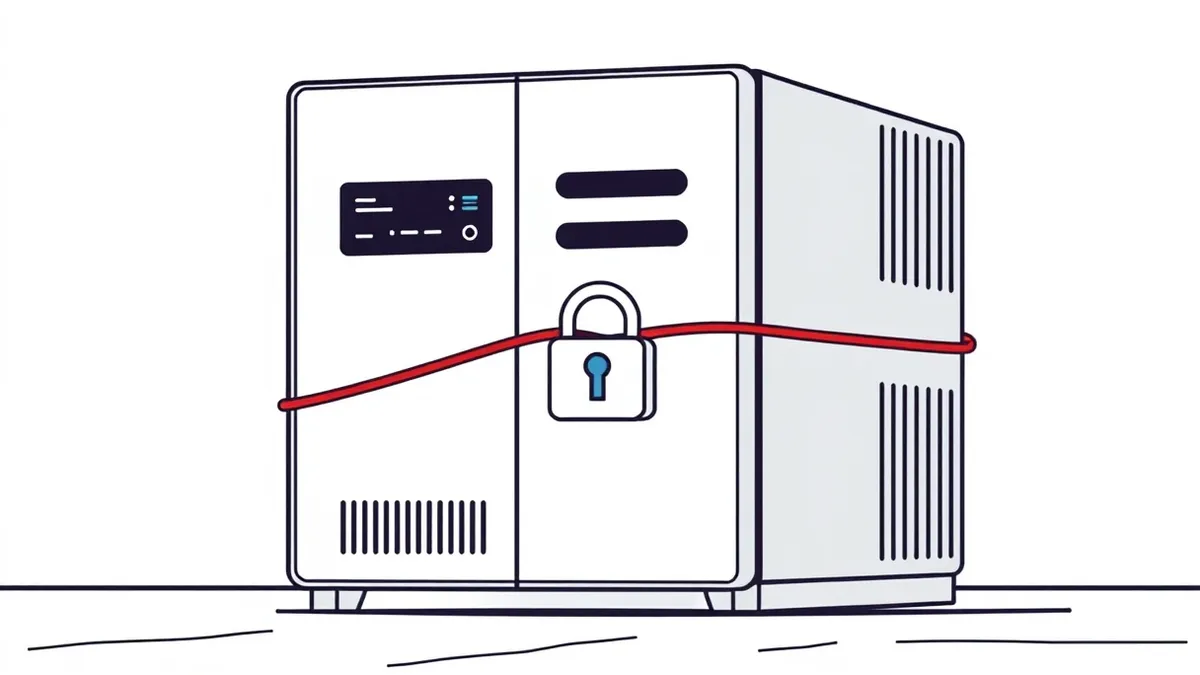
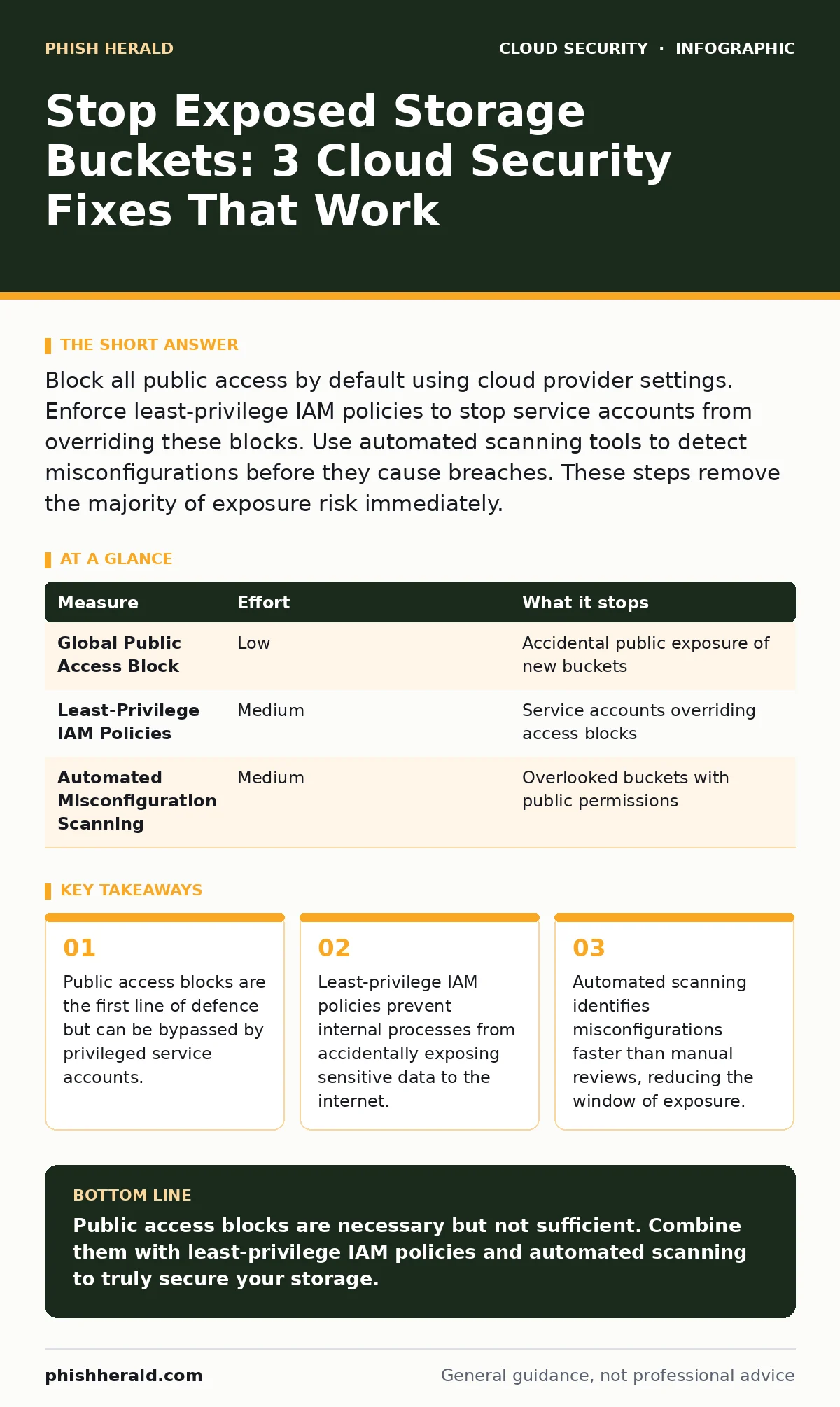
Block all public access by default using cloud provider settings. Enforce least-privilege IAM policies to stop service accounts from overriding these blocks. Use automated scanning tools to detect misconfigurations before they cause breaches. These steps remove the majority of exposure risk immediately.
Default Public Access Blocks
Public access blocks are the simplest and most effective first step. These settings prevent any bucket from being accessed by the general internet. Most cloud providers offer this as a global or account-level setting. Enabling it stops accidental exposure caused by human error.
You must enable these blocks at the account or organisation level. Individual bucket settings are easy to miss or disable. A global block ensures that no new bucket can be created with public access. This removes the need to check every single bucket manually.
Imagine a developer creates a new bucket for testing. Without a global block, they might accidentally set it to public. With the block enabled, the creation fails or defaults to private. This prevents the initial mistake before it happens.
| Measure | Effort | What it stops |
|---|---|---|
| Global Public Access Block | Low | Accidental public exposure of new buckets |
| Least-Privilege IAM Policies | Medium | Service accounts overriding access blocks |
| Automated Misconfiguration Scanning | Medium | Overlooked buckets with public permissions |
Least-Privilege IAM Policies
Public access blocks stop external threats but not internal ones. Service accounts often have broad permissions to manage storage. If a service account has permission to change bucket policies, it can bypass public access blocks. This is a common blind spot in cloud security.
You must audit and restrict IAM roles. Remove the ability for service accounts to modify bucket permissions unless absolutely necessary. Use conditions to limit who can change access settings. This ensures that even if a service account is compromised, it cannot expose data.
Suppose an attacker compromises a CI/CD pipeline. They might try to change bucket permissions to exfiltrate data. If the pipeline’s service account lacks the permission to modify policies, the attack fails. This limits the blast radius of a breach.
See our guide on misconfigured IAM roles for deeper insights into managing permissions.
Automated Misconfiguration Scanning
Manual reviews are slow and error-prone. Automated scanning tools continuously monitor your cloud environment. They detect buckets that are publicly accessible or have overly permissive policies. These tools alert you to issues before they are exploited.
You should integrate scanning into your CI/CD pipeline. This catches misconfigurations before they reach production. It also provides a historical record of changes. This helps you identify trends and recurring issues.
Imagine a developer pushes code that includes a bucket policy. The scanner detects the public access and blocks the deployment. This prevents the misconfiguration from ever reaching the live environment. It shifts security left in the development process.
What Does Not Work
Relying solely on public access blocks is insufficient. As noted, service accounts can bypass them. Relying on manual audits is also ineffective. Cloud environments change rapidly, and manual checks cannot keep pace. You need automated, continuous monitoring.
Some teams believe that encrypting data is enough. Encryption protects data at rest but not in transit or when accessed by unauthorised users. If a bucket is public, attackers can download the encrypted data. They might then try to decrypt it offline. Encryption is a layer, not a solution.
Handling Legacy Buckets
Old buckets often have outdated permissions. They might have been created before best practices were established. These buckets are high-risk because they are rarely reviewed. You must identify and remediate them promptly.
You should export a list of all buckets and their permissions. Filter for those with public access or overly broad policies. Review each one to determine if it is still needed. If not, delete it. If it is needed, restrict its access.
Suppose you find a bucket from five years ago. It contains old logs that are no longer needed. Deleting it removes a potential attack surface. If the data is needed, move it to a secure archive with strict access controls.
See also: Cloud Data Exfiltration: 6 Myths That Leave Your Assets Vulnerable · Cloud Least Privilege: Answers to 8 Critical Implementation Questions
Closing Checklist
Complete these three tasks today to reduce your risk. They are quick wins that provide immediate protection. Do not delay these steps, as exposure can happen at any time.
- Enable global public access blocks for your cloud account.
- Audit service account permissions and remove unnecessary storage management rights.
- Run an automated scan to identify and remediate publicly accessible buckets.
See our guide on cloud data exfiltration for more on protecting data in motion.
Key takeaways
- Public access blocks are the first line of defence but can be bypassed by privileged service accounts.
- Least-privilege IAM policies prevent internal processes from accidentally exposing sensitive data to the internet.
- Automated scanning identifies misconfigurations faster than manual reviews, reducing the window of exposure.
Public access blocks are necessary but not sufficient. Combine them with least-privilege IAM policies and automated scanning to truly secure your storage.
Frequently asked questions
Can I use encryption instead of access controls?
No, encryption protects data content but not access. Public buckets with encrypted data are still exposed to download and offline decryption attempts. Access controls prevent unauthorised access entirely.
How often should I scan for misconfigurations?
Continuous scanning is best. Cloud environments change frequently, and manual scans become outdated quickly. Automated tools provide real-time visibility and alerting.
What if I need public access for a website?
Use a specific bucket for public content and isolate it. Apply strict IAM policies to limit who can modify it. Monitor it closely for changes. Do not store sensitive data in public buckets.
Are public access blocks available in all cloud providers?
Most major cloud providers offer similar features. Check your provider’s documentation for the exact terminology and setup process. The principle of blocking public access by default applies everywhere.
How this guide was produced: written by the Phish Herald editorial team with AI assistance, checked against the public references listed below, and reviewed when the facts change. See our editorial policy or report an error.