Cloud Least Privilege: Answers to 8 Critical Implementation Questions
Least privilege in the cloud fails when teams treat permissions as static assets rather than dynamic, auditable constraints that require continuous verification.
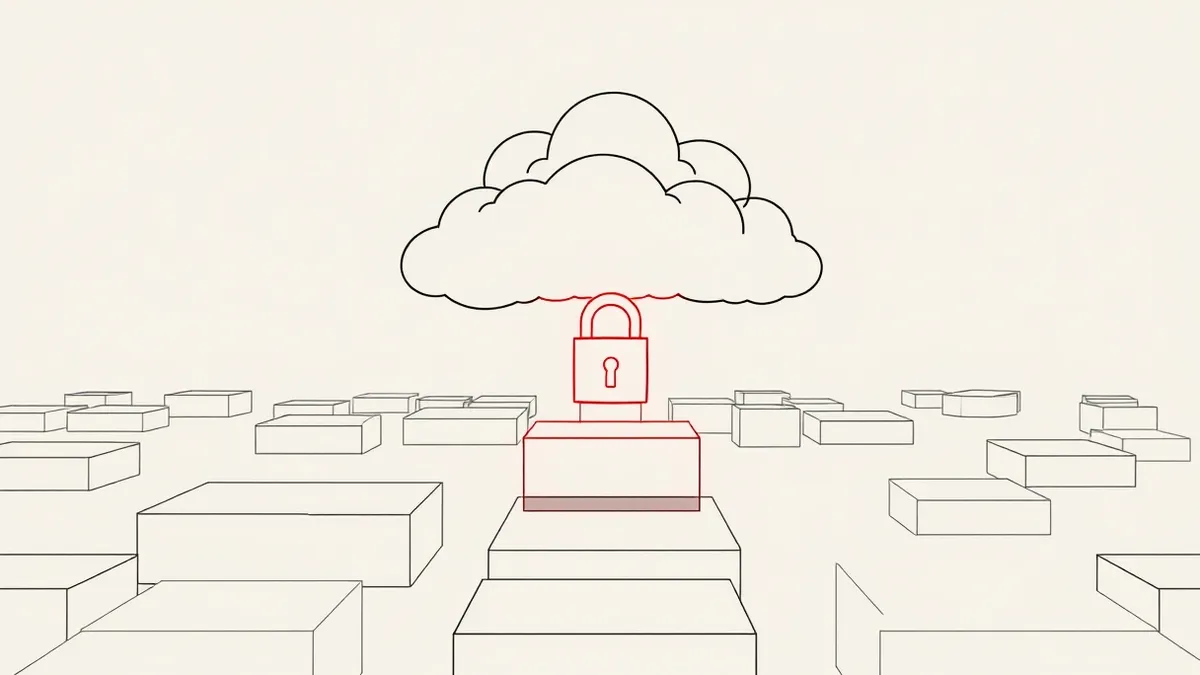
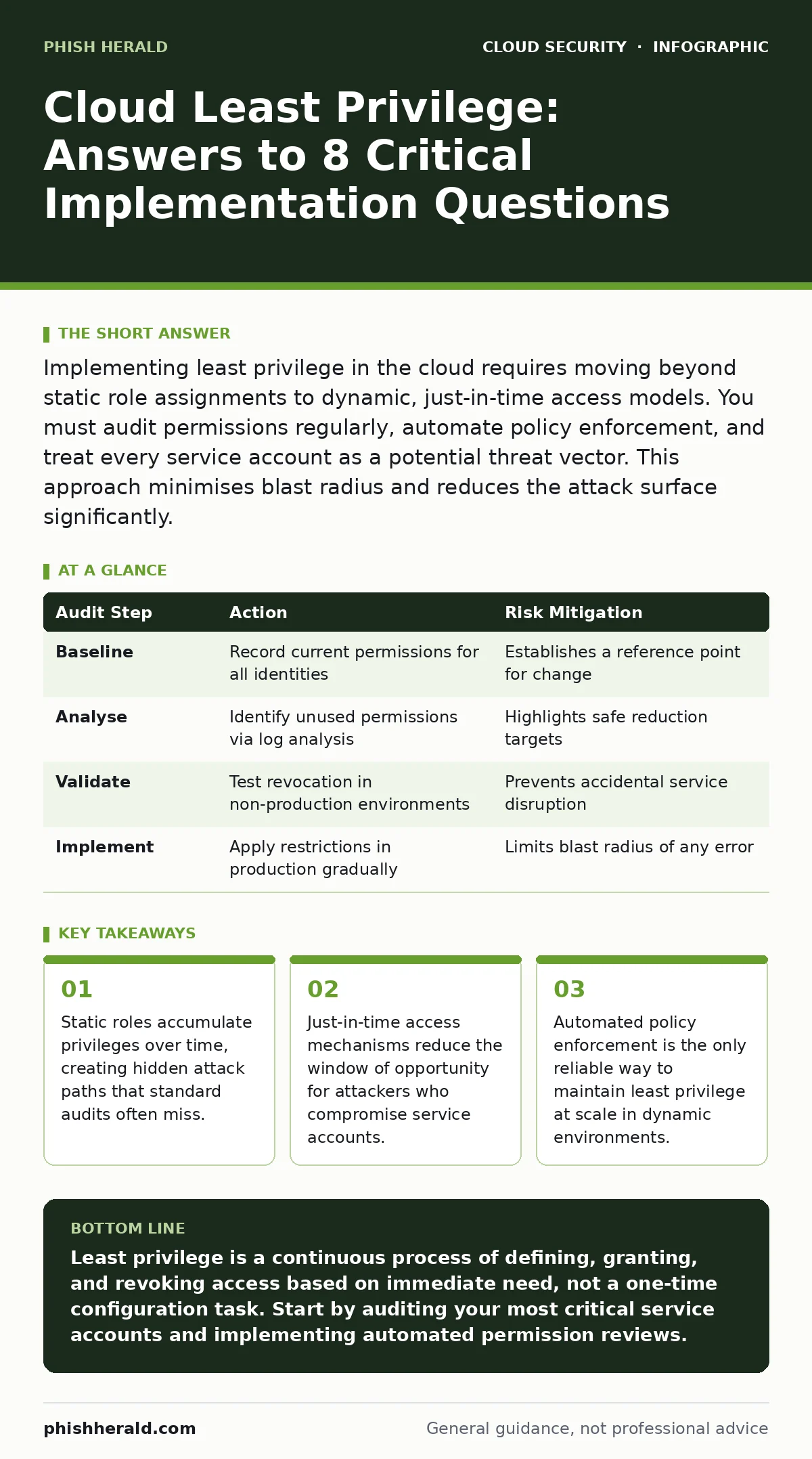
Implementing least privilege in the cloud requires moving beyond static role assignments to dynamic, just-in-time access models. You must audit permissions regularly, automate policy enforcement, and treat every service account as a potential threat vector. This approach minimises blast radius and reduces the attack surface significantly.
What does least privilege mean in a cloud context?
Least privilege in the cloud means granting each user, application, and service only the minimum permissions necessary to perform its specific function, and nothing more. Unlike on-premise systems where access is often tied to physical locations or static job titles, cloud environments are dynamic. Permissions must align with the immediate operational need. This principle limits the damage if an identity is compromised. It forces architects to define exact boundaries for every component. You must verify that every granted permission is actively used. Unused permissions represent unnecessary risk.
Why do static IAM roles fail in cloud environments?
Static Identity and Access Management (IAM) roles fail because they accumulate privileges as projects evolve, a phenomenon known as privilege creep. When a developer needs temporary access to a database for debugging, they often receive permanent permissions for convenience. Over time, these roles become superuser-equivalent. The role no longer reflects the current job function. It reflects the maximum historical requirement. This creates a large attack surface. An attacker who compromises a single service account gains access to unrelated systems. Regular reviews of static roles are difficult to sustain manually.
How does just-in-time access improve security posture?
Just-in-time access improves security by granting elevated privileges only for the duration of a specific task, then automatically revoking them. This eliminates the risk of dormant, over-privileged accounts. Imagine a database administrator who needs to run a schema migration. Instead of holding permanent write access, they request temporary elevation. The system grants access for 30 minutes. After the task, access vanishes. This reduces the window for lateral movement. It also creates a clear audit trail for every privileged action. You can correlate access requests with actual work performed. See the guide on just-in-time access for implementation patterns.
What is the hidden cost of overly permissive service accounts?
Overly permissive service accounts create a hidden cost in the form of expanded blast radius and complex incident response. When an application uses a service account with broad permissions, a vulnerability in that application exposes the entire permission set. Attackers do not need to exploit the database directly; they compromise the app and inherit its rights. This forces security teams to monitor far more telemetry. It also complicates remediation. You cannot simply revoke access from the service account without breaking the application. The cost is measured in increased detection time and higher remediation effort.
How do you audit permissions without breaking applications?
You audit permissions without breaking applications by using read-only analysis tools that compare current usage against granted permissions. These tools identify unused permissions by analysing API call logs. They highlight permissions that were granted but never exercised in a defined period. This allows you to plan safe removal. You test revocation in a staging environment first. Then you apply changes incrementally. This prevents outages caused by removing a permission that is used rarely but critically. Automation is key for this process. Manual auditing cannot scale with cloud velocity.
| Audit Step | Action | Risk Mitigation |
|---|---|---|
| Baseline | Record current permissions for all identities | Establishes a reference point for change |
| Analyse | Identify unused permissions via log analysis | Highlights safe reduction targets |
| Validate | Test revocation in non-production environments | Prevents accidental service disruption |
| Implement | Apply restrictions in production gradually | Limits blast radius of any error |
See also: Stop Exposed Storage Buckets: 3 Cloud Security Fixes That Work · Cloud Data Exfiltration: 6 Myths That Leave Your Assets Vulnerable
Why is resource-level permission granular access difficult?
Resource-level permission granular access is difficult because cloud providers often expose permissions at the service level, not the resource level. While you can restrict access to a specific storage bucket, you cannot easily restrict access to a specific file within that bucket using standard IAM. This forces teams to create multiple buckets or use application-level controls. It increases architectural complexity. You must build logic into your applications to enforce the final layer of access. This shifts the burden from the platform to the code. It requires discipline in software design.
How do misconfigured IAM roles lead to breaches?
Misconfigured IAM roles lead to breaches by providing attackers with a direct path to sensitive data or administrative control. A public-facing application with write access to a storage bucket allows anyone to upload malicious files. A role with administrative rights attached to a compromised instance allows full account takeover. These misconfigurations are often the result of copying and pasting policies from documentation without understanding the implications. They persist because they do not cause immediate errors. They only become visible when exploited. Review the guide on misconfigured IAM roles for common pitfalls.
What is the role of automation in maintaining least privilege?
Automation in maintaining least privilege ensures that permissions are consistently applied and reviewed without human error. Manual processes fail at scale. Automation scripts can detect drift from the baseline policy. They can automatically revoke permissions that are no longer needed. They can enforce tagging requirements for resource ownership. This creates a self-healing security posture. It reduces the reliance on human vigilance. It also provides consistent audit evidence. Automation turns least privilege from a project into a continuous state.
How does least privilege interact with container security?
Least privilege interacts with container security by ensuring that containers run with minimal host access. A container should not have access to the host’s filesystem, network, or kernel. It should run as a non-root user. It should have a read-only root filesystem where possible. This limits the impact of a container escape. If an attacker breaks out of the container, they inherit only the minimal permissions assigned to it. This complements image security. See the guide on container escape for mitigation strategies. Also consider insecure container images as a vector.
What are the common mistakes when implementing least privilege?
Common mistakes when implementing least privilege include granting permissions based on job titles rather than tasks, failing to review permissions regularly, and using wildcard permissions for convenience. Another mistake is assuming that least privilege is a one-time setup. It requires continuous monitoring and adjustment. Teams often neglect service accounts, focusing only on human users. This leaves automated processes vulnerable. Another error is not testing permission revocation. This leads to production outages. Finally, ignoring the principle of least privilege in development environments creates a culture of permissiveness.
How do you measure the effectiveness of least privilege?
You measure the effectiveness of least privilege by tracking the number of unused permissions, the frequency of permission requests, and the time to revoke access. A decreasing number of unused permissions indicates progress. A high frequency of just-in-time requests suggests that static roles are being replaced. Short revocation times indicate effective automation. You can also measure the mean time to detect privilege abuse. If detection times decrease, your controls are working. Regular reporting keeps leadership informed.
What is the impact of least privilege on developer productivity?
The impact of least privilege on developer productivity is initially negative but becomes positive over time. Initially, developers may feel slowed down by access requests and approvals. However, as automation matures, access becomes instant and self-service. The reduction in security incidents frees up developer time. They spend less time debugging permission errors. They spend more time building features. The clarity of permissions also aids in onboarding. New developers understand exactly what they can access. This reduces confusion and errors.
Key takeaways
- Static roles accumulate privileges over time, creating hidden attack paths that standard audits often miss.
- Just-in-time access mechanisms reduce the window of opportunity for attackers who compromise service accounts.
- Automated policy enforcement is the only reliable way to maintain least privilege at scale in dynamic environments.
Least privilege is a continuous process of defining, granting, and revoking access based on immediate need, not a one-time configuration task. Start by auditing your most critical service accounts and implementing automated permission reviews.
Frequently asked questions
How often should I review cloud permissions?
Review permissions continuously using automated tools. Manual reviews should occur at least quarterly for high-risk accounts and annually for standard accounts.
Can least privilege prevent all cloud breaches?
No. Least privilege limits the damage of a breach but does not prevent initial compromise. You must combine it with strong identity verification and vulnerability management.
How do I handle emergency access requests?
Use a break-glass procedure with strict logging and automatic expiration. Emergency access should be rare, time-limited, and fully auditable.
What is the difference between least privilege and zero trust?
Least privilege is a component of zero trust. Zero trust is a broader architecture that assumes no implicit trust, while least privilege specifically restricts permissions.
How this guide was produced: written by the Phish Herald editorial team with AI assistance, checked against the public references listed below, and reviewed when the facts change. See our editorial policy or report an error.