Just-in-Time Access: Seven Practices to Eliminate Standing Privileges
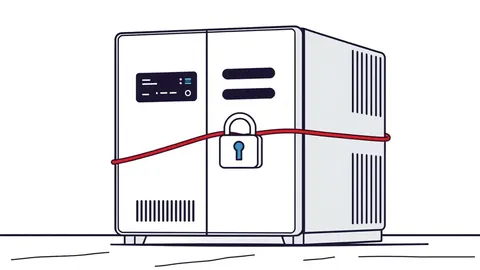
Standing privileges invite shadow IT and silent data exfiltration; just-in-time access removes the key when the door closes, neutralising the risk of dormant accounts.
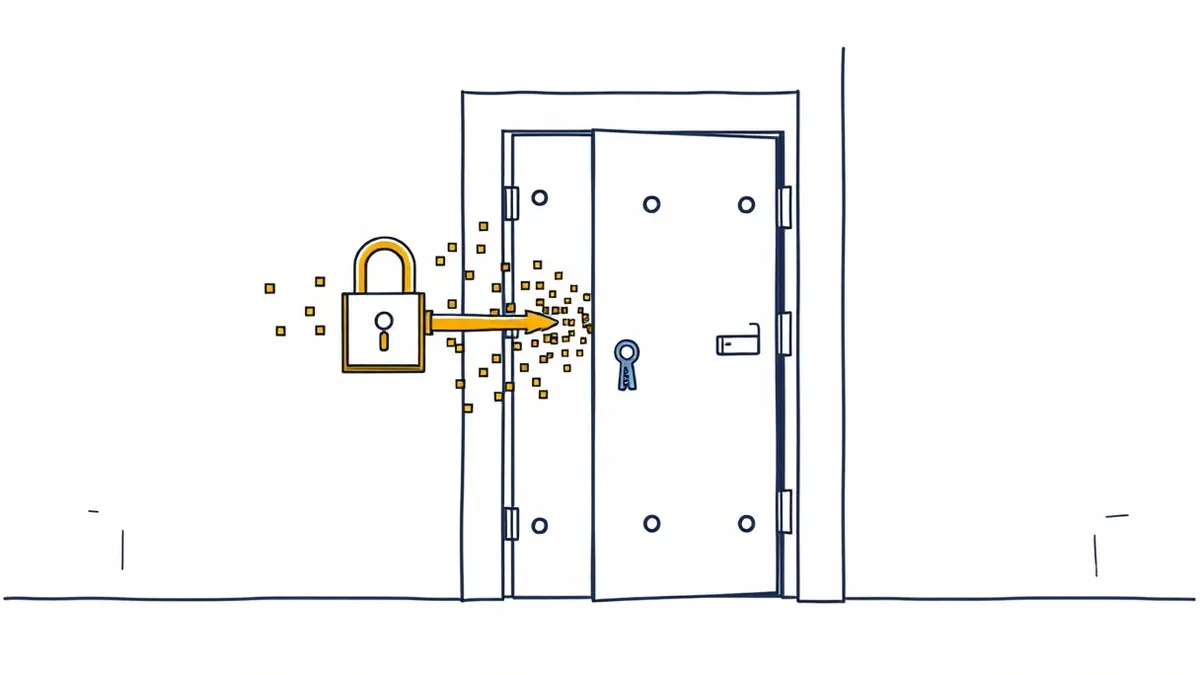
Replace permanent admin rights with temporary, approved access that expires automatically. Integrate identity verification, enforce least privilege, and log every session. This stops attackers from using stolen credentials long after the breach occurs.
The Cost of Standing Privileges
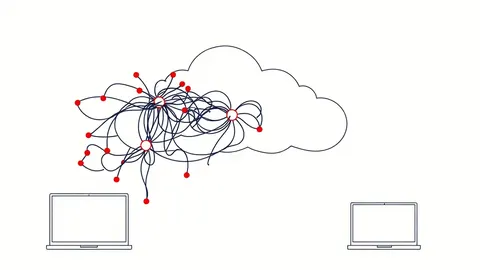
Permanent administrative access is a liability. When you grant a user or service account constant high-level rights, you create a permanent entry point. Attackers who compromise these credentials do not need to elevate privileges further; they already hold the keys to the kingdom. This is the core risk of identity sprawl, where permissions accumulate without review.
Just-in-time (JIT) access changes this dynamic. It grants elevated rights only when needed, for a specific task, and revokes them immediately after. The mechanism relies on identity governance platforms that integrate with your cloud providers. You trade the convenience of instant access for the security of verified intent.
1. Enforce Strict Time Limits
The first rule of JIT is that access must expire. A window of thirty minutes is often sufficient for most administrative tasks. Longer windows increase the probability that a session will be hijacked or that a user will forget to log out. The system must enforce this limit automatically. Manual revocation is unreliable and prone to human error.
Tip: Configure your identity provider to set a default duration of thirty minutes for all JIT requests. Allow extensions only through a secondary approval process, not by the requester.
2. Require Multi-Factor Authentication at Point of Use
Standard login multi-factor authentication (MFA) is not enough. An attacker who steals a password and an MFA token can still use standing privileges. JIT access requires MFA at the moment the elevated role is requested. This ensures that the person asking for access is present and conscious of the action. It adds a layer of friction that discourages casual misuse.
Tip: Use phishing-resistant MFA methods, such as FIDO2 security keys, for JIT elevation requests. This prevents credential theft from bypassing the second factor.
3. Implement Role-Based Approval Workflows
Not all access requests should be automatic. High-risk actions, such as modifying security groups or accessing sensitive data stores, need human oversight. Define roles that trigger mandatory approval from a manager or a security team member. This creates an audit trail and ensures that the request aligns with business needs. It also prevents automated scripts from abusing JIT mechanisms.
Tip: Map roles to risk levels. Routine maintenance tasks can be auto-approved, while changes to core infrastructure require manual sign-off.
4. Integrate with Cloud-Native Application Protection Platforms
JIT access does not exist in a vacuum. It must work with your broader security stack. Cloud-native application protection platforms (CNAPP) provide visibility into resource configurations and vulnerabilities. By integrating JIT with CNAPP, you can restrict access to only those resources that are compliant and secure. This prevents users from accessing misconfigured IAM roles or vulnerable instances.
Tip: Configure your JIT platform to check resource compliance status before granting access. Deny requests for resources that fail security scans.
See also: Stop Exposed Storage Buckets: 3 Cloud Security Fixes That Work · Cloud Data Exfiltration: 6 Myths That Leave Your Assets Vulnerable
5. Log and Monitor Every Session
Visibility is critical. Every JIT request, approval, and session must be logged. These logs should include the user identity, the resource accessed, the duration, and the actions performed. Monitor these logs for anomalies, such as access at unusual times or rapid succession of requests. This data is vital for forensic analysis and threat detection.
Tip: Send JIT logs to a centralised security information and event management (SIEM) system. Create alerts for sessions that exceed the standard duration or access unexpected resources.
6. Automate Provisioning and Deprovisioning
Manual management of JIT access is unsustainable at scale. Automate the process using infrastructure-as-code principles. When a user is hired or their role changes, the system should automatically assign or remove JIT eligibility. When a user leaves, all JIT permissions must be revoked instantly. This eliminates the risk of orphaned accounts retaining access.
Tip: Use API-driven workflows to sync HR data with your identity provider. Ensure that termination scripts include immediate revocation of all JIT roles.
7. Conduct Regular Access Reviews
Even with JIT, permissions can drift. Users may retain eligibility for roles they no longer need. Conduct quarterly reviews of JIT eligibility lists. Remove users who no longer require elevated access. This practice reduces the attack surface and keeps your identity governance clean. It also helps you identify unnecessary complexity in your role definitions.
Tip: Generate a report of all users with JIT eligibility and compare it against current job descriptions. Revoke access for any discrepancies.
8. Secure the Approval Channel
The approval process itself can be a target. If an attacker compromises an approver’s account, they can grant themselves access. Protect approval channels with strict access controls and monitoring. Use out-of-band verification for high-risk approvals, such as a phone call or a separate secure message. This ensures that the approver is acting voluntarily.
Tip: Require approvers to log into a separate, highly secured system to approve JIT requests. Do not allow approvals via email links.
9. Test and Validate Access Controls
Assumptions about access controls can be wrong. Regularly test your JIT implementation to ensure it works as intended. Use red team exercises to attempt to bypass JIT restrictions. Check for gaps in integration between identity providers and cloud resources. This proactive testing reveals weaknesses before attackers do.
Tip: Schedule quarterly penetration tests that specifically target JIT access flows. Focus on approval bypass and session hijacking scenarios.
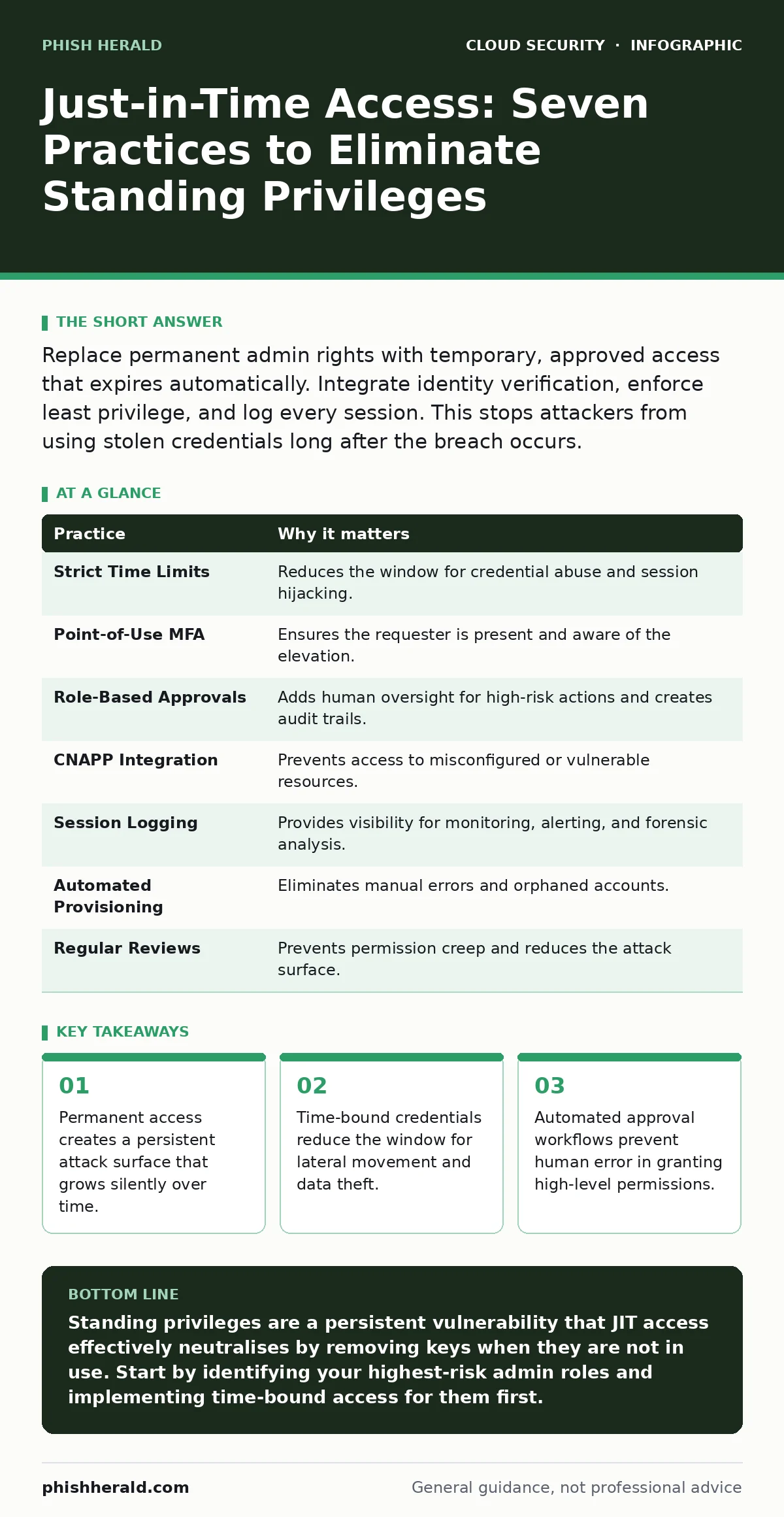
| Practice | Why it matters |
|---|---|
| Strict Time Limits | Reduces the window for credential abuse and session hijacking. |
| Point-of-Use MFA | Ensures the requester is present and aware of the elevation. |
| Role-Based Approvals | Adds human oversight for high-risk actions and creates audit trails. |
| CNAPP Integration | Prevents access to misconfigured or vulnerable resources. |
| Session Logging | Provides visibility for monitoring, alerting, and forensic analysis. |
| Automated Provisioning | Eliminates manual errors and orphaned accounts. |
| Regular Reviews | Prevents permission creep and reduces the attack surface. |
| Secure Approval Channels | Protects the approval process from compromise and coercion. |
| Access Control Testing | Validates that JIT mechanisms work as intended under attack. |
Handling Edge Cases
Imagine a scenario where a critical system fails at midnight. The on-call engineer needs immediate access. If the JIT process is too slow, it causes downtime. If it is too fast, it bypasses security. You need a pre-authorised emergency access path. This path should have tighter monitoring and shorter durations. It balances operational continuity with security.
Another edge case is automated service accounts. These accounts do not have humans to approve access. For these, use attribute-based access control (ABAC) to grant access based on context, such as the source IP or the time of day. This allows automation while maintaining security boundaries.
Integrating with Broader Security
JIT access is part of a larger strategy. It complements bring your own key encryption by ensuring that only authorised users can decrypt data. It mitigates the risk of insecure cloud APIs by limiting the number of active sessions. It also reduces the impact of public code repository leaks, as exposed credentials are time-bound and less valuable.
By implementing these practices, you create a defence-in-depth approach. You do not rely on a single control. You layer JIT access with other security measures to protect your cloud environment. This holistic view is necessary for modern cloud security.
Key takeaways
- Permanent access creates a persistent attack surface that grows silently over time.
- Time-bound credentials reduce the window for lateral movement and data theft.
- Automated approval workflows prevent human error in granting high-level permissions.
Standing privileges are a persistent vulnerability that JIT access effectively neutralises by removing keys when they are not in use. Start by identifying your highest-risk admin roles and implementing time-bound access for them first.
Frequently asked questions
Does JIT access slow down incident response?
Properly configured JIT includes emergency access paths that allow rapid response while maintaining audit logs and stricter monitoring.
Can JIT access be used for service accounts?
Yes, but it requires attribute-based controls rather than human approval, using context like IP address or schedule
How this guide was produced: written by the Phish Herald editorial team with AI assistance, checked against the public references listed below, and reviewed when the facts change. See our editorial policy or report an error.