Database Exposure Prevention Checklist for Infrastructure Security
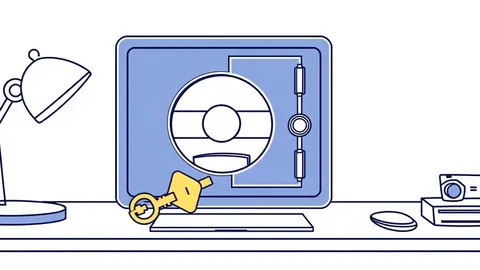
Most data leaks occur because configuration errors leave ports open, not because encryption algorithms fail or hackers break mathematical barriers.
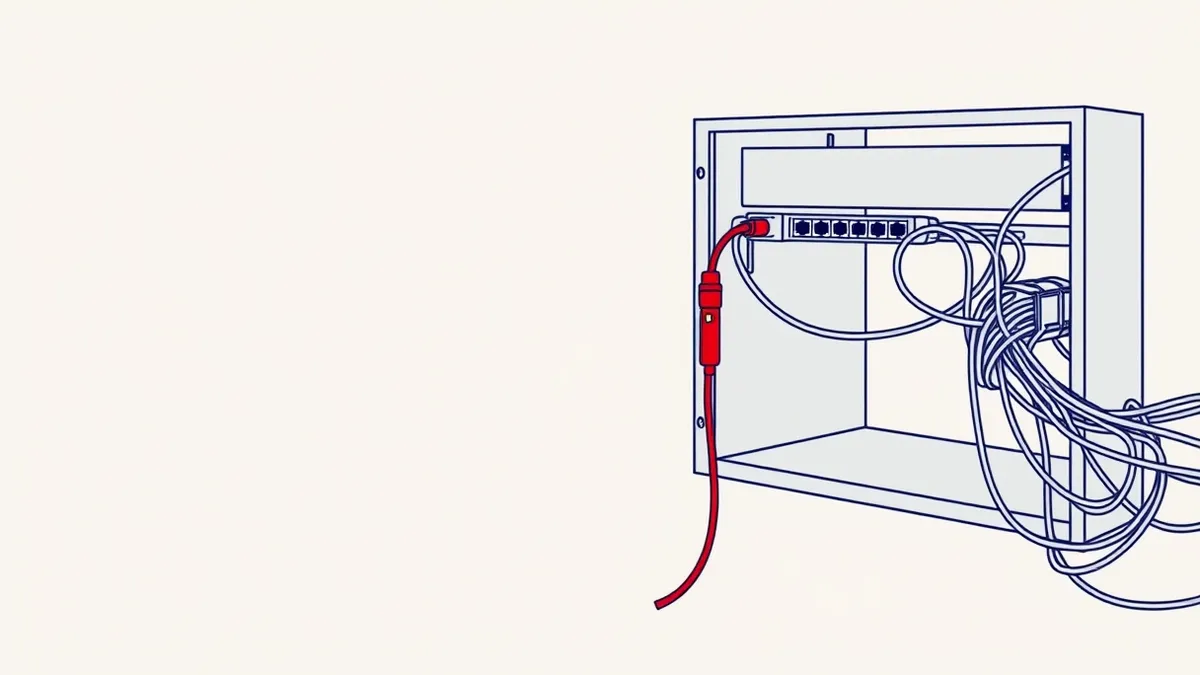
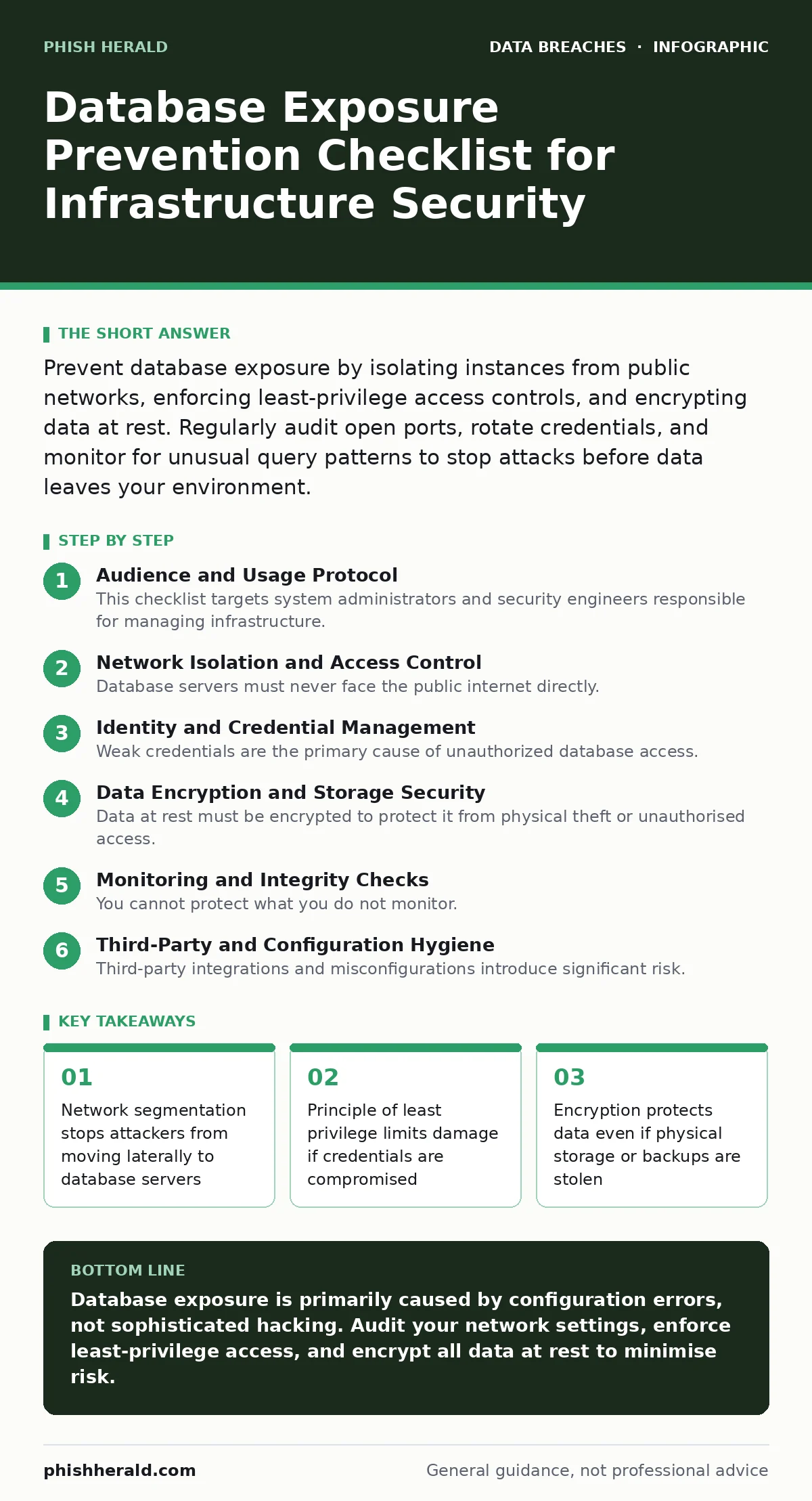
Prevent database exposure by isolating instances from public networks, enforcing least-privilege access controls, and encrypting data at rest. Regularly audit open ports, rotate credentials, and monitor for unusual query patterns to stop attacks before data leaves your environment.
Audience and Usage Protocol
This checklist targets system administrators and security engineers responsible for managing infrastructure. You should use this list during initial deployment and during quarterly security reviews. Each item represents a specific control that reduces the attack surface. Completing these steps does not guarantee immunity, but it removes the most common entry points used by automated scanning tools. Treat this as a baseline, not a final state. Security is a continuous process of verification and adjustment.
Network Isolation and Access Control
Database servers must never face the public internet directly. Exposure to external networks invites automated scanning and brute-force attempts. You must place databases in private subnets with no direct inbound routes from the web.
- Disable public IP addresses on database instances: Public IPs allow anyone on the internet to attempt connections, increasing the risk of automated exploitation.
- Configure security groups to allow only application servers: Restricting source IPs ensures that only trusted services can initiate database connections.
- Block all unused ports in firewall rules: Open ports serve as doors for attackers; closing them removes unnecessary entry points for malware.
- Implement network segmentation for sensitive data: Isolating critical databases prevents lateral movement if a web server is compromised.
- Use private endpoints for cloud services: Private connections keep traffic within the provider's network, reducing exposure to external threats.
Identity and Credential Management
Weak credentials are the primary cause of unauthorized database access. Default passwords and shared accounts create single points of failure. You must enforce strict identity policies to ensure that only authorised users can access data. This approach aligns with broader identity protection strategies, such as those discussed in our guide on account takeover fraud.
- Remove default usernames and passwords immediately: Default credentials are publicly known and are the first target for automated bots.
- Enforce complex password policies for all accounts: Complex passwords resist brute-force attacks and dictionary-based cracking methods.
- Rotate credentials every 90 days: Regular rotation limits the window of opportunity for attackers who have stolen credentials.
- Disable unused database accounts: Inactive accounts often go unpatched and become hidden backdoors for attackers.
- Implement multi-factor authentication for administrative access: MFA adds a second layer of verification, protecting against stolen passwords.
Data Encryption and Storage Security
Data at rest must be encrypted to protect it from physical theft or unauthorised access. Encryption ensures that even if an attacker gains access to storage media, the data remains unreadable without the key. This is particularly relevant for regulated industries handling protected health information or financial records.
- Enable full disk encryption for database servers: Encryption protects data on physical drives from theft or loss.
- Use transparent data encryption for sensitive columns: Column-level encryption adds an extra layer of protection for highly sensitive fields.
- Store encryption keys separately from data: Separating keys and data prevents attackers from decrypting information even if they breach the database.
- Encrypt database backups and snapshots: Unencrypted backups are a common source of data leaks when stored in secondary locations.
- Implement key rotation policies: Regularly rotating keys limits the impact of a compromised key on historical data.
Monitoring and Integrity Checks
You cannot protect what you do not monitor. Continuous observation of database activity helps detect anomalies before they become breaches. Implementing file integrity monitoring allows you to detect unauthorised changes to database configuration files or stored procedures. This proactive stance is vital for maintaining trust and compliance.
- Enable audit logging for all database queries: Logs provide a trail of activity for forensic analysis and threat detection.
- Monitor for unusual query patterns: Unusual patterns, such as bulk data exports, often indicate data exfiltration attempts.
- Set up alerts for failed login attempts: High volumes of failed logins suggest brute-force attacks or credential stuffing.
- Regularly review user permissions and roles: Periodic reviews ensure that access rights remain aligned with job responsibilities.
- Implement real-time threat detection tools: Automated tools can identify and block malicious activities faster than manual review.
See also: Full Disk Encryption Checklist: Verify Protection Against Physical Theft
Third-Party and Configuration Hygiene
Third-party integrations and misconfigurations introduce significant risk. Many breaches occur because vendors have weak security or because default settings were not changed. You must treat third-party access with the same scrutiny as internal access. Our guide on third-party data breaches provides further context on managing these risks.
- Audit third-party access to databases: Ensure that vendors have only the access they need and no more.
- Disable unused features and plugins: Unused features may contain vulnerabilities that attackers can exploit.
- Keep database software updated regularly: Updates patch known vulnerabilities that could be exploited by attackers.
- Conduct regular penetration testing: Testing identifies weaknesses in your configuration before attackers do.
- Review compliance with PCI DSS requirements: Compliance ensures that your security measures meet industry standards for data protection.
Key takeaways
- Network segmentation stops attackers from moving laterally to database servers
- Principle of least privilege limits damage if credentials are compromised
- Encryption protects data even if physical storage or backups are stolen
Database exposure is primarily caused by configuration errors, not sophisticated hacking. Audit your network settings, enforce least-privilege access, and encrypt all data at rest to minimise risk.
Frequently asked questions
How often should I rotate database credentials?
Rotate credentials every 90 days or immediately if a compromise is suspected. Automated rotation tools can help manage this process securely.
Is encryption enough to protect my database?
No. Encryption protects data at rest, but you still need network isolation, access controls, and monitoring to prevent unauthorised access.
What is the biggest risk in cloud databases?
Misconfiguration is the biggest risk. Leaving ports open or using default credentials exposes your database to the public internet.
How do I detect a data breach early?
Monitor for unusual query patterns, failed login attempts, and bulk data exports. Set up real-time alerts to respond quickly.
How this guide was produced: written by the Phish Herald editorial team with AI assistance, checked against the public references listed below, and reviewed when the facts change. See our editorial policy or report an error.