Offline Backups Checklist: Verify Air-Gaps and Recovery Speed
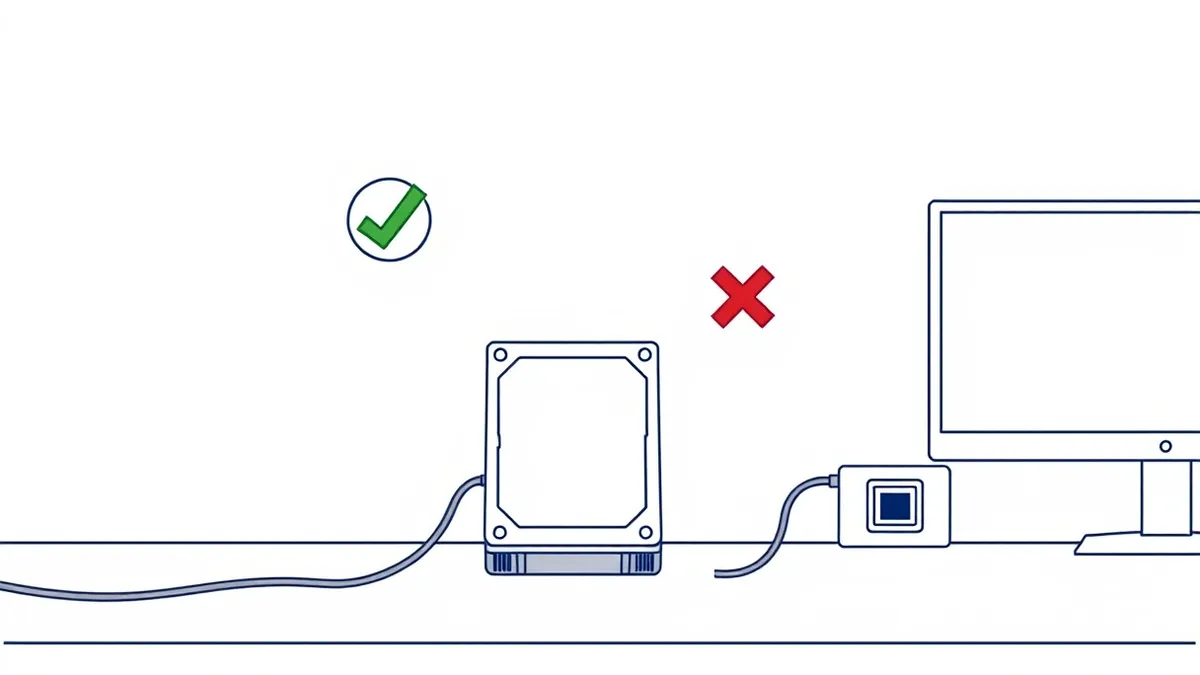
An offline backup is only secure if the storage medium remains physically disconnected from any network that could carry malware or ransomware.
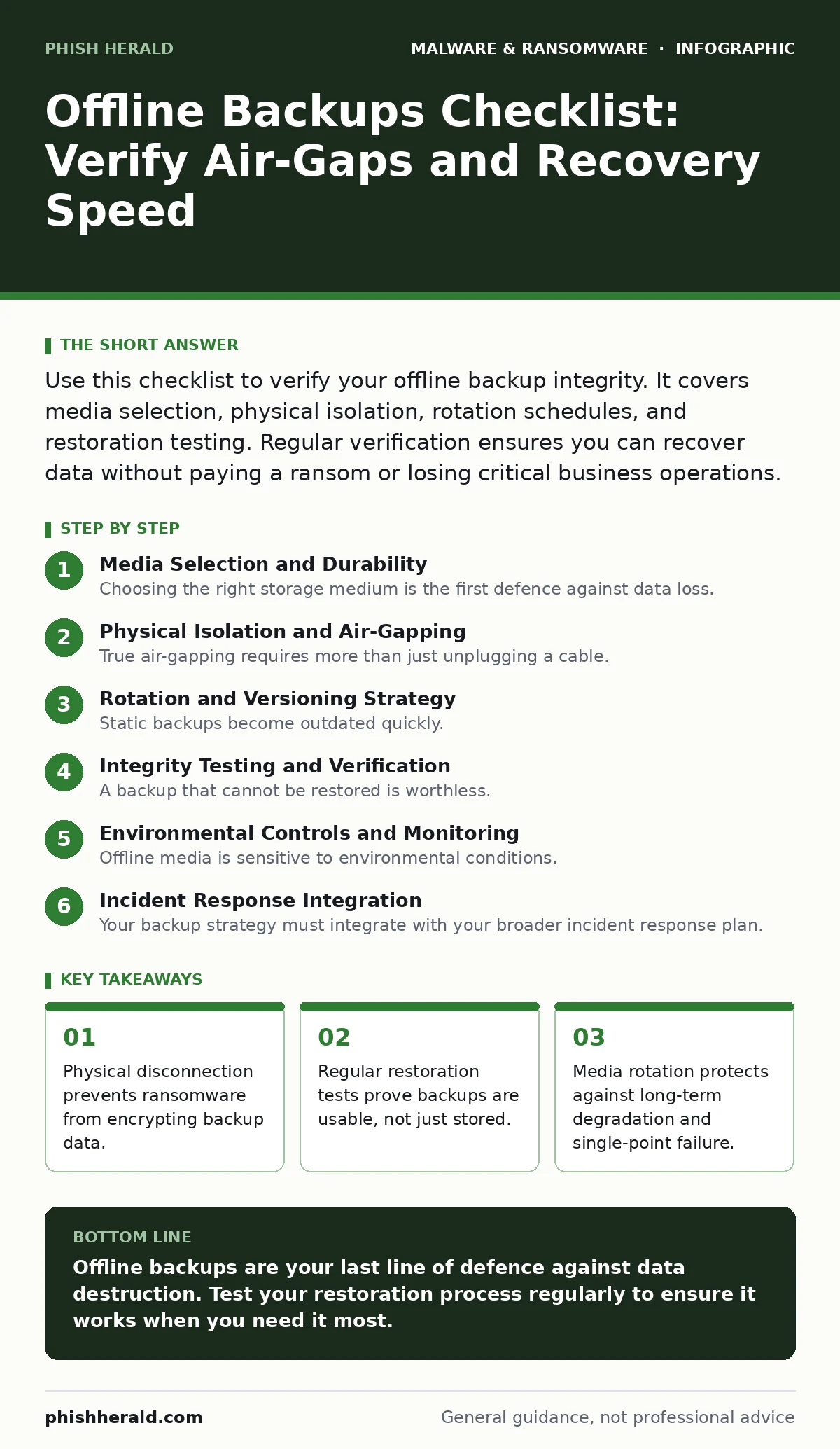
Use this checklist to verify your offline backup integrity. It covers media selection, physical isolation, rotation schedules, and restoration testing. Regular verification ensures you can recover data without paying a ransom or losing critical business operations.
Media Selection and Durability
Choosing the right storage medium is the first defence against data loss. Not all offline media behave the same way when exposed to environmental stress or handling errors. You must select media that balances durability, capacity, and cost.
- Use hardware write-protected USB drives: Physical switches prevent accidental overwrites and malware from modifying the stored data.
- Select LTO tapes for long-term archives: Magnetic tape offers high density and a proven lifespan when stored correctly, unlike optical discs.
- Verify media compatibility with current hardware: Ensure your backup server can read the media format years from now, avoiding obsolescence traps.
- Check for physical damage before use: Scratches or bent connectors can render media unreadable during a critical recovery scenario.
Physical Isolation and Air-Gapping
True air-gapping requires more than just unplugging a cable. It demands a process that ensures no network path exists between the backup media and the live environment at any time. A compromised endpoint can bridge an air-gap if the connection is temporary.
- Maintain a dedicated, offline storage location: Keep media in a separate room or building to prevent physical theft or accidental connection.
- Use a dedicated, air-gapped workstation for writes: This machine never connects to the internet, reducing the risk of malware infection during the backup process.
- Implement a strict handling protocol: Document who accesses the media and when, creating an audit trail for security and accountability.
- Disable all wireless adapters on backup systems: Bluetooth and Wi-Fi can be exploited to bridge the air-gap if the system is momentarily connected.
Rotation and Versioning Strategy
Static backups become outdated quickly. You need a rotation strategy that ensures you have multiple versions of your data, protecting against ransomware that encrypts files over time. Without rotation, you might only have a single copy that is already infected.
- Implement a Grandfather-Father-Son rotation: This method keeps daily, weekly, and monthly backups, providing multiple recovery points.
- Encrypt backups with strong keys: Encryption protects data if the physical media is stolen, adding a layer of security beyond physical access.
- Store encryption keys separately from media: If an attacker steals both the media and the keys, encryption provides no protection.
- Label media with clear dates and contents: Clear labelling prevents accidental overwriting of critical backups and speeds up identification during recovery.
Integrity Testing and Verification
A backup that cannot be restored is worthless. Regular testing verifies that the data is not corrupted and that the restoration process works as expected. Many organisations discover their backups are broken only when they need them most.
- Perform quarterly restoration tests: Actually restore files to a test environment to verify data integrity and usability.
- Verify file hashes after restoration: Compare checksums to ensure the restored data matches the original, detecting silent corruption.
- Document restoration procedures step-by-step: Clear instructions reduce panic and errors during a high-stress recovery scenario.
- Test with different data types: Ensure databases, email archives, and application files all restore correctly, not just simple documents.
Environmental Controls and Monitoring
Offline media is sensitive to environmental conditions. Heat, humidity, and magnetic fields can degrade storage media over time, leading to data loss. Proper environmental controls extend the lifespan of your backups.
- Monitor temperature and humidity in storage: Extreme conditions can warp tapes or degrade USB drives, making data unrecoverable.
- Use anti-static bags for transport: Static electricity can damage electronic components in storage devices during handling.
- Keep media away from magnetic sources: Strong magnetic fields can erase data from magnetic tapes and hard drives.
- Implement a regular inspection schedule: Check for signs of degradation, such as tape stretch or connector wear, before they cause failure.
Incident Response Integration
Your backup strategy must integrate with your broader incident response plan. When ransomware strikes, you need to know exactly which backup to restore and how to do it quickly. Delayed recovery increases downtime and financial loss.
- Map backups to critical business functions: Identify which systems need immediate restoration to resume core operations.
- Train staff on backup procedures: Ensure multiple team members know how to restore data, avoiding single points of failure.
- Update contact information for support: Keep vendor and internal support contacts current for rapid assistance during an incident.
- Review and update the checklist annually: Security threats evolve, and your backup strategy must adapt to new risks and technologies.
Key takeaways
- Physical disconnection prevents ransomware from encrypting backup data.
- Regular restoration tests prove backups are usable, not just stored.
- Media rotation protects against long-term degradation and single-point failure.
Offline backups are your last line of defence against data destruction. Test your restoration process regularly to ensure it works when you need it most.
Frequently asked questions
How often should I test my offline backups?
Test at least quarterly to catch corruption and verify restoration procedures work correctly.
Can I use cloud storage as an offline backup?
Only if the provider offers a true air-gap feature; standard cloud storage remains connected and vulnerable.
What is the best media for long-term offline backups?
LTO tapes offer high density and durability, while hardware write-protected USB drives suit smaller, frequent backups.
How do I protect encryption keys for offline backups?
Store keys in a separate, secure location from the media, such as a hardware security module or physical safe.
How this guide was produced: written by the Phish Herald editorial team with AI assistance, checked against the public references listed below, and reviewed when the facts change. See our editorial policy or report an error.