Web Application Firewalls: 6 Common Misunderstandings to Avoid
Web application firewalls filter traffic based on signatures, not intent, leaving logic flaws and authenticated attacks largely invisible to standard rule sets.
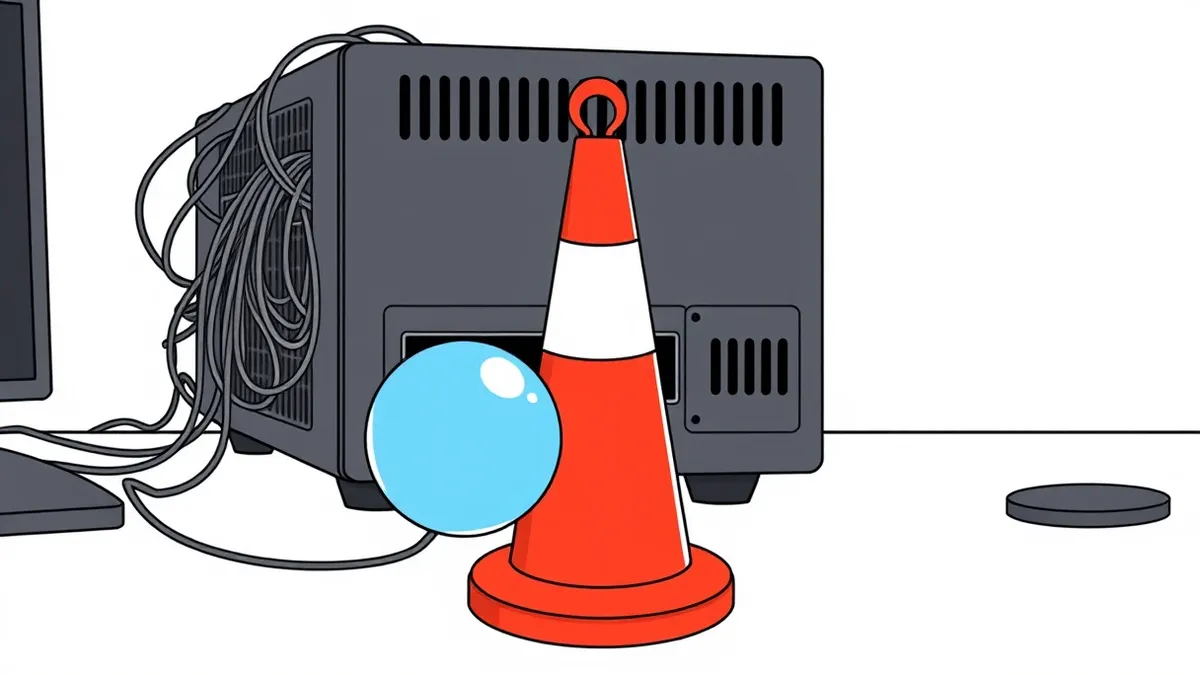
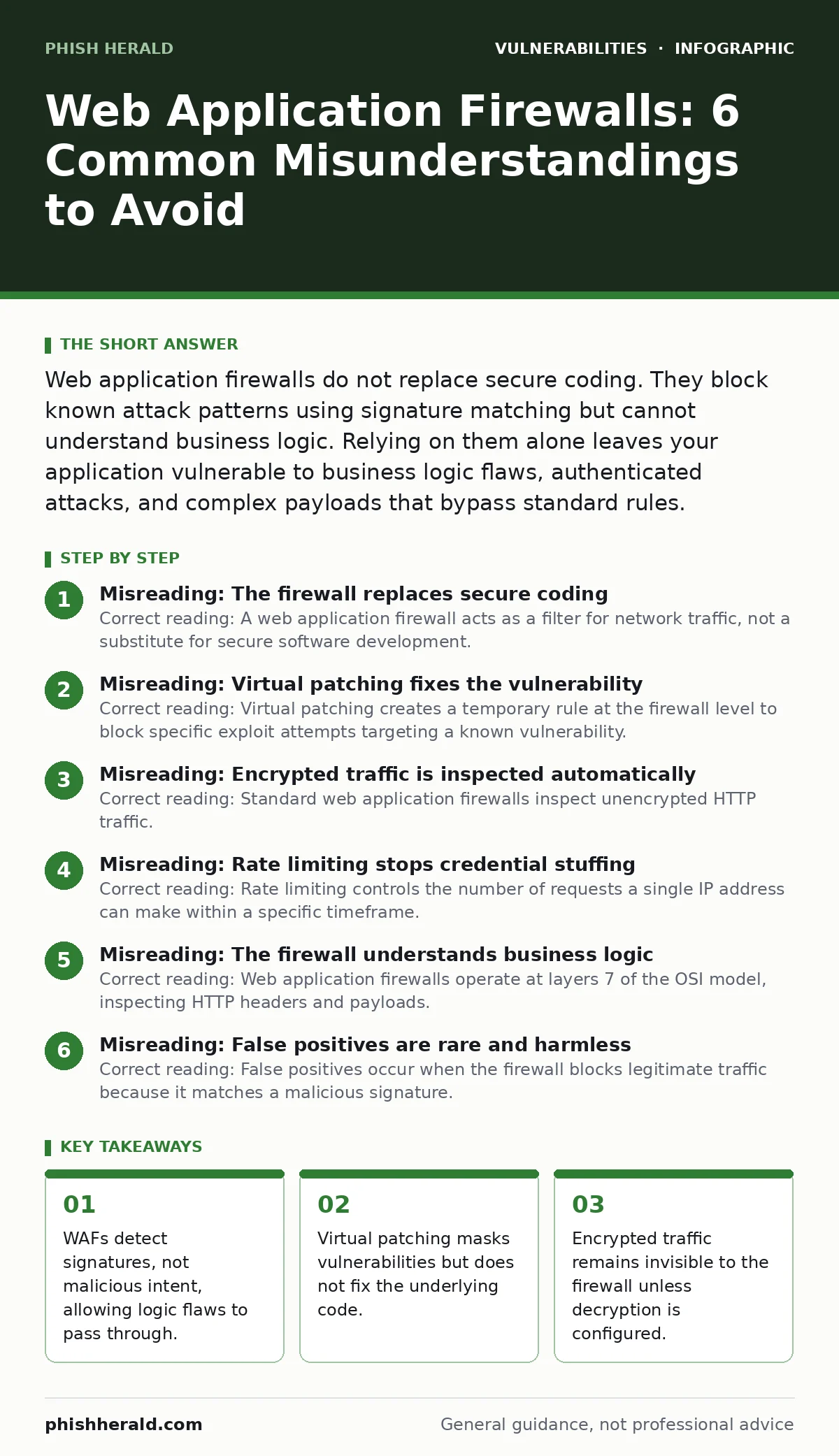
Web application firewalls do not replace secure coding. They block known attack patterns using signature matching but cannot understand business logic. Relying on them alone leaves your application vulnerable to business logic flaws, authenticated attacks, and complex payloads that bypass standard rules.
Misreading: The firewall replaces secure coding
Correct reading: A web application firewall acts as a filter for network traffic, not a substitute for secure software development. It inspects incoming requests against a set of predefined rules or signatures. If a request matches a known attack pattern, such as a SQL injection string, the firewall blocks it. This mechanism does not analyse the code itself. Vulnerabilities in the application logic remain present and exploitable if an attacker finds a way to bypass the signature.
You must still practice input validation to ensure data entering your system is safe. The firewall catches the obvious attacks, but it cannot secure flawed logic. Treating the firewall as a permanent fix creates a false sense of security. When the underlying code is not fixed, the vulnerability persists. Attackers can often craft requests that look benign to the firewall but are malicious to the application.
Misreading: Virtual patching fixes the vulnerability
Correct reading: Virtual patching creates a temporary rule at the firewall level to block specific exploit attempts targeting a known vulnerability. It does not modify the source code or the deployed application. The vulnerability still exists in the software. The firewall simply prevents external actors from triggering it using known methods.
This approach buys time for you to develop and deploy a permanent code fix. It is a stopgap measure, not a resolution. If you rely on virtual patching indefinitely, you accumulate technical debt. New attack vectors may emerge that the virtual patch does not cover. The firewall rule might also block legitimate traffic that resembles the attack pattern. You must schedule a proper code remediation cycle to address the root cause.
Misreading: Encrypted traffic is inspected automatically
Correct reading: Standard web application firewalls inspect unencrypted HTTP traffic. Modern applications predominantly use HTTPS, which encrypts the data between the client and the server. The firewall sees only the encrypted stream, not the payload. To inspect this traffic, you must configure the firewall to perform SSL termination or decryption.
This process involves the firewall holding the private key, decrypting the request, inspecting it, and then re-encrypting it for the server. This adds latency to the connection. It also introduces a security risk at the firewall itself, as it now holds sensitive keys. If you do not configure decryption, the firewall cannot see malicious payloads hidden inside the encryption.
Misreading: Rate limiting stops credential stuffing
Correct reading: Rate limiting controls the number of requests a single IP address can make within a specific timeframe. It protects your server resources from being overwhelmed by high-volume traffic. Credential stuffing attacks often use distributed botnets, spreading requests across many IP addresses. Each IP sends only a few requests, staying below the rate limit threshold.
The firewall allows these requests through because they appear normal. The application then processes the login attempts. You need additional controls, such as CAPTCHAs or multi-factor authentication, to detect and block these attacks. Rate limiting alone is insufficient for authentication security. It manages bandwidth, not identity verification.
Misreading: The firewall understands business logic
Correct reading: Web application firewalls operate at layers 7 of the OSI model, inspecting HTTP headers and payloads. They do not understand the context or meaning of the data. They cannot distinguish between a legitimate user changing their address and an attacker manipulating a parameter to access another user’s data.
This type of attack, known as broken access control, often uses valid syntax and authorised tokens. The firewall sees a normal request and allows it. The application logic fails to verify that the user has permission for the action. You must implement least privilege access controls within the application code. The firewall cannot enforce business rules or user permissions.
See also: Prevent Open Redirect Vulnerabilities: A Technical Prevention Checklist · What Is Cache Poisoning: How It Works and How to Stop It
Misreading: False positives are rare and harmless
Correct reading: False positives occur when the firewall blocks legitimate traffic because it matches a malicious signature. This can happen with complex web applications that use dynamic content or unusual input formats. Blocking legitimate users disrupts service and damages user trust. It also generates noise in your security logs, making it harder to identify real attacks.
Tuning the firewall to reduce false positives requires constant monitoring and adjustment. You must balance security strictness with operational availability. Ignoring false positives leads to alert fatigue. Security teams may start ignoring alerts, missing real threats. Regular review of blocked requests is necessary to maintain effective protection.
Misreading: The firewall protects against all web attacks
Correct reading: Web application firewalls are effective against common attack types like SQL injection and cross-site scripting. They are less effective against application-layer attacks that do not have distinct signatures. For example, path traversal vulnerabilities may use encoded characters that bypass standard rules. Similarly, prototype pollution in JavaScript applications can occur through manipulated JSON objects that look normal to the firewall.
HTTP request smuggling exploits differences in how proxies and servers parse requests, often bypassing the firewall entirely. You need a layered security approach. Combine the firewall with other controls like software composition analysis to check third-party dependencies. Input validation at the application level remains the primary defence.
Misreading: Clickjacking is prevented by the firewall
Correct reading: Clickjacking involves tricking a user into clicking on a hidden element that triggers an unwanted action. This attack relies on embedding your site within an iframe on a malicious page. Web application firewalls typically do not inspect the context in which your page is loaded. They see the request to load your page as normal.
The attack happens on the client side, in the user’s browser. You must configure HTTP headers like X-Frame-Options or Content Security Policy to prevent your site from being embedded in iframes. These headers instruct the browser to block the embedding. The firewall cannot enforce these browser-level controls. You must set these headers in your application configuration or web server settings.
Misreading: File upload vulnerabilities are fully blocked
Correct reading: Web application firewalls can block uploads of known malicious file types, such as executable scripts. However, attackers often use techniques to bypass these filters. They might change the file extension, use double extensions, or embed malicious code in image files. The firewall may allow these files through because they appear to be benign images or documents.
The vulnerability lies in how the application handles and processes uploaded files. You must implement strict file validation on the server side. Check the file content, not just the extension. Store uploads outside the web root and disable execution permissions. The firewall is only the first line of defence.
Key takeaways
- WAFs detect signatures, not malicious intent, allowing logic flaws to pass through.
- Virtual patching masks vulnerabilities but does not fix the underlying code.
- Encrypted traffic remains invisible to the firewall unless decryption is configured.
- Rate limiting protects infrastructure but does not prevent credential stuffing attacks.
Frequently asked questions
Does a web application firewall protect against DDoS attacks?
Web application firewalls can mitigate some application-layer DDoS attacks by rate limiting and blocking malicious patterns. However, they are not designed to handle large volumetric attacks. You need a dedicated DDoS protection service or infrastructure-level filtering for that purpose.
How often should I update my firewall rules?
You should update your firewall rules regularly, ideally whenever new vulnerabilities are discovered or your application changes. Many firewalls offer automatic rule updates. Manual tuning should occur periodically to address false positives and new attack vectors.
Can a firewall replace a penetration test?
No, a firewall cannot replace a penetration test. A firewall blocks known threats based on signatures. A penetration test actively probes your application for unknown vulnerabilities and logic flaws. Both are necessary for a comprehensive security strategy.
What is the difference between a WAF and an IDS?
A web application firewall actively blocks malicious traffic before it reaches your application. An intrusion detection system monitors traffic and alerts you to potential threats but does not block them automatically. A WAF is proactive, while an IDS is reactive.
How this guide was produced: written by the Phish Herald editorial team with AI assistance, checked against the public references listed below, and reviewed when the facts change. See our editorial policy or report an error.