Clickjacking Prevention Checklist: Secure Web Interfaces
Standard browser protections now block most clickjacking attempts, but legacy interfaces and embedded frames remain vulnerable to user interface redress attacks.
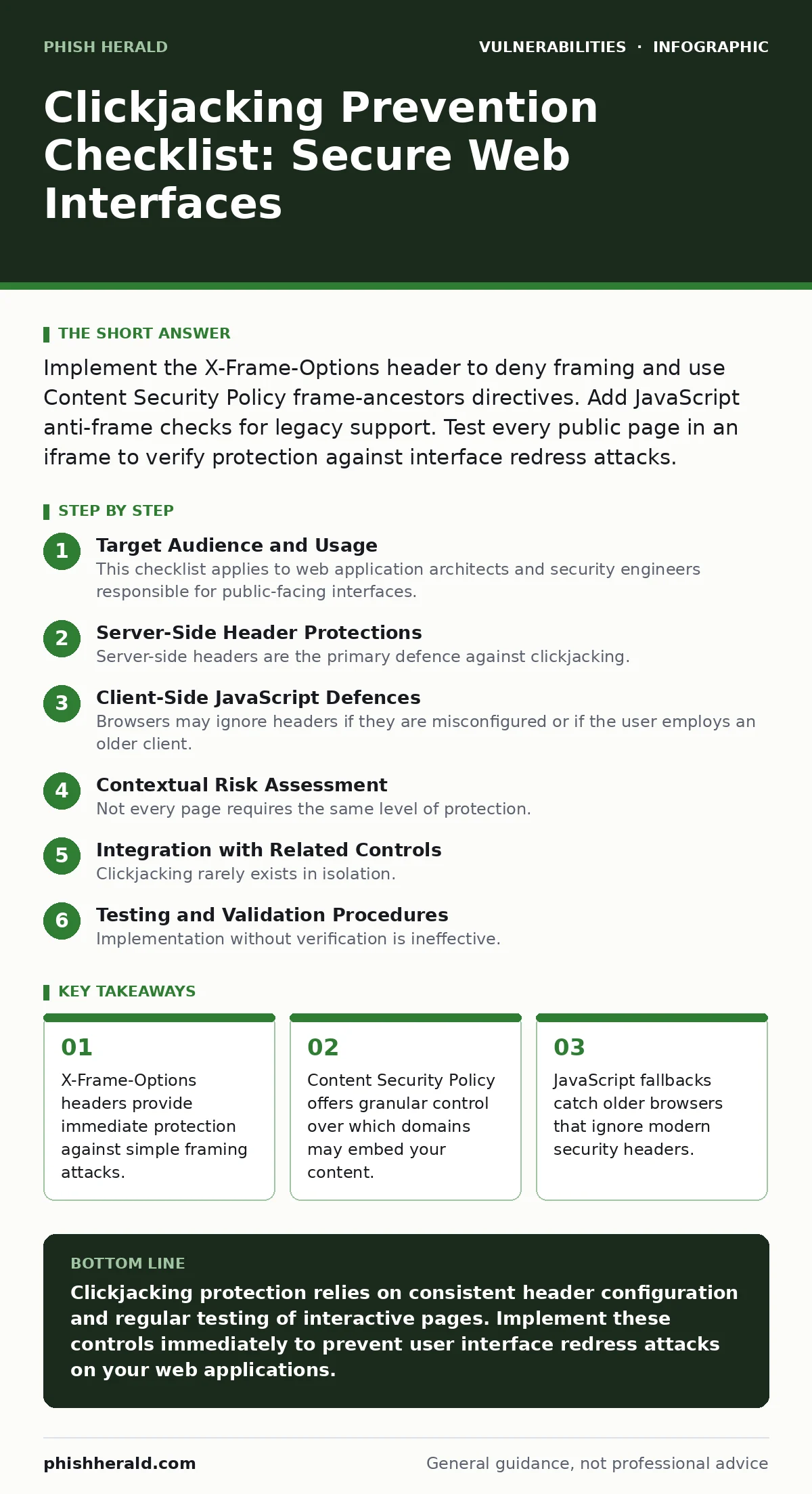
Implement the X-Frame-Options header to deny framing and use Content Security Policy frame-ancestors directives. Add JavaScript anti-frame checks for legacy support. Test every public page in an iframe to verify protection against interface redress attacks.
Target Audience and Usage
This checklist applies to web application architects and security engineers responsible for public-facing interfaces. You use it to verify that your application resists clickjacking, also known as user interface redress attacks. These attacks trick users into clicking hidden elements by overlaying transparent frames. Review each item against your current deployment. Mark items as complete only after testing in multiple browser environments.
Server-Side Header Protections
Server-side headers are the primary defence against clickjacking. They instruct the browser how to handle framing requests. You must configure these headers on every response that contains interactive content. Missing headers allow attackers to embed your pages in malicious sites. This section covers the two standard headers that block framing at the network level.
- Set X-Frame-Options to DENY: This header prevents the page from being loaded in any frame, stopping basic clickjacking attempts.
- Set X-Frame-Options to SAMEORIGIN: This allows framing only by pages on the same domain, useful for internal dashboards or nested navigation.
- Configure Content-Security-Policy frame-ancestors: This directive provides granular control, allowing specific trusted domains to frame your content while blocking others.
- Remove X-Frame-Options for trusted partners: If you must allow external framing, ensure the partner domain is verified and the interaction is intentional.
Client-Side JavaScript Defences
Browsers may ignore headers if they are misconfigured or if the user employs an older client. JavaScript defences act as a secondary barrier. You implement these scripts to detect if the page is loaded within a frame and redirect or block execution. This adds resilience against header stripping or misconfiguration.
- Add the window-top mismatch check: This script compares the current window with the top-level window and redirects if they differ.
- Implement the pointer-events CSS trick: This disables mouse interactions on the framed page, rendering clickjacking overlays ineffective.
- Disable JavaScript execution in frames: This prevents malicious scripts from running if the page is improperly embedded in an external context.
- Test compatibility with legacy browsers: Older browsers may not support modern CSP directives, making JavaScript fallbacks necessary for full coverage.
Contextual Risk Assessment
Not every page requires the same level of protection. You must identify which interfaces handle sensitive actions. Clickjacking is most dangerous when users perform financial transactions, change account settings, or grant permissions. Assessing context helps you balance security with usability, especially for third-party integrations.
- Map all interactive endpoints: Identify every page that accepts user input or triggers state changes to prioritise protection efforts.
- Review third-party widget integrations: Ensure embedded widgets from analytics or chat providers do not introduce framing vulnerabilities.
- Evaluate single-page application routing: Verify that client-side routing does not bypass server-side header injection on dynamic content updates.
- Check for postMessage security: If you use cross-origin communication, ensure message origins are validated to prevent data leakage.
Integration with Related Controls
Clickjacking rarely exists in isolation. It often combines with other vulnerabilities to escalate impact. You should review your broader security posture to ensure these controls work together. Weak input validation or file upload handling can compound the risk of interface redress.
- Align with input validation standards: Ensure forms cannot be tricked into submitting malicious data through hidden overlay elements.
- Review file upload vulnerabilities: Prevent attackers from uploading malicious frames that could be used in clickjacking campaigns.
- Check for HTTP request smuggling: Ensure framing attacks cannot be combined with request smuggling to bypass security controls.
- Assess least privilege access: Limit the actions a framed page can trigger by enforcing strict permission boundaries on user sessions.
See also: Prevent Open Redirect Vulnerabilities: A Technical Prevention Checklist · What Is Cache Poisoning: How It Works and How to Stop It
Testing and Validation Procedures
Implementation without verification is ineffective. You must test your protections against both automated scanners and manual inspection. Attackers constantly evolve techniques to bypass standard headers. Regular testing ensures your defences remain effective against new browser behaviours and attack vectors.
- Perform manual iframe embedding tests: Load each critical page in an iframe on a local test server to verify blocking behaviour.
- Use automated security scanners: Integrate clickjacking detection into your continuous integration pipeline to catch regressions early.
- Test across multiple browser versions: Verify that protections work in Chrome, Firefox, Safari and Edge, as header support varies.
- Document exceptions and justifications: Record any pages that allow framing and the business reason, ensuring accountability.
Maintenance and Monitoring
Security is an ongoing process. You must monitor for changes that might reintroduce clickjacking risks. Code deployments, framework updates or third-party library changes can alter header behaviour. Establishing a routine review process ensures long-term resilience against this persistent threat.
- Review header configuration quarterly: Ensure no new endpoints have been added without proper X-Frame-Options or CSP directives.
- Monitor for browser policy changes: Stay informed about updates to framing policies that might affect your current defence strategy.
- Audit third-party dependencies: Check libraries and frameworks for known clickjacking vulnerabilities or misconfigured defaults.
- Update incident response plans: Include clickjacking scenarios in your playbook to guide rapid remediation if an attack occurs.
Key takeaways
- X-Frame-Options headers provide immediate protection against simple framing attacks.
- Content Security Policy offers granular control over which domains may embed your content.
- JavaScript fallbacks catch older browsers that ignore modern security headers.
Clickjacking protection relies on consistent header configuration and regular testing of interactive pages. Implement these controls immediately to prevent user interface redress attacks on your web applications.
Frequently asked questions
Does HTTPS prevent clickjacking?
HTTPS encrypts data in transit but does not prevent a page from being loaded in an iframe. You must still use framing headers to stop clickjacking.
Can Content Security Policy replace X-Frame-Options?
Yes, the frame-ancestors directive in Content Security Policy provides more granular control than X-Frame-Options. Modern browsers prefer CSP.
Why do some pages allow framing?
Some applications require internal navigation via iframes or need to be embedded by trusted partners. These exceptions must be strictly controlled.
How do I test for clickjacking?
Create a simple HTML page with an iframe pointing to your target URL. If the page loads inside the frame, your protections are missing or misconfigured.
How this guide was produced: written by the Phish Herald editorial team with AI assistance, checked against the public references listed below, and reviewed when the facts change. See our editorial policy or report an error.