Prevent Open Redirect Vulnerabilities: A Technical Prevention Checklist
Open redirects bypass browser security checks by masquerading as trusted domains, allowing attackers to steal session tokens or facilitate phishing campaigns without hosting their own infrastructure.

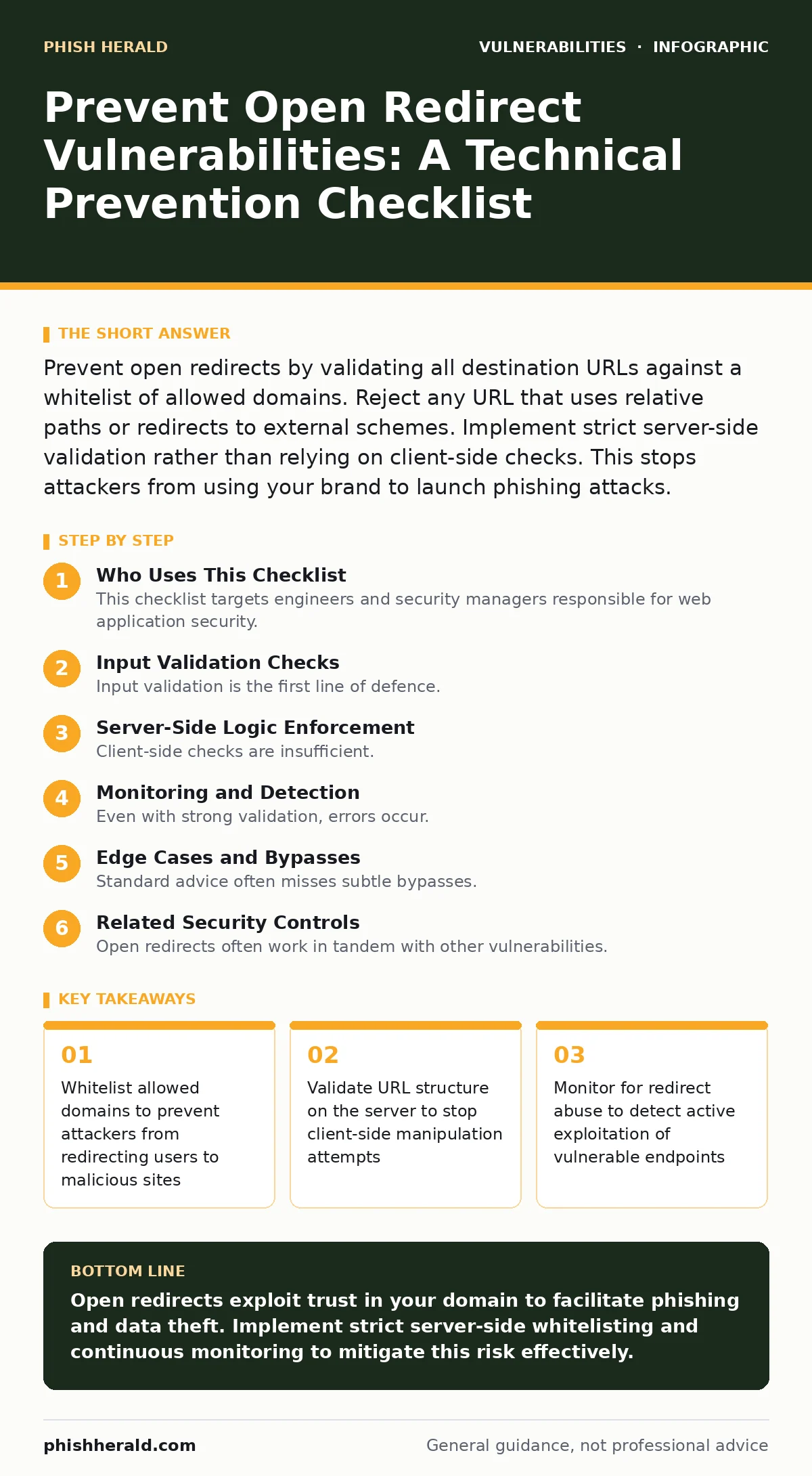
Prevent open redirects by validating all destination URLs against a whitelist of allowed domains. Reject any URL that uses relative paths or redirects to external schemes. Implement strict server-side validation rather than relying on client-side checks. This stops attackers from using your brand to launch phishing attacks.
Who Uses This Checklist
This checklist targets engineers and security managers responsible for web application security. You use this document to audit your codebase for open redirect vulnerabilities. Open redirects occur when a web server accepts an untrusted input and redirects the user to that location. Attackers exploit this to build trust with victims. The checklist groups protections into three phases: input validation, logic enforcement, and monitoring. Each item includes a reason why it matters for your specific infrastructure.
Input Validation Checks
Input validation is the first line of defence. You must ensure that every parameter used in a redirect function is strictly controlled. If you allow arbitrary URLs, you create an attack vector. This section focuses on how you handle the data before it reaches the redirection logic.
- Reject URLs with unexpected schemes: Allow only https to prevent javascript: or data: protocol injections
- Validate domain ownership: Ensure the redirect destination belongs to your domain or an approved partner
- Strip query parameters on external redirects: Remove custom parameters that could carry malicious payloads to the next hop
- Enforce length limits on URL inputs: Prevent buffer overflow or processing delays from excessively long strings
- Decode input once before validation: Prevent double-encoding attacks that hide malicious characters from initial checks
These items address the raw data entering your system. If you skip scheme validation, an attacker can inject script code directly into the redirect. This bypasses standard Content Security Policy headers. You must treat the destination URL as untrusted data until proven otherwise.
Server-Side Logic Enforcement
Client-side checks are insufficient. Attackers can bypass browser-side validation by crafting requests directly to your server. You must enforce redirect logic on the server. This ensures that the decision to redirect happens in a controlled environment. The server has the context to verify the legitimacy of the request.
- Implement a whitelist of allowed domains: Only redirect to domains that you explicitly trust and control
- Use relative path normalization: Convert all redirects to relative paths to prevent absolute URL manipulation
- Validate the referer header: Check if the request originates from your own application context
- Set strict SameSite cookies: Prevent cross-site request forgery attacks that exploit redirect flows
- Log all redirect attempts: Record source and destination for anomaly detection and forensic analysis
Server-side logic provides the ground truth. A whitelist approach is safer than a blacklist. Blacklists fail when attackers discover a new bypass. A whitelist ensures that only known-good destinations are allowed. This reduces the attack surface significantly. You must update the whitelist whenever you add new partners or services.
Monitoring and Detection
Even with strong validation, errors occur. You need monitoring to detect when your redirect logic is abused. This helps you identify new attack patterns. It also provides evidence for incident response. Monitoring is not a replacement for prevention, but it adds a layer of resilience.
- Alert on high-frequency redirects: Detect automated scanning or mass phishing attempts targeting your endpoints
- Monitor for unusual destination patterns: Flag redirects to newly registered domains or known malicious hosts
- Track failed validation attempts: Identify attackers trying to bypass your input filters
- Integrate with web application firewalls: Use existing security tools to block known exploit patterns
- Review redirect logs weekly: Identify trends that indicate a shift in attacker tactics
Monitoring gives you visibility. You cannot protect what you cannot see. By tracking redirect behaviour, you spot anomalies early. This allows you to patch gaps before they are exploited at scale. It also helps you understand how your application is used in the wild.
Edge Cases and Bypasses
Standard advice often misses subtle bypasses. Attackers find creative ways to circumvent simple checks. You must consider edge cases in your validation logic. These cases often involve encoding tricks or protocol quirks. Understanding these helps you write more resilient code.
- Handle unicode domain variations: Prevent IDN homograph attacks that look like your domain but redirect elsewhere
- Check for embedded slashes: Prevent directory traversal or path manipulation within the redirect parameter
- Validate fragment identifiers: Ensure hash fragments do not contain executable code or sensitive data
- Test with mixed-case domains: Ensure your validation is case-insensitive to prevent simple bypasses
- Consider protocol-relative URLs: Block //example.com redirects that inherit the current protocol
These edge cases are where most breaches happen. A simple case mismatch can bypass a strict check. Unicode variations can deceive users. You must test your validation against these scenarios. This ensures that your protection remains effective against sophisticated attacks.
See also: File Upload Vulnerabilities: Risks and Protection for Small Businesses · Path Traversal Vulnerabilities: Risks and Protection for Small Businesses
Related Security Controls
Open redirects often work in tandem with other vulnerabilities. You should consider how they interact with broader security controls. This holistic view prevents attackers from chaining exploits. It strengthens your overall defence posture.
- Review broken access control policies: Ensure redirects cannot be used to access restricted areas
- Audit input validation across all forms: Consistent validation prevents similar issues in other endpoints
- Check for clickjacking protections: Ensure redirects do not bypass frame-busting scripts
- Evaluate web application firewalls rules: Ensure WAFs can detect and block redirect abuse
- Monitor for path traversal vulnerabilities: Prevent attackers from using redirects to access sensitive files
These controls provide depth. If one layer fails, another may catch the attack. You should integrate redirect checks into your broader security strategy. This reduces the risk of successful exploitation. It also simplifies incident response by providing multiple detection points.
Key takeaways
- Whitelist allowed domains to prevent attackers from redirecting users to malicious sites
- Validate URL structure on the server to stop client-side manipulation attempts
- Monitor for redirect abuse to detect active exploitation of vulnerable endpoints
- Use secure URL encoding to prevent injection of malicious parameters
Open redirects exploit trust in your domain to facilitate phishing and data theft. Implement strict server-side whitelisting and continuous monitoring to mitigate this risk effectively.
Frequently asked questions
How do open redirects differ from phishing links?
Open redirects use your legitimate domain to initiate the redirect, making the link appear trustworthy to users and security filters. Phishing links typically use completely different domains.
Can a whitelist prevent all open redirect attacks?
A whitelist prevents redirects to unauthorised domains, but you must also validate the structure of allowed domains to prevent subdomain-based attacks.
Do web application firewalls stop open redirects?
Web application firewalls can block known exploit patterns, but they may miss novel bypasses. Server-side validation is still required for complete protection.
Should I use relative or absolute URLs for redirects?
Relative URLs are safer as they cannot point to external domains. If absolute URLs are necessary, strict domain whitelisting is mandatory to prevent abuse.
How this guide was produced: written by the Phish Herald editorial team with AI assistance, checked against the public references listed below, and reviewed when the facts change. See our editorial policy or report an error.