Endpoint Detection and Response: Answers to Ten Critical Questions
EDR systems often generate more noise than signal, requiring teams to tune behavioural baselines rather than relying on static signature matching for true security.

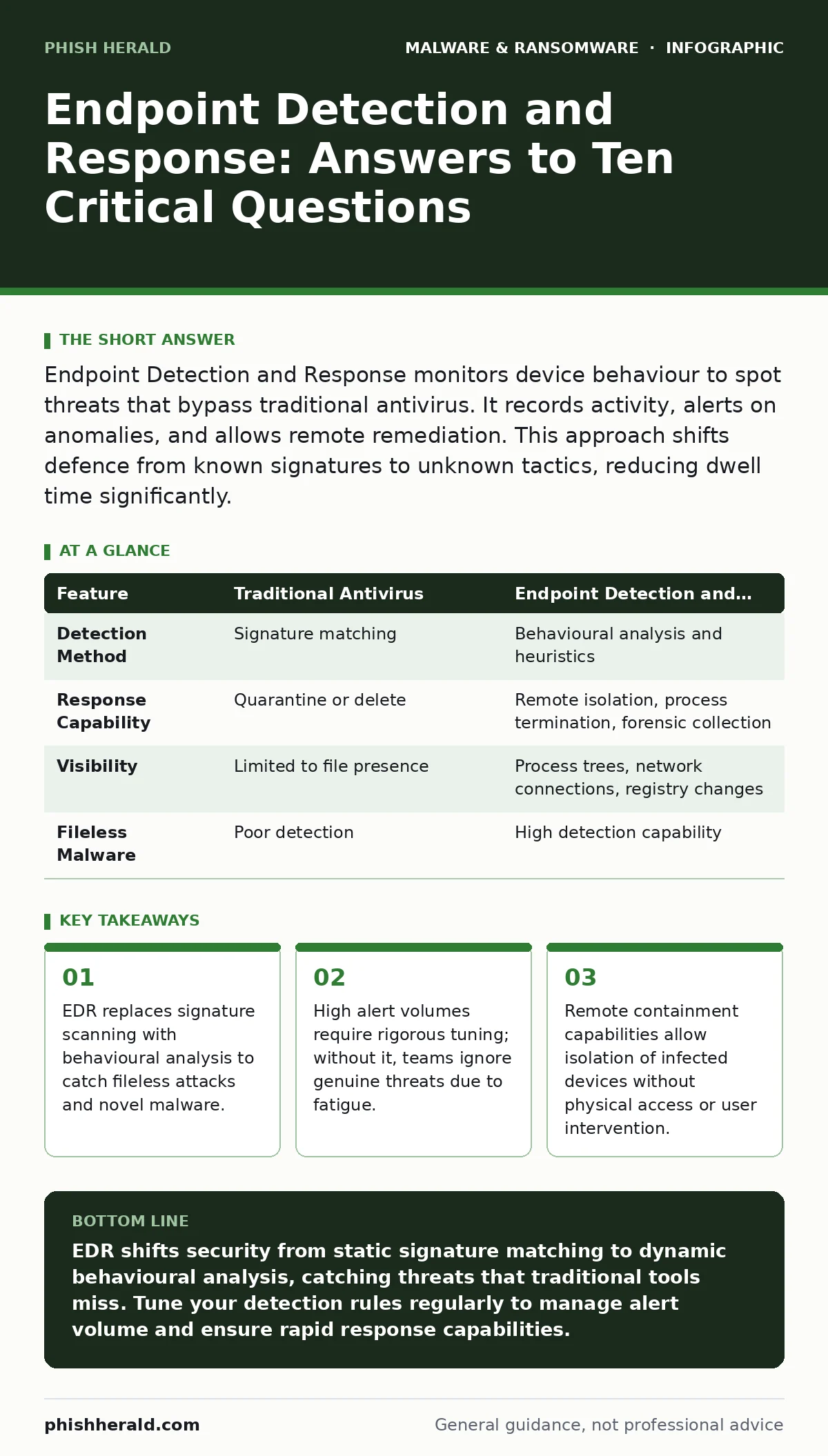
Endpoint Detection and Response monitors device behaviour to spot threats that bypass traditional antivirus. It records activity, alerts on anomalies, and allows remote remediation. This approach shifts defence from known signatures to unknown tactics, reducing dwell time significantly.
What exactly is endpoint detection and response?
Endpoint Detection and Response is a security solution that continuously monitors and collects data from endpoints, such as laptops and servers, to detect, investigate, and respond to cyber threats. Unlike traditional antivirus software that relies on known virus signatures, EDR analyses behaviour to identify suspicious activity. It provides visibility into what processes are running, what files are being accessed, and how the system communicates with the network.
How does EDR differ from traditional antivirus?
Traditional antivirus software compares files against a database of known malicious signatures, meaning it can only stop threats it has already seen. EDR looks at the behaviour of processes and systems to identify anomalies that suggest malicious intent, regardless of whether the threat is known. This allows it to detect fileless malware, which runs in memory without dropping executable files to disk, a technique signature-based tools often miss.
Why do EDR systems generate so many alerts?
EDR tools monitor a vast array of system events, including process creation, registry modifications, and network connections, leading to a high volume of data. Most of this activity is benign, such as software updates or routine administrative tasks, but the system flags deviations from the established baseline. Without proper tuning, security teams face alert fatigue, where genuine threats are buried under thousands of false positives, causing critical incidents to be overlooked.
Can EDR protect against ransomware effectively?
EDR can detect ransomware by identifying rapid file encryption patterns, unusual process trees, or attempts to disable security services. It allows security teams to isolate affected endpoints immediately, preventing the malware from spreading across the network. However, EDR is not a substitute for offline backups; if ransomware encrypts data before detection, only clean backups can restore operations without paying a ransom.
What are the performance impacts on endpoints?
EDR agents run continuously in the background, consuming CPU cycles and memory to record and analyse system events. Poorly configured agents can cause noticeable slowdowns, particularly on older hardware or systems with limited resources. Modern EDR solutions optimise resource usage by sampling data intelligently, but heavy logging during peak operational hours can still impact user productivity and application responsiveness.
See also: Endpoint Protection for Small Business: Budget Strategies That Work · How Endpoint Telemetry Works: The Hidden Data Pipeline
How does EDR handle remote access tool abuse?
Remote access tools are legitimate software used for IT support, but attackers often abuse them to move laterally within a network. EDR monitors the execution context of these tools, flagging instances where they are launched from unexpected locations, such as a user’s desktop rather than an IT management server. It can also detect when these tools attempt to execute commands or transfer data in ways that deviate from standard support procedures.
Is EDR effective against insider threats?
EDR can detect insider threats by monitoring for unusual data access patterns, such as an employee downloading large volumes of sensitive files outside of working hours. It tracks privilege escalation attempts and the use of unauthorized tools to exfiltrate data. While it provides strong detection capabilities, it cannot prevent an insider with legitimate high-level access from acting maliciously without triggering obvious behavioural anomalies.
How does EDR integrate with other security tools?
EDR systems feed telemetry data into Security Information and Event Management platforms to correlate events across the entire infrastructure. This integration allows for automated responses, such as blocking an IP address on the firewall when an endpoint shows signs of compromise. It also helps in identifying advanced persistent threats that may leave subtle traces across multiple systems over time.
What is the role of sandboxing in EDR workflows?
Sandboxing involves executing suspicious files in an isolated, virtual environment to observe their behaviour without risking the production network. EDR systems often integrate with sandboxing solutions to automatically submit unknown files for analysis when they trigger low-confidence alerts.
| Feature | Traditional Antivirus | Endpoint Detection and Response |
|---|---|---|
| Detection Method | Signature matching | Behavioural analysis and heuristics |
| Response Capability | Quarantine or delete | Remote isolation, process termination, forensic collection |
| Visibility | Limited to file presence | Process trees, network connections, registry changes |
| Fileless Malware | Poor detection | High detection capability |
How do you reduce false positives in EDR?
Reducing false positives requires continuous tuning of detection rules and exclusion lists for known benign applications. Security teams should review alert logs regularly to identify patterns of benign activity that are being flagged, such as specific software updates or administrative scripts. Collaborating with IT operations to document normal system behaviour helps refine the baseline, ensuring that only genuine deviations trigger alerts.
What happens if the EDR agent is removed or disabled?
Tamper protection features within EDR prevent unauthorized users from disabling or removing the agent without proper credentials. If an attacker manages to disable the agent, the system should trigger an immediate high-priority alert and potentially isolate the endpoint from the network. Regular audits of agent health and status are necessary to ensure that no endpoints have fallen out of management or protection.
How does EDR help with incident response?
EDR provides detailed forensic data, including process lineage and file modifications, which accelerates the investigation of security incidents. Analysts can use this data to determine the scope of an attack, identify the initial entry point, and understand the tactics used by the attacker. This historical context is vital for containing the threat and preventing recurrence, reducing the time required to return to normal operations.
Key takeaways
- EDR replaces signature scanning with behavioural analysis to catch fileless attacks and novel malware.
- High alert volumes require rigorous tuning; without it, teams ignore genuine threats due to fatigue.
- Remote containment capabilities allow isolation of infected devices without physical access or user intervention.
EDR shifts security from static signature matching to dynamic behavioural analysis, catching threats that traditional tools miss. Tune your detection rules regularly to manage alert volume and ensure rapid response capabilities.
Frequently asked questions
Does EDR replace the need for a firewall?
No, EDR focuses on endpoint behaviour, while firewalls control network traffic. They serve different purposes and should be used together for layered defence.
Can EDR detect phishing emails?
EDR detects the result of a successful phishing attack, such as malicious script execution on the endpoint. It does not filter emails; that is the role of email security gateways and browser isolation.
Is EDR suitable for small businesses?
Yes, cloud-managed EDR solutions offer scalable protection and automated response features that reduce the need for large in-house security teams.
How long does EDR data retention last?
Retention periods vary by vendor and configuration, but storing data for several months allows for retrospective investigation of incidents that may not be detected immediately.
How this guide was produced: written by the Phish Herald editorial team with AI assistance, checked against the public references listed below, and reviewed when the facts change. See our editorial policy or report an error.