Prevent WordPress Plugin Vulnerabilities: A Risk-Based Approach
Removing write access for plugins reduces attack surface more effectively than installing additional security layers or scanning tools.
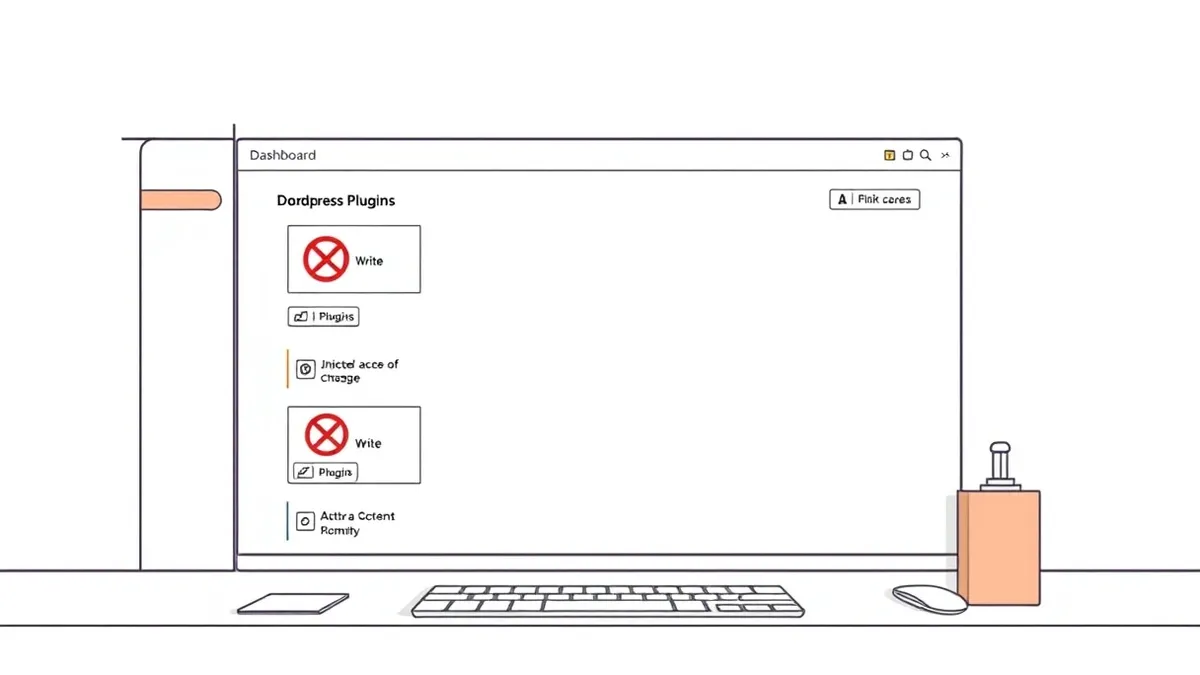
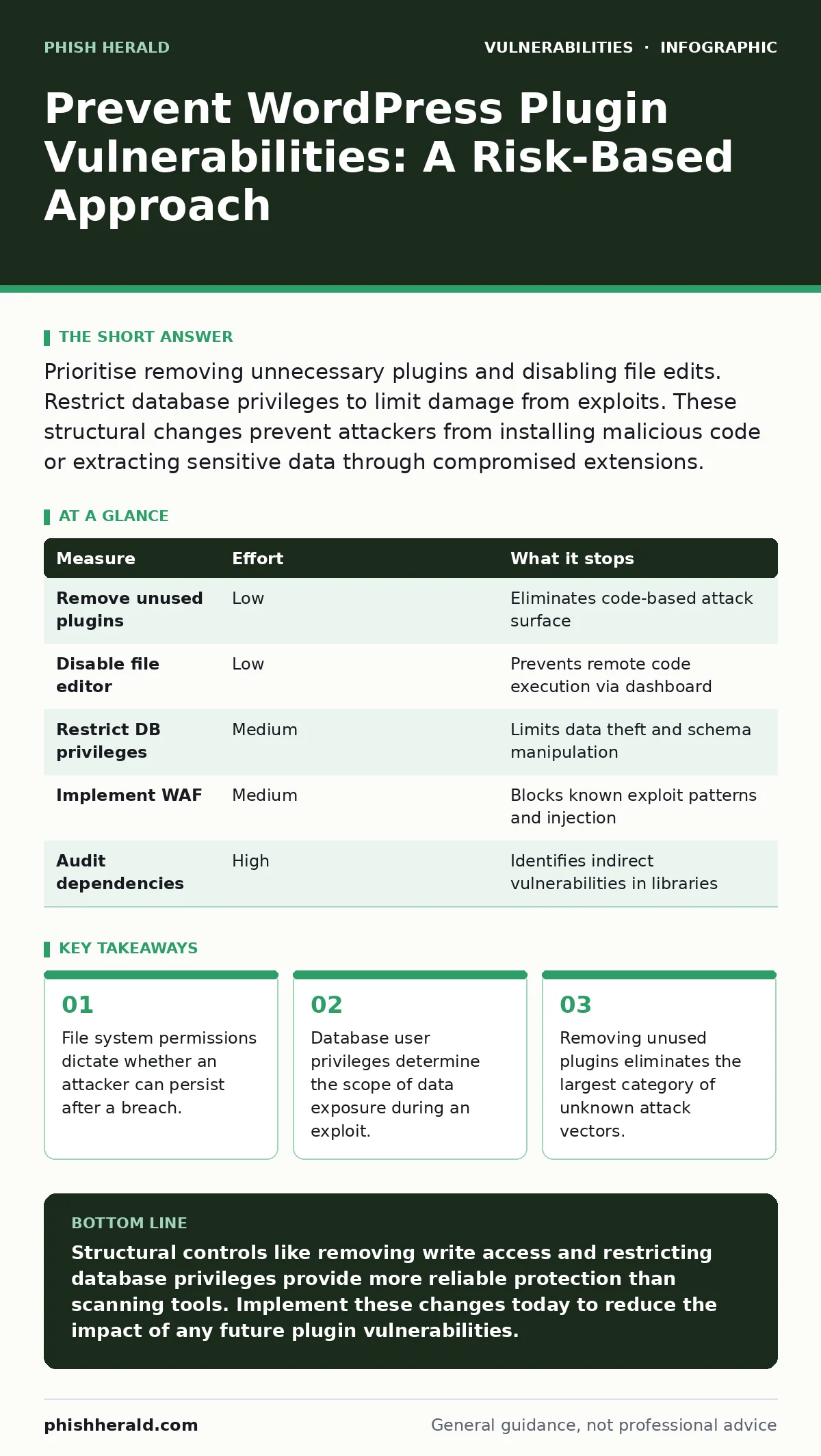
Prioritise removing unnecessary plugins and disabling file edits. Restrict database privileges to limit damage from exploits. These structural changes prevent attackers from installing malicious code or extracting sensitive data through compromised extensions.
Rank prevention measures by risk reduction
You must treat plugin vulnerabilities as a supply chain issue. The code you install comes from external developers, and you cannot audit every line. The most effective defence is reducing the number of entry points. Removing unused plugins eliminates the code that could contain a flaw. This action removes the risk entirely for that component. Keeping only active, necessary plugins reduces the maintenance burden and the likelihood of an unpatched vulnerability being present.
Quick wins for immediate hardening
You can reduce risk significantly with configuration changes that require no coding. Disable the built-in file editor in WordPress. This setting allows users with administrative access to modify plugin and theme files directly from the dashboard. If an attacker compromises an admin account, they can upload a web shell through this interface. Disabling it forces all changes to go through version control or secure file transfer protocols, adding a layer of verification.
| Measure | Effort | What it stops |
|---|---|---|
| Remove unused plugins | Low | Eliminates code-based attack surface |
| Disable file editor | Low | Prevents remote code execution via dashboard |
| Restrict DB privileges | Medium | Limits data theft and schema manipulation |
| Implement WAF | Medium | Blocks known exploit patterns and injection |
| Audit dependencies | High | Identifies indirect vulnerabilities in libraries |
Database privilege separation
Most WordPress installations use a single database user with full permissions. This design choice creates a severe risk. If a plugin contains a SQL injection vulnerability, the attacker gains the same rights as the application. They can drop tables, read other databases, or modify user data. You should create a dedicated database user for WordPress with only the necessary permissions. Grant SELECT, INSERT, UPDATE and DELETE on the specific database. Deny DROP, CREATE and ALTER privileges. This containment strategy ensures that even if an injection succeeds, the attacker cannot destroy the database structure or access unrelated data.
File system permission controls
Operating system permissions act as a final barrier against compromised applications. WordPress requires read and write access to specific directories for updates and uploads. However, giving the web server user write access to the entire installation allows an attacker to replace core files. You should set the web server user as the owner of only the upload directory. The rest of the files should be owned by a separate user with read-only permissions for the web server. This configuration prevents an attacker from modifying plugin code or installing backdoors through the web interface, even if they execute arbitrary code.
Web application firewall deployment
A web application firewall sits between your server and the internet. It inspects incoming traffic for known attack patterns, such as SQL injection strings or cross-site scripting payloads. This tool provides a layer of protection that does not depend on the plugin code being secure. It can block requests that match the syntax of an exploit, regardless of whether the plugin has a patch. You must configure the firewall to reject suspicious requests rather than just logging them. This active blocking prevents the exploit from reaching the application logic.
See also: Hardcoded Secrets Myths: Why Common Beliefs About Source Code Risks Are Wrong · Apache Struts Vulnerabilities: Real Questions Answered for Secure Infrastructure
Dependency and supply chain auditing
Plugins often include third-party libraries that you do not see. These dependencies can introduce vulnerabilities even if the main plugin code is secure. You must audit the libraries included in your plugins. Check for known vulnerabilities in these components. This process is similar to threat modeling, where you identify potential failure points in the entire system. Understanding what external code runs on your server allows you to prioritise patches. If a popular library has a flaw, every plugin using it becomes a risk, regardless of its individual security posture.
What does not work
Many administrators believe that keeping software updated is sufficient. This approach fails because updates are rarely applied instantly. There is a window between the discovery of a vulnerability and the deployment of the patch. Attackers exploit this gap. Furthermore, automatic updates can break functionality if a plugin is incompatible with the new core version. You must combine updates with the structural controls mentioned above. Updates fix known issues, but they do not prevent attackers from exploiting the time before the fix is applied.
Integration with broader security practices
Plugin security is part of a larger strategy. You must apply input validation to all data entered through plugin forms. This practice ensures that malicious code is not stored in the database and rendered later. You should also review access controls to ensure that plugin functionality follows the principle of least privilege access. Users should only have the permissions required for their specific tasks. This limits the damage if a user account is compromised through a weak password or phishing attempt.
Key takeaways
- File system permissions dictate whether an attacker can persist after a breach.
- Database user privileges determine the scope of data exposure during an exploit.
- Removing unused plugins eliminates the largest category of unknown attack vectors.
Structural controls like removing write access and restricting database privileges provide more reliable protection than scanning tools. Implement these changes today to reduce the impact of any future plugin vulnerabilities.
Frequently asked questions
Does disabling plugins remove their data from the database?
No, disabling a plugin stops its code from running but leaves its data intact. You must delete the plugin to remove its database tables and settings, which fully eliminates the attack surface associated with that component.
Can a web application firewall stop all plugin attacks?
No, a firewall blocks known patterns and obvious exploits. It cannot stop logic flaws or zero-day vulnerabilities that do not match existing signatures. It should be used as a layer of defence alongside code removal and permission restrictions.
How often should I audit plugin dependencies?
You should audit dependencies whenever you install a new plugin or update an existing one. Continuous monitoring is ideal, but regular manual checks ensure that new vulnerabilities in third-party libraries are identified and addressed promptly.
Is it safe to use free plugins instead of paid ones?
Free plugins can be secure if they are well-maintained and have a large user base for peer review. The cost does not determine security. You must evaluate the developer's history, update frequency and code quality regardless of the price.
How this guide was produced: written by the Phish Herald editorial team with AI assistance, checked against the public references listed below, and reviewed when the facts change. See our editorial policy or report an error.