How Malware in Pirated Software Infects Systems Step by Step
Pirated software bypasses standard security controls by exploiting the victim’s own trust, turning your desire for free tools into a direct execution privilege for attackers.
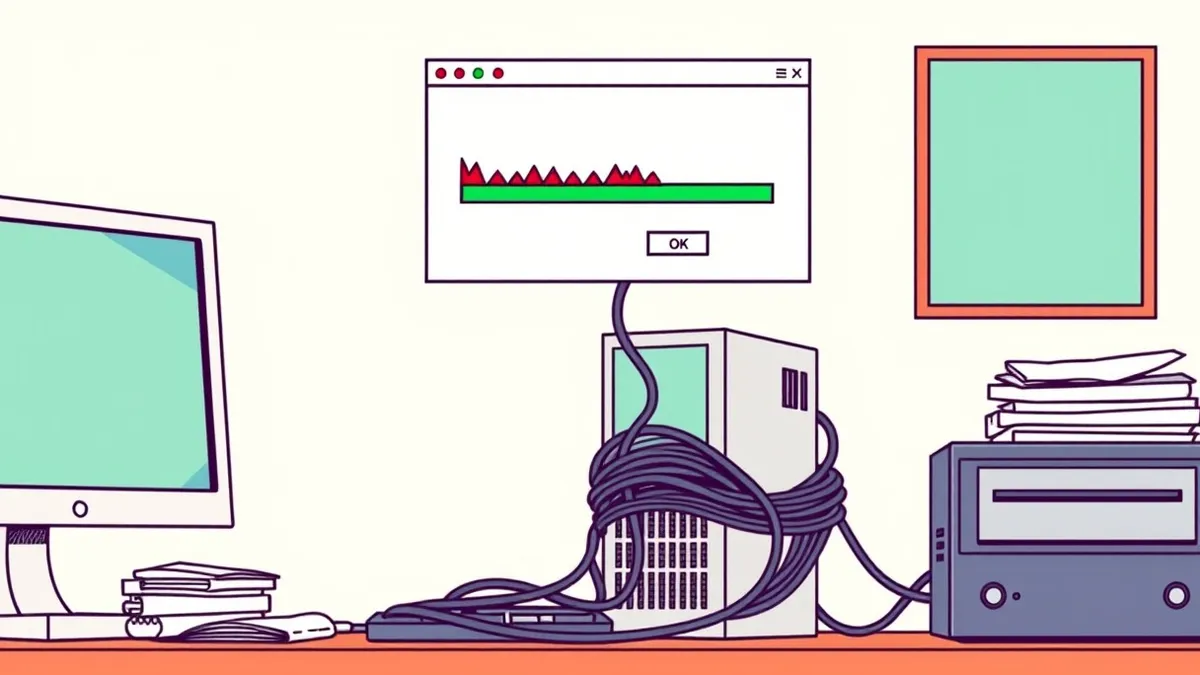
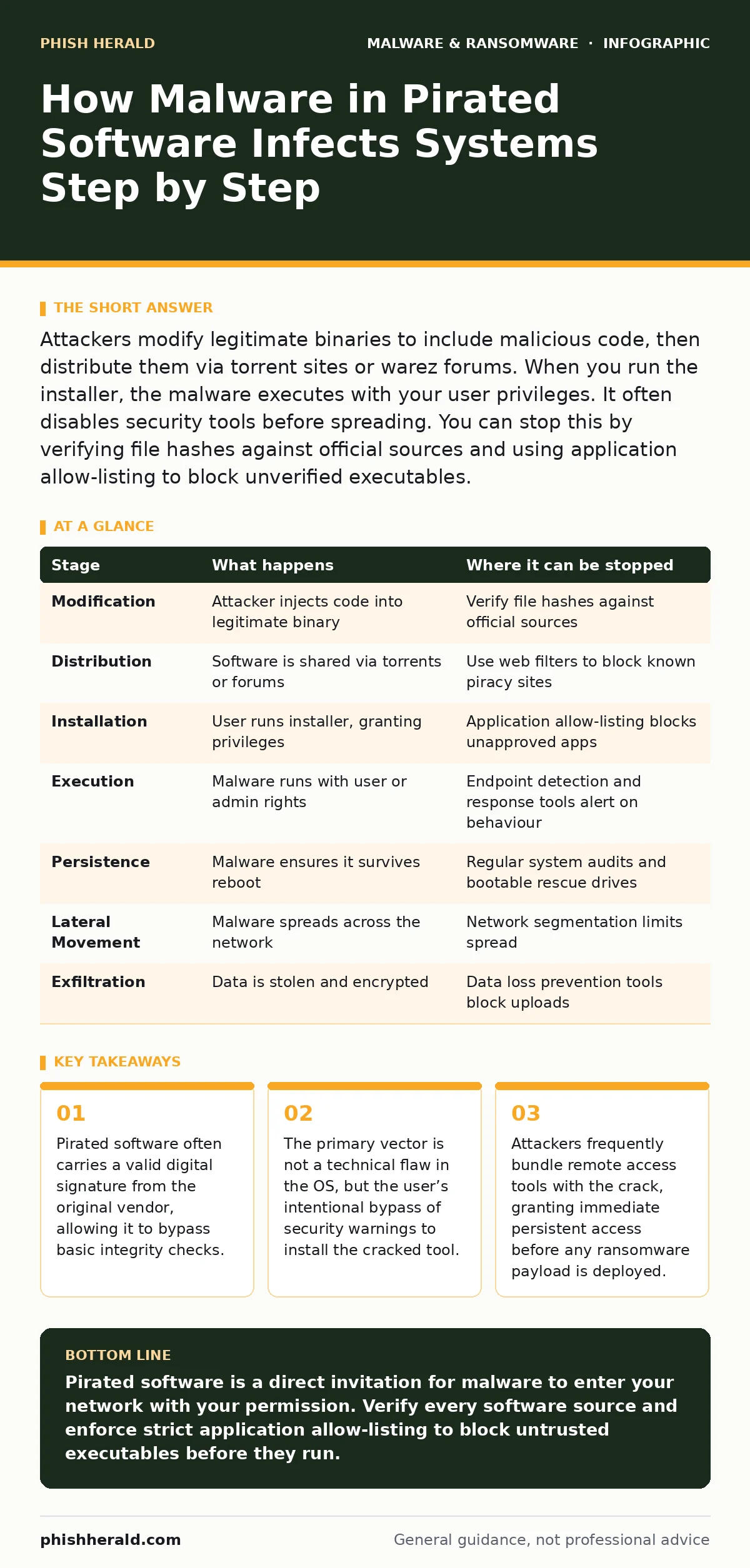
Attackers modify legitimate binaries to include malicious code, then distribute them via torrent sites or warez forums. When you run the installer, the malware executes with your user privileges. It often disables security tools before spreading. You can stop this by verifying file hashes against official sources and using application allow-listing to block unverified executables.
The Appeal of the Crack
You seek functionality that costs money or is restricted by licensing. The internet offers a solution: a modified executable that removes these restrictions. This comes with a hidden cost. The person who modified the file did not do so out of charity. They embedded code designed to benefit them at your expense.
The promise is free access. The reality is an open door. By downloading a cracked application, you are not just accepting different terms of service. You are accepting a modified binary that has not been vetted by the original developer or any security researcher.
The Modification Process
Attackers take the original legitimate installer and insert their own payload. This is not always a clumsy addition. Modern toolkits allow attackers to inject code into legitimate processes. This technique is known as process injection. It allows the malicious code to run inside a trusted process, hiding its presence from standard task managers.
Sometimes, the attacker replaces the entire executable with a dropper. This dropper looks like the software you want. Its only job is to download the actual malware from a remote server. This separation makes it harder for antivirus software to detect the threat at the time of download, as the malicious payload does not exist on your device yet.
Distribution and Discovery
The modified software needs to reach you. Attackers use torrent sites, file-sharing forums, and social media links. They often mimic the branding of the original software. The file names are carefully chosen to match the official release. The version numbers are current. This reduces suspicion.
Search engines often rank these piracy sites highly because they have high traffic and backlinks. You might find the pirated version before the official site. The attacker relies on your urgency. If you need the software now, you are less likely to verify the source. This speed is their advantage.
The Installation Phase
This is the critical moment. You run the installer. Most operating systems treat executables from unknown sources with suspicion. However, you have chosen to ignore these warnings. You have clicked "Run" or "Yes" to override the security prompt. This action grants the malware the same privileges as your user account.
If you are an administrator, the malware gains administrative privileges. This allows it to modify system settings, install drivers, and disable security services. Many cracks require administrator rights to function. This is a deliberate design choice by the attacker. It ensures the malware has the access it needs to persist.
Initial Execution and Persistence
Once running, the malware must ensure it survives a reboot. It achieves this through persistence mechanisms. It may add itself to the startup folder. It may modify the registry to run at boot. It may install a service that runs in the background.
The malware often checks for other security tools. It may disable real-time protection. It may delete log files. This is not always immediate. Some malware waits hours or days to avoid detection. This delay makes it harder to link the infection to the specific pirated software you installed.
See also: Rootkits Explained: How Hidden Code Persists on Your System
Lateral Movement and Data Staging
With persistence established, the malware scans your network. It looks for other devices. It uses known vulnerabilities or stolen credentials to move laterally. This phase is often silent. You may not notice anything unusual.
The malware begins to stage data. It compresses sensitive files. It encrypts them. It uploads them to an external server. This is known as data exfiltration. The attacker now holds your data hostage. This sets the stage for extortion. See our guide on double extortion ransomware for more on how attackers use stolen data to force payment.
The Payload Activation
Finally, the attacker activates the main payload. This could be ransomware, a cryptominer, or a spyware suite. If it is ransomware, files are encrypted. A ransom note appears. This note demands payment for the decryption key. See our guide on ransom notes for how to interpret these demands.
The damage is done by this point. The initial infection vector was the pirated software. But the impact is widespread. Your systems are compromised. Your data is exposed. Recovery is difficult and time-consuming.
Interruption Points
You can interrupt this chain at several stages. The most effective point is before installation. Verify the source of every software download. Check digital signatures. Compare file hashes with the official vendor’s website. If the hash does not match, do not install it.
Another point is during installation. Use application allow-listing. This technology only allows approved applications to run. If the pirated software is not on the allow-list, it cannot execute. This stops the malware before it can do any damage.
| Stage | What happens | Where it can be stopped |
|---|---|---|
| Modification | Attacker injects code into legitimate binary | Verify file hashes against official sources |
| Distribution | Software is shared via torrents or forums | Use web filters to block known piracy sites |
| Installation | User runs installer, granting privileges | Application allow-listing blocks unapproved apps |
| Execution | Malware runs with user or admin rights | Endpoint detection and response tools alert on behaviour |
| Persistence | Malware ensures it survives reboot | Regular system audits and bootable rescue drives |
| Lateral Movement | Malware spreads across the network | Network segmentation limits spread |
| Exfiltration | Data is stolen and encrypted | Data loss prevention tools block uploads |
| Payload | Ransomware or other malware activates | Offline backups allow recovery without payment |
Verification and Trust
You must assume that any software obtained outside official channels is compromised. This includes open-source projects hosted on unofficial mirrors. The risk is not worth the savings. The cost of a breach far exceeds the cost of a license.
Use official app stores when possible. They provide a layer of vetting. For enterprise software, use a software supply chain security strategy. This includes verifying every component before it enters your environment.
The Human Factor
Security tools are not enough. You must train your staff to recognise the risks of pirated software. Explain the mechanism. Show how a crack works. Make it clear that bypassing security controls for convenience is a severe violation of policy.
Encourage reporting. If a staff member finds pirated software, they should report it, not use it. Create a culture where security is a shared responsibility. This reduces the likelihood of accidental infection.
Recovery and Prevention
If infection occurs, isolate the affected systems. Do not attempt to clean them in place. Wipe and rebuild. Restore data from offline backups. See our guide on offline backups for best practices.
Conduct a thorough investigation. Determine how the malware entered. Identify all affected systems. Update security policies to prevent recurrence. Monitor for signs of further compromise. The attack may not be over.
Key takeaways
- Pirated software often carries a valid digital signature from the original vendor, allowing it to bypass basic integrity checks.
- The primary vector is not a technical flaw in the OS, but the user’s intentional bypass of security warnings to install the cracked tool.
- Attackers frequently bundle remote access tools with the crack, granting immediate persistent access before any ransomware payload is deployed.
Pirated software is a direct invitation for malware to enter your network with your permission. Verify every software source and enforce strict application allow-listing to block untrusted executables before they run.
Frequently asked questions
Can antivirus software detect malware in pirated software?
Antivirus software may detect known signatures, but it often fails against new or customised malware embedded in cracks. It is not a reliable sole defence against this vector.
Is it safe to use cracked software on a separate machine?
No. If the machine connects to your network, the malware can spread. Even if isolated, the malware may exfiltrate data or use the machine for cryptomining, causing harm.
How do I verify if a software file is legitimate?
Compare the file hash of the downloaded file with the hash published by the official vendor. If they do not match, the file has been modified and should not be used.
What should I do if I accidentally installed pirated software?
Disconnect the device from the network immediately. Do not use it. Wipe the drive and reinstall the operating system from trusted media. Scan other devices on the network for signs of compromise.
How this guide was produced: written by the Phish Herald editorial team with AI assistance, checked against the public references listed below, and reviewed when the facts change. See our editorial policy or report an error.