Stop Remote Access Tool Abuse: Prioritise Controls That Actually Work
Eliminate unnecessary remote access, enforce conditional access policies, and monitor session behaviour to neutralise the most common attack vectors targeting your network perimeter.
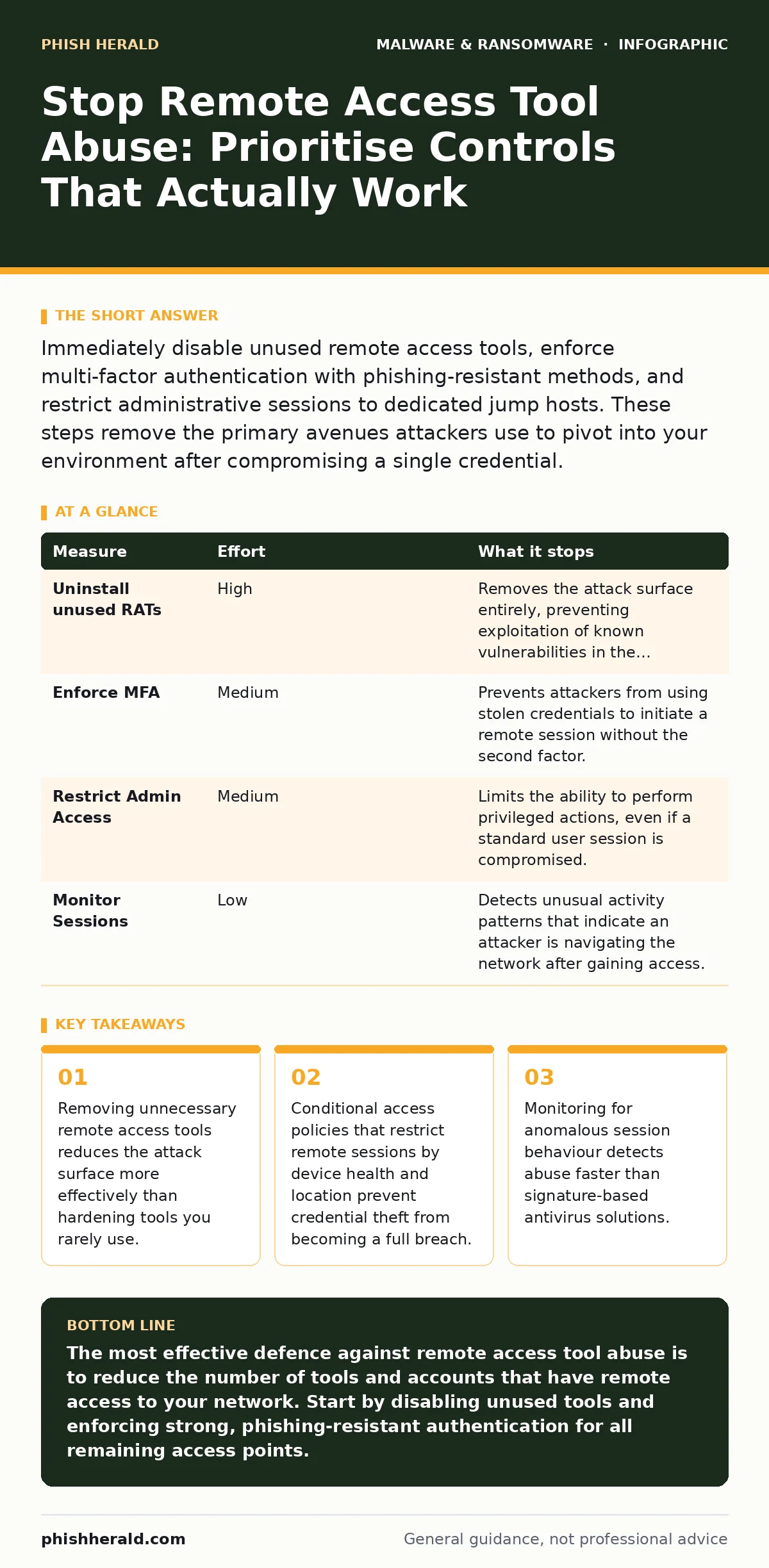
Immediately disable unused remote access tools, enforce multi-factor authentication with phishing-resistant methods, and restrict administrative sessions to dedicated jump hosts. These steps remove the primary avenues attackers use to pivot into your environment after compromising a single credential.
Eliminate Unnecessary Remote Access Tools
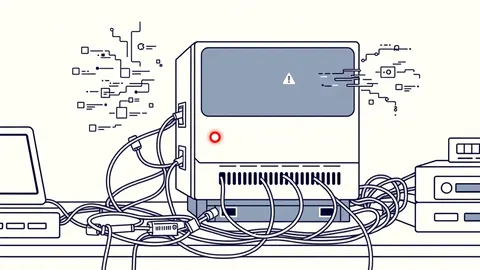
The most effective defence against remote access tool abuse is to ensure the tool exists only where it is strictly required. Many organisations maintain legacy remote administration software for historical reasons, even though modern operating systems include built-in management capabilities. These legacy applications often lack modern security features, such as secure channel encryption or detailed audit logging.
Conduct a thorough inventory of all remote access software installed on your endpoints and servers. Identify which tools are actively used by your IT staff and which are dormant. Dormant tools are invisible risks because they are rarely updated and their configuration settings may default to insecure options.
Uninstall any remote access software that is not explicitly required for daily operations. Replace legacy tools with built-in operating system features where possible, as these receive security patches through standard system updates. If a specific third-party tool is necessary, ensure it is centrally managed and configured to enforce strong authentication and encryption standards.
| Measure | Effort | What it stops |
|---|---|---|
| Uninstall unused RATs | High | Removes the attack surface entirely, preventing exploitation of known vulnerabilities in the software itself. |
| Enforce MFA | Medium | Prevents attackers from using stolen credentials to initiate a remote session without the second factor. |
| Restrict Admin Access | Medium | Limits the ability to perform privileged actions, even if a standard user session is compromised. |
| Monitor Sessions | Low | Detects unusual activity patterns that indicate an attacker is navigating the network after gaining access. |
Enforce Phishing-Resistant Authentication
Multi-factor authentication is a standard requirement for remote access, but not all forms of multi-factor authentication are equally effective. Traditional SMS-based one-time passwords or generic authenticator app codes can be bypassed through session hijacking or man-in-the-middle attacks. Attackers can intercept the second factor if they control the network path or if the application does not bind the session to the specific device.
Implement phishing-resistant authentication methods, such as FIDO2 security keys or platform-based biometric authentication. These methods bind the authentication credential to the specific hardware or operating system, making it extremely difficult for an attacker to reuse the credential from a different location or device.
Ensure that your remote access solution supports these modern authentication standards. If your current tool does not support FIDO2 or similar protocols, consider migrating to a solution that does. The effort required to deploy hardware keys is often lower than the cost of remediating a breach caused by credential theft.
Restrict Administrative Privileges
Standard users should never have administrative rights on their local machines, and remote administrative access should be strictly limited to dedicated infrastructure. When a standard user account is compromised, the attacker gains access only to the user's data and applications. If that same account has administrative privileges, the attacker can install malware, modify system settings, and move laterally across the network.
Implement the principle of least privilege by ensuring that remote administrative access is granted only to specific service accounts or privileged workstations. These privileged workstations should be isolated from the general network and equipped with enhanced monitoring and logging capabilities.
Use jump hosts or bastion hosts as the sole entry point for administrative remote access. This centralises the attack surface and allows you to apply stricter security controls, such as mandatory session recording and real-time behavioural analysis, to all administrative activities.
Monitor Session Behaviour and Logging
Static security controls, such as firewalls and access lists, are effective at preventing unauthorised access but cannot detect abuse of legitimate credentials. Once an attacker has valid credentials and passes authentication, they appear as a legitimate user to traditional security tools. Behavioural monitoring is required to identify anomalous activity within a remote session.
Configure your remote access solution to log all session events, including file transfers, command executions, and navigation patterns. Analyse these logs for indicators of compromise, such as access to sensitive directories at unusual times or the execution of commands that are not part of standard administrative tasks.
Implement real-time alerting for high-risk activities, such as the creation of new user accounts or the modification of security policies. This allows your security team to respond immediately to potential abuse, rather than discovering it after the damage has been done.
Harden the Remote Access Infrastructure
The servers or gateways that host your remote access services must be hardened to prevent direct exploitation. These systems are high-value targets for attackers because compromising them provides a foothold into your entire network. Ensure that these systems are patched regularly and that unnecessary services are disabled.
Use network segmentation to isolate remote access infrastructure from the rest of your network. This limits the ability of an attacker to move laterally if they compromise a remote access server. Implement strict firewall rules that allow traffic only from trusted IP ranges or through a secure web gateway.
Encrypt all remote access traffic using strong, modern protocols. Avoid older protocols that have known vulnerabilities or weak encryption algorithms. Ensure that certificates are managed securely and that certificate pinning is used where possible to prevent man-in-the-middle attacks.
See also: How Malware in Pirated Software Infects Systems Step by Step
Educate Users on Social Engineering
Technical controls are necessary but not sufficient. Attackers often use social engineering to trick users into initiating remote sessions or sharing credentials. Users must be trained to recognise these attempts and to follow secure procedures when granting remote access.
Train users to verify the identity of anyone requesting remote access. Establish a clear process for verifying requests, such as calling the requester on a known phone number. This simple step can prevent many social engineering attacks that rely on urgency or authority.
Encourage users to report suspicious requests immediately. Create a culture where reporting potential security incidents is viewed positively, rather than as a sign of incompetence. This ensures that your security team is aware of potential threats before they result in a breach.
Quick Wins Checklist
Start with these three actions today to immediately reduce your risk of remote access tool abuse. These steps require minimal effort but provide significant security benefits.
- Disable or uninstall any remote access tools that are not actively used by your IT staff.
- Enable multi-factor authentication for all remote access accounts, prioritising phishing-resistant methods.
- Review and restrict administrative privileges, ensuring that only necessary accounts have remote administrative access.
Key takeaways
- Removing unnecessary remote access tools reduces the attack surface more effectively than hardening tools you rarely use.
- Conditional access policies that restrict remote sessions by device health and location prevent credential theft from becoming a full breach.
- Monitoring for anomalous session behaviour detects abuse faster than signature-based antivirus solutions.
The most effective defence against remote access tool abuse is to reduce the number of tools and accounts that have remote access to your network. Start by disabling unused tools and enforcing strong, phishing-resistant authentication for all remaining access points.
Frequently asked questions
How do I know if a remote access tool is being abused?
Look for unusual login times, access from unfamiliar locations, or excessive data transfers. Monitor session logs for commands that are not part of standard administrative tasks.
Is it safe to use built-in remote access features like RDP?
Built-in features are generally safer than legacy third-party tools because they receive regular security updates. However, they must be hardened with strong authentication, network segmentation, and strict access controls.
What is the difference between standard and phishing-resistant MFA?
Standard MFA uses codes that can be intercepted or replayed. Phishing-resistant MFA, such as FIDO2 keys, binds the credential to the specific device, making it impossible to reuse from a different location.
How often should I review remote access permissions?
Review permissions regularly, at least quarterly, or whenever an employee changes roles or leaves the organisation. Ensure that access rights are aligned with current job responsibilities.
How this guide was produced: written by the Phish Herald editorial team with AI assistance, checked against the public references listed below, and reviewed when the facts change. See our editorial policy or report an error.