iOS Zero-Click Vulnerabilities: Hidden Signs and Immediate Response Steps
Zero-click exploits bypass user interaction entirely, meaning the first sign is often anomalous system behaviour rather than a visible alert or notification.

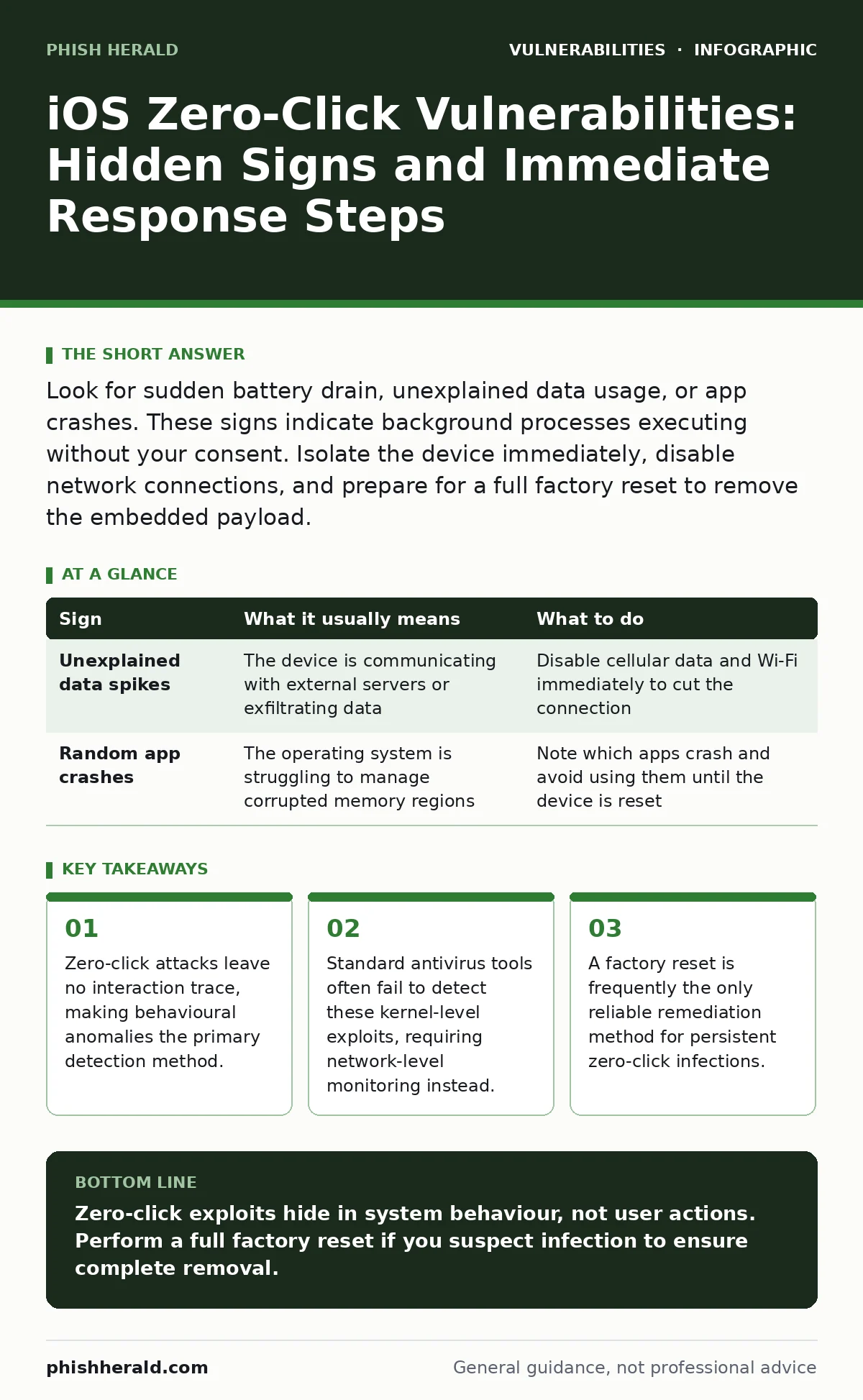
Look for sudden battery drain, unexplained data usage, or app crashes. These signs indicate background processes executing without your consent. Isolate the device immediately, disable network connections, and prepare for a full factory reset to remove the embedded payload.
First Signs of iOS Zero-Click Activity
You will likely notice performance degradation before any security alert appears. Zero-click vulnerabilities exploit memory corruption or logic errors in system services, allowing code execution without user input. This process consumes significant processing power. The device may feel sluggish or unresponsive during normal tasks. Battery drain accelerates noticeably because malicious code runs continuously in the background. This is a direct consequence of unauthorized computational work.
Another immediate sign is increased data consumption. The exploit kit often communicates with command-and-control servers to receive further instructions or exfiltrate stolen data. A sudden spike in background data usage for system services is a strong indicator. You may also experience random app crashes. The operating system attempts to terminate rogue processes, causing instability in unrelated applications. These crashes are not random; they are symptoms of a compromised memory space.
| Sign | What it usually means | What to do |
|---|---|---|
| Unexplained data spikes | The device is communicating with external servers or exfiltrating data | Disable cellular data and Wi-Fi immediately to cut the connection |
| Random app crashes | The operating system is struggling to manage corrupted memory regions | Note which apps crash and avoid using them until the device is reset |
Subtle Indicators That Are Easy to Miss
Some signs are far more difficult to detect. You might notice slight audio anomalies during calls. A faint echo or static could indicate that the microphone or audio processing pipeline is being monitored. This is not always obvious, especially in noisy environments. Another subtle sign is unusual Wi-Fi behaviour. The device may connect to networks it has never joined before. It might also fail to connect to known networks temporarily. These changes suggest that network interfaces are being manipulated by the exploit.
System logs often contain clues that users ignore. If you have access to diagnostic data, look for frequent crashes in system services like coreduet or mediaremote. These services handle user activity and media control. Frequent crashes here indicate that an exploit is interacting with these components. You might also see unexpected permissions changes. Apps may request new permissions without you initiating an update. This suggests that the exploit is trying to expand its access privileges within the system.
Immediate Actions When You Suspect an Exploit
Isolate the device from all networks immediately. Turn off Wi-Fi, Bluetooth, and cellular data. This prevents the attacker from sending new commands or stealing additional data. Do not attempt to delete suspicious apps. The exploit likely resides in the kernel or system libraries, not in a user-installed application. Deleting an app will not remove the infection. Instead, prepare the device for a complete restoration. Back up only essential data files, not the full system configuration. Restoring from a full backup can reinfect the device.
Power off the device and place it in recovery mode. Connect it to a trusted computer and perform a full factory reset. This process wipes the entire file system and reinstalls the operating system from scratch. It removes any malware embedded in the kernel or system partitions. After the reset, do not restore from a backup immediately. Set up the device as new and monitor it for several days. If the symptoms return, the hardware may be compromised, or the exploit may have persisted in a non-volatile storage area.
Understanding the Mechanism of Zero-Click Attacks
Zero-click vulnerabilities exploit flaws in how the operating system processes incoming data. The attacker sends a specially crafted message via iMessage, FaceTime, or another service. The system parses this message automatically. A flaw in the parsing logic allows the attacker to execute arbitrary code. This code runs with high privileges, often at the kernel level. Once executed, the attacker can install a persistent rootkit. This rootkit hides its presence and maintains access even after reboots.
The danger lies in the lack of user interaction. You do not need to click a link or open a file. The mere receipt of the message is enough. This makes detection extremely difficult. Traditional security measures rely on user behaviour, such as phishing awareness. Zero-click attacks bypass these defences entirely. They target the software itself, not the user. This is why understanding the underlying mechanism is critical for effective defence.
Long-Term Mitigation Strategies
Regular software updates are your first line of defence. Apple patches known vulnerabilities quickly. Ensure your device is updated to the latest version. Do not delay updates. Each update often includes critical security fixes for previously unknown vulnerabilities. Enable automatic updates to ensure you receive these patches as soon as they are available. This reduces the window of opportunity for attackers to exploit known flaws.
Consider using a dedicated security monitoring service. These services can detect anomalous network traffic and system behaviour. They provide an additional layer of visibility beyond what the operating system offers. While not a perfect solution, they can alert you to suspicious activity before it escalates. Combine this with regular audits of your device’s configuration. Check for unknown apps, unusual permissions, and strange network connections. Consistent monitoring helps you spot early signs of compromise.
See also: Hardcoded Secrets Myths: Why Common Beliefs About Source Code Risks Are Wrong · Apache Struts Vulnerabilities: Real Questions Answered for Secure Infrastructure
The Limits of Consumer Protection
No consumer-grade tool can guarantee protection against zero-click exploits. These attacks are sophisticated and often targeted at specific individuals. They require advanced knowledge and resources. You cannot prevent them entirely through personal vigilance. The best defence is a combination of updated software, network monitoring, and rapid incident response. Accept that some risks remain. Focus on minimising the impact and reducing the dwell time of any potential infection.
Understanding these limits helps you set realistic expectations. You cannot rely on antivirus software alone. You cannot prevent all data leaks. However, you can reduce your attack surface. Disable unnecessary services, limit background app refresh, and keep your device updated. These measures make it harder for attackers to succeed. They do not eliminate risk, but they significantly improve your security posture.
Key takeaways
- Zero-click attacks leave no interaction trace, making behavioural anomalies the primary detection method.
- Standard antivirus tools often fail to detect these kernel-level exploits, requiring network-level monitoring instead.
- A factory reset is frequently the only reliable remediation method for persistent zero-click infections.
Zero-click exploits hide in system behaviour, not user actions. Perform a full factory reset if you suspect infection to ensure complete removal.
Frequently asked questions
Can a standard antivirus detect iOS zero-click vulnerabilities?
No, standard antivirus tools scan for known malware signatures and cannot detect kernel-level exploits that operate without user interaction.
How long can a zero-click exploit remain hidden on an iOS device?
It can remain hidden indefinitely until the operating system is patched or the device is fully reset and restored from a clean state.
Does Airplane Mode stop a zero-click exploit from executing?
Airplane Mode prevents new exploits from being delivered but does not remove an already active infection or stop ongoing data exfiltration via local connections.
Should I use a VPN to protect against zero-click attacks?
A VPN encrypts traffic but does not prevent the execution of malicious code on the device itself, offering limited protection against this specific threat.
How this guide was produced: written by the Phish Herald editorial team with AI assistance, checked against the public references listed below, and reviewed when the facts change. See our editorial policy or report an error.