HTML Smuggling Explained: How Malware Bypasses Email Filters
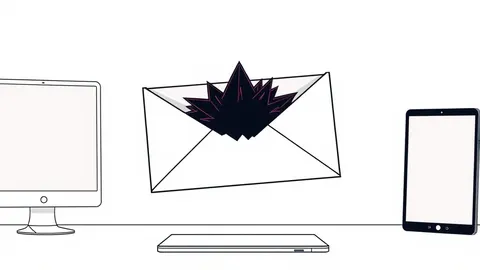
Attackers hide malicious scripts inside harmless-looking HTML files, causing your browser to build the malware locally and bypassing traditional security scans.

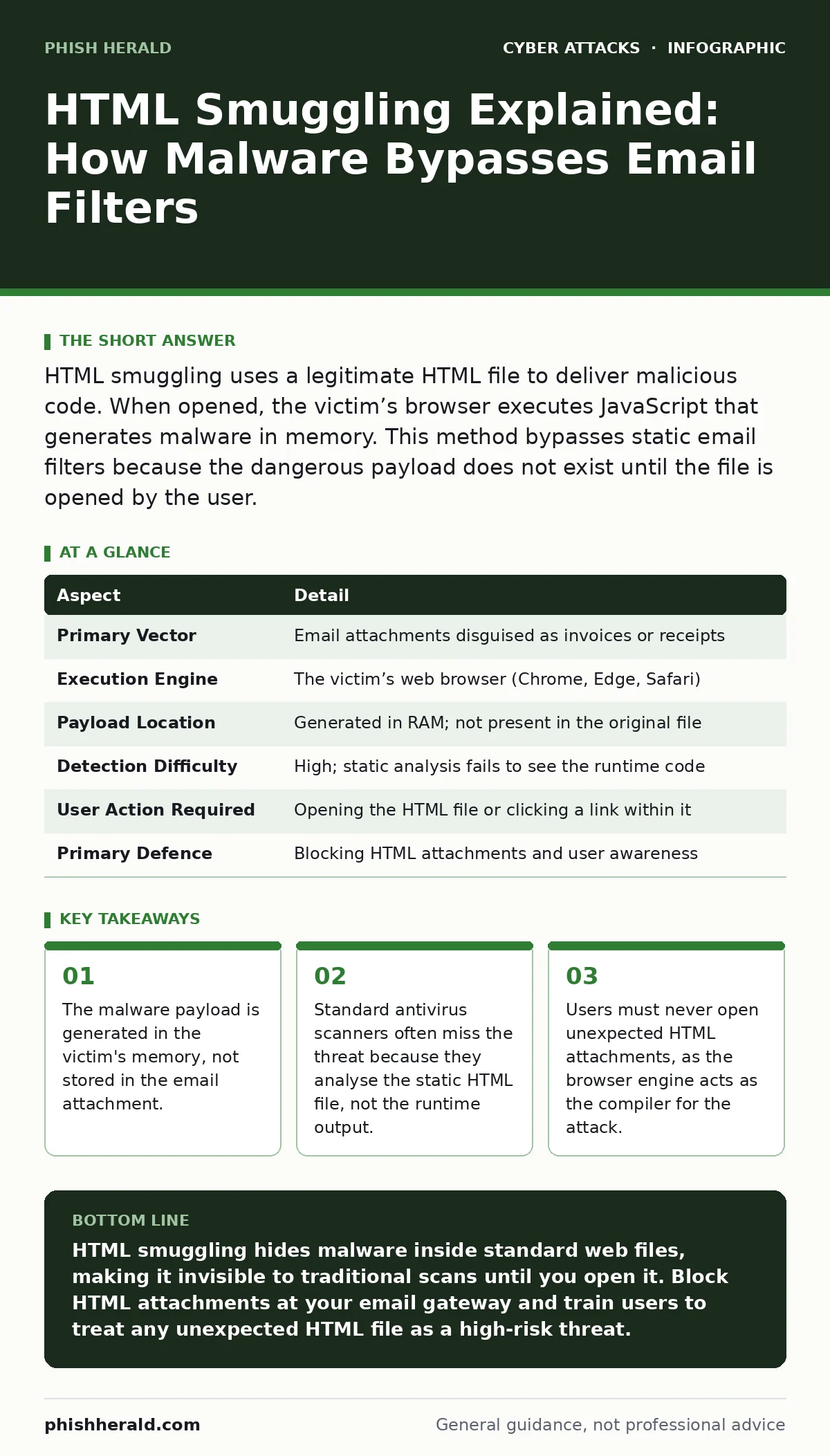
HTML smuggling uses a legitimate HTML file to deliver malicious code. When opened, the victim’s browser executes JavaScript that generates malware in memory. This method bypasses static email filters because the dangerous payload does not exist until the file is opened by the user.
The Digital Trojan Horse
Imagine receiving a sealed letter. The envelope looks official, and the postmark is valid. Inside, you find a blank sheet of paper with a single instruction: "Draw a sword." You follow the instruction, drawing a weapon from nothing. The letter itself contained no weapon, only the blueprint for one.
HTML smuggling operates on this same principle. The attacker sends an HTML file, which is a standard web page format. Security tools scan the file and see only text and standard formatting. They find no executable code, no virus, and no malware. The file appears completely benign.
The danger lies in what happens after you open it. Modern web browsers are powerful engines designed to render complex content. Attackers exploit this capability by embedding JavaScript within the HTML. When you view the file, your browser executes this script. The script then constructs a malicious payload, such as a ransomware installer or a data stealer, directly in your computer's memory.
This technique turns your own browser into a weapon factory. The malicious software never travels through the internet in its final form. It is assembled on your machine, moment by moment, right before your eyes. This makes it invisible to traditional security checks that look for known file signatures.
At a Glance
| Aspect | Detail |
|---|---|
| Primary Vector | Email attachments disguised as invoices or receipts |
| Execution Engine | The victim’s web browser (Chrome, Edge, Safari) |
| Payload Location | Generated in RAM; not present in the original file |
| Detection Difficulty | High; static analysis fails to see the runtime code |
| User Action Required | Opening the HTML file or clicking a link within it |
| Primary Defence | Blocking HTML attachments and user awareness |
How the Mechanism Works
The attack relies on the separation between the container and the content. The container is the HTML file, which is safe. The content is the JavaScript code hidden inside, which is dangerous. Most email security gateways perform static analysis. They look at the file as it sits in the inbox. They check for known bad patterns or suspicious file headers.
Because the HTML file contains only text, it passes these checks. It looks like a simple web page. The JavaScript code is often obfuscated, meaning it is scrambled to look like random characters. This prevents casual inspection. The code is designed to run only when the browser interprets it.
Once the file is opened, the JavaScript executes. It may download additional resources from the internet. It may decode base64 strings into executable binaries. It may use WebAssembly, a binary instruction format for a stack-based virtual machine, to run complex code. The browser does this work seamlessly. To the user, it might look like a quick loading screen or a minor glitch.
In reality, the browser is building a sophisticated tool in the background. This tool might be designed to steal credentials or encrypt files. Because the payload is created in memory, it does not touch the hard drive until it decides to. This transient nature makes it very hard for endpoint protection to catch.
Who Is Targeted
This technique affects anyone who receives email attachments. The attacker does not need to know your specific role or access level. The goal is often broad, casting a wide net to find vulnerable systems. However, certain roles are prioritised because they hold valuable data or access.
Financial staff are common targets because they handle invoices and payments. The HTML file often mimics a PDF invoice or a payment receipt. The visual similarity tricks the user into opening it. HR personnel are also targeted, as they receive resumes and documents from unknown senders. The promise of a job application or a contract review encourages engagement.
Small businesses are particularly vulnerable. They may lack advanced email filtering solutions. They may not have strict policies against opening HTML files. Large organisations face different challenges. They have sophisticated tools, but users are trained to trust internal systems. An HTML file from a known domain, perhaps a compromised vendor, bypasses suspicion.
The attack is not limited to corporate environments. Individuals receiving newsletters or promotional emails can be affected. If the email contains an HTML attachment or a link that triggers the smuggling script, the risk is real. The key factor is the user's willingness to open the file.
Common Disguises and Forms
Attackers rely on social engineering to get you to open the file. The file name is the first lure. It often ends in .html or .htm. These extensions are familiar but less scrutinised than .exe or .dll. The name might be "Statement.html", "Report.htm", or "Document.html".
The subject line reinforces the urgency or relevance. It might claim to be a missed delivery, a legal notice, or a tax document. The goal is to create a sense of obligation. You feel you must open the file to resolve an issue. The content inside the email body may also be deceptive. It might display a preview of the document, making it look like a standard PDF.
Some attacks use double extensions, such as "Invoice.pdf.html". Windows systems, by default, hide known file extensions. You might see only "Invoice.pdf" and assume it is safe. The hidden .html extension tells the system to open it in the browser. This trick exploits the operating system's convenience features.
Other forms involve links rather than attachments. The email contains a link to a webpage hosted on a legitimate-looking domain. When you click the link, the page executes the smuggling script. This variation is harder to detect because there is no attachment to scan. The danger is in the interaction with the web page itself.
See also: Spot Business Email Compromise: Hidden Signs and Immediate Response
What People Usually Get Wrong
A common misconception is that HTML files are inherently safe. Many users believe that only executable files, like .exe or .bat, can cause harm. This belief is outdated. Browsers are powerful applications capable of running complex code. An HTML file can do almost anything a web page can do, including accessing your camera or stealing cookies.
Another error is assuming that antivirus software will catch the threat. Traditional antivirus relies on signatures. It looks for known patterns of malware. Since the payload is generated in memory and does not exist in the static file, there is no signature to match. The antivirus sees a blank canvas, not the painting that appears later.
Some users think that deleting the email removes the risk. If you have already opened the file, the malware may already be in memory. Deleting the email does not stop the running process. The malicious code may persist until you restart your computer. This persistence is a hidden cost of the attack.
Finally, many believe that only phishing emails with obvious spelling errors are dangerous. HTML smuggling attacks are often professionally crafted. The HTML is clean, the design is modern, and the text is grammatically correct. The sophistication of the presentation lowers your guard. You assume that quality implies safety, which is a dangerous assumption.
Reducing the Risk
The most effective defence is to block HTML attachments at the email gateway. Configure your mail server to reject or quarantine any attachment with an .html or .htm extension. This stops the attack before it reaches the inbox. It eliminates the need for user judgment in these cases.
For users, the rule is simple: never open HTML attachments from unknown senders. If you expect a document, ask the sender to resend it as a PDF or Word document. These formats are less likely to execute arbitrary code. If you receive an HTML file unexpectedly, delete it immediately. Do not open it to check if it is safe.
Enable advanced threat protection features in your email system. These tools can sandbox attachments, opening them in a virtual environment to see what they do. If the HTML file attempts to generate code, the sandbox will detect the behaviour. This dynamic analysis catches threats that static scanning misses.
Regular training is also necessary. Users must understand that file extensions matter. They must know how to view full file names to spot double extensions. They must recognise that a file opening in a browser is not a guarantee of safety. Awareness reduces the likelihood of accidental execution.
Consider restricting browser permissions for local files. Some browsers allow settings that limit what local HTML files can do. While not a complete defence, it adds a layer of friction. It may prevent the script from accessing sensitive data or downloading additional payloads.
The Broader Context
HTML smuggling is part of a larger trend towards evasion. Attackers are constantly finding new ways to bypass security tools. They move from static files to dynamic generation. They move from obvious malware to subtle scripts. This evolution requires a shift in defence strategy.
Reliance on signature-based detection is no longer sufficient. You must adopt behaviour-based analysis. You must monitor what applications do, not just what files they contain. This includes monitoring browser activity and memory usage. Unusual spikes in resource consumption may indicate a smuggling attack in progress.
This technique often serves as the initial access point for larger attacks. Once the malware is in memory, it can download further tools. It can establish a command and control channel. It can move laterally through the network. Stopping the initial HTML file is critical to preventing this chain reaction.
Understanding the mechanism helps you appreciate the importance of layered defence. No single tool can stop all attacks. You need email filtering, endpoint protection, user training, and network monitoring. Each layer adds a barrier. Together, they create a resilient system that can withstand sophisticated threats.
Key takeaways
- The malware payload is generated in the victim's memory, not stored in the email attachment.
- Standard antivirus scanners often miss the threat because they analyse the static HTML file, not the runtime output.
- Users must never open unexpected HTML attachments, as the browser engine acts as the compiler for the attack.
HTML smuggling hides malware inside standard web files, making it invisible to traditional scans until you open it. Block HTML attachments at your email gateway and train users to treat any unexpected HTML file as a high-risk threat.
Frequently asked questions
Can an HTML file infect my computer just by being in my inbox?
No, the file must be opened for the JavaScript to execute and generate the malware in your browser's memory.
Does antivirus software detect HTML smuggling?
Traditional antivirus often misses it because the malicious code is not present in the static file, only generated when opened.
Is it safe to open HTML files from known contacts?
It is risky, as their account may be compromised, sending the file without their knowledge or consent.
How do I stop HTML attachments in my email system?
Configure your email gateway to block or quarantine files with .html or .htm extensions before they reach user inboxes.
How this guide was produced: written by the Phish Herald editorial team with AI assistance, checked against the public references listed below, and reviewed when the facts change. See our editorial policy or report an error.