Domain Spoofing Explained: How Fake Addresses Bypass Your Defences
Attackers forge email headers to mimic trusted senders, bypassing basic address checks while hiding the true origin of the message.
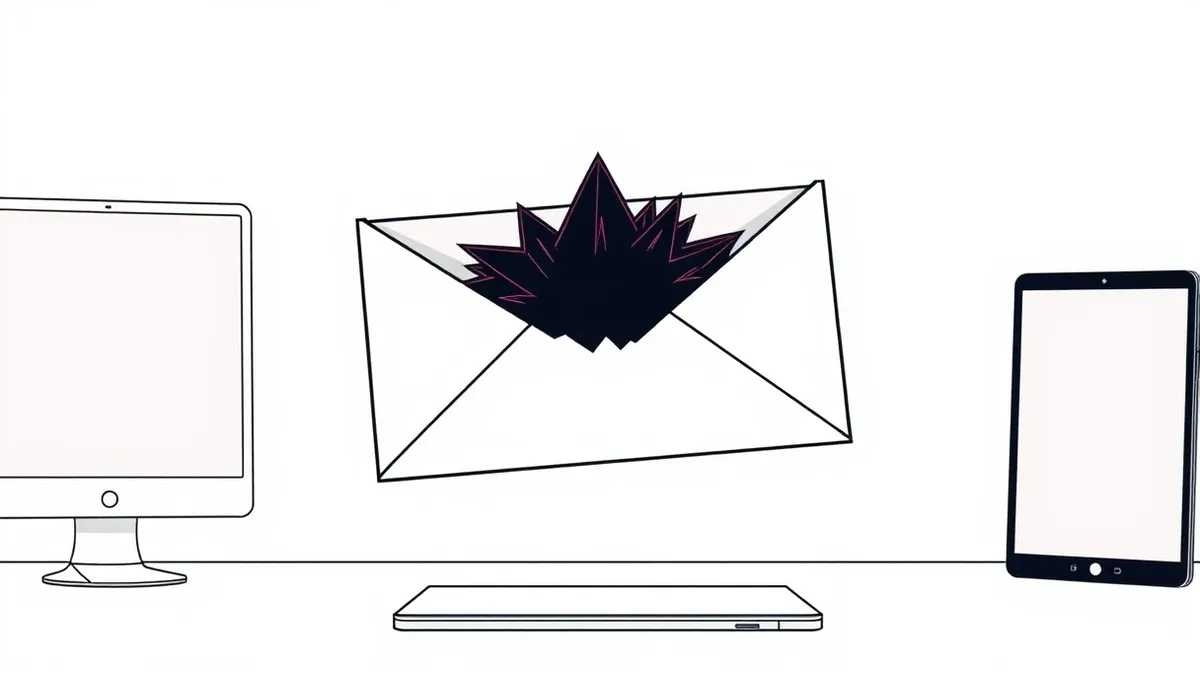
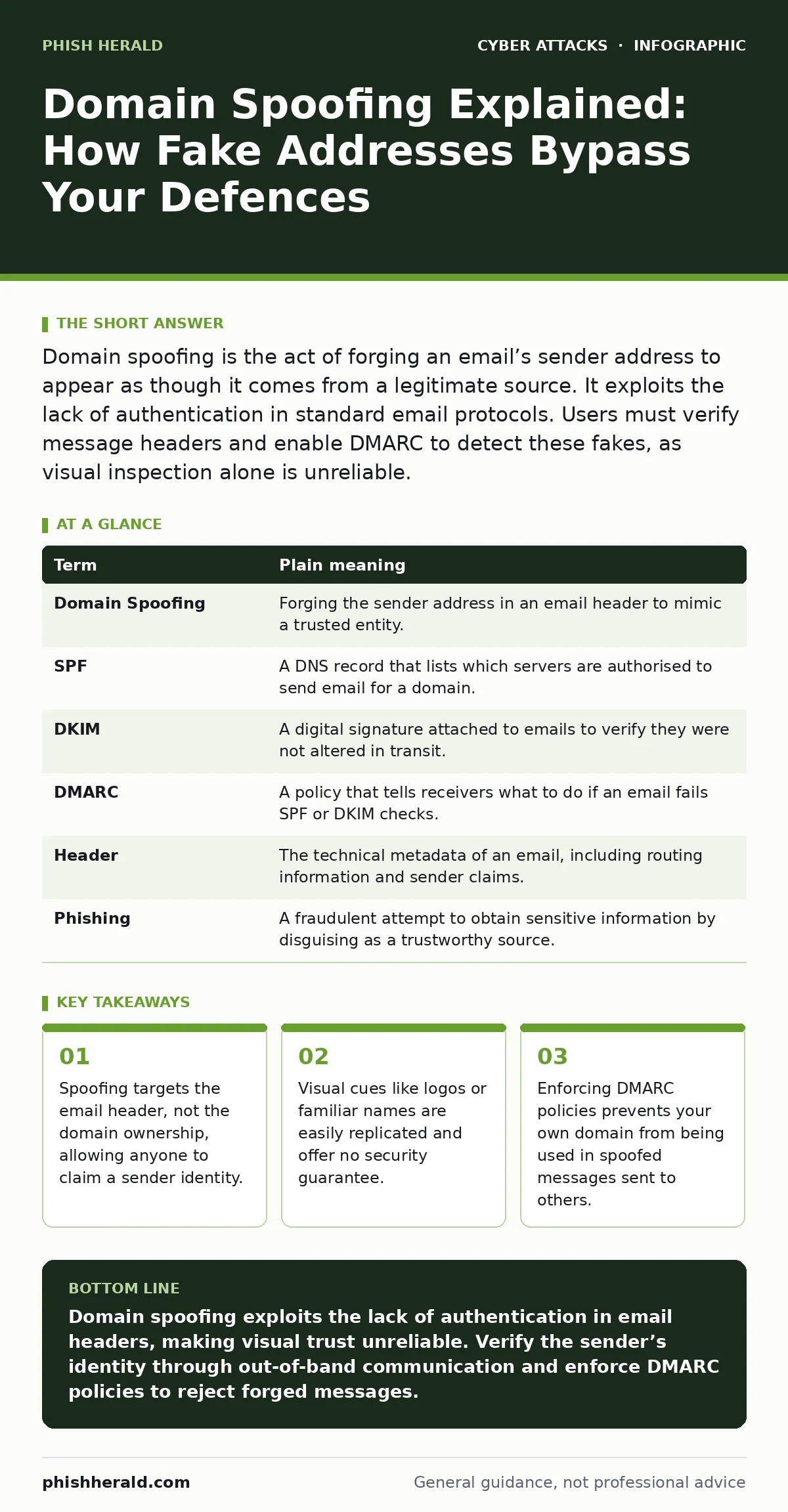
Domain spoofing is the act of forging an email’s sender address to appear as though it comes from a legitimate source. It exploits the lack of authentication in standard email protocols. Users must verify message headers and enable DMARC to detect these fakes, as visual inspection alone is unreliable.
The Post Office Analogy
Imagine you receive a letter in your mailbox. The envelope bears the return address of your bank, complete with its official logo and correct formatting. You open it, expecting a statement. Inside, however, is a request for urgent payment to a different account. The post office delivered it because the address was legible, not because they verified the sender’s identity. Email works in much the same way. The protocol that delivers messages, Simple Mail Transfer Protocol, was designed for reliability, not security. It does not verify who wrote the letter, only where it should go.
Attackers exploit this trust by forging the "From" field. This is domain spoofing. They craft an email that appears to originate from a trusted domain, such as your employer or a service provider. The recipient sees a familiar name and assumes safety. The mechanism relies on the gap between what you see in your inbox and where the message actually originated.
Deconstructing the Spoof
To understand the risk, you must separate the visual interface from the technical reality. When you read an email, your client displays the "From" name and address. This is merely a string of text embedded in the message header. It is not a certificate of authenticity. An attacker can type any name they wish into this field. They do not need to hack the bank’s server. They only need to send a message that claims to come from there.
This distinction is critical for managing expectations. You cannot secure the "From" field through user training alone. The field is inherently untrusted. Security measures must look beyond the display name to the underlying infrastructure records.
| Term | Plain meaning |
|---|---|
| Domain Spoofing | Forging the sender address in an email header to mimic a trusted entity. |
| SPF | A DNS record that lists which servers are authorised to send email for a domain. |
| DKIM | A digital signature attached to emails to verify they were not altered in transit. |
| DMARC | A policy that tells receivers what to do if an email fails SPF or DKIM checks. |
| Header | The technical metadata of an email, including routing information and sender claims. |
| Phishing | A fraudulent attempt to obtain sensitive information by disguising as a trustworthy source. |
The Hidden Cost of Trust
The most dangerous aspect of domain spoofing is its psychological impact. Users are conditioned to trust visual cues. A perfect logo, correct spelling, and familiar tone create a false sense of security. This is why initial access often succeeds even when technical controls are in place. The human element bypasses the technical barrier.
Consider the trade-off of convenience. You might whitelist certain domains to reduce inbox clutter. This action disables your ability to detect spoofed messages from those domains. If an attacker spoofs a whitelisted address, your mail server delivers it directly to your inbox, bypassing spam filters. This is a non-obvious consequence of optimisation. You gain speed but lose a layer of scrutiny.
Why Passwords Are Not the Fix
Many users believe that strong credentials prevent spoofing. This is a misconception. Password managers protect your stored secrets, but they do not verify the sender of an email. If you receive a spoofed message asking you to reset your password, clicking the link leads to a fake site. The attacker then captures your credentials. The spoofing was the delivery mechanism; the credential theft was the goal.
This is why OAuth consent phishing is a growing threat. Attackers do not just ask for passwords. They ask you to grant access to your account using legitimate login screens. If you trust the spoofed email, you may authorise the attacker’s application. The result is the same: full account compromise. The spoofing tricked you into trusting the context.
Verifying the Source
To combat this, you must look at the email headers. Most email clients allow you to view the raw headers. Look for the "Received" lines. These show the path the message took. If the message claims to come from a corporate domain but the first "Received" line shows an IP address outside the organisation’s range, it is likely spoofed.
This process is tedious for everyday users. Therefore, organisational controls are necessary. Implementing DMARC ensures that if someone tries to spoof your domain, the receiving server rejects the message. This protects your reputation and your users. It shifts the burden from the reader to the infrastructure.
See also: HTML Smuggling Explained: How Malware Bypasses Email Filters
Simple Safety Habits
You can reduce risk with three specific actions. These do not require technical expertise but do require discipline.
- Hover over links before clicking. Modern email clients show the actual URL when you hover. If the link does not match the displayed text, do not click. This catches many website defacement and phishing attempts where the landing page is malicious.
- Verify out-of-band. If you receive an urgent request for money or data, call the sender using a known, trusted number. Do not use the contact details in the email. This breaks the chain of deception.
- Enable multi-factor authentication. Even if an attacker spoofs an email and tricks you into revealing your password, MFA blocks them from logging in. This is your last line of defence against adversary-in-the-middle phishing and credential theft.
The Limits of Detection
No system is perfect. Zero-click attacks do not require you to open an email or click a link. They exploit vulnerabilities in the software that processes the email. Spoofing is often the precursor to these attacks, luring the software into processing malicious content.
You must accept that some risk remains. The goal is not to eliminate all spoofed emails, but to reduce the likelihood of successful compromise. By understanding the mechanism, you can design better defences. Focus on verifying the source, not just the appearance. This mindset shift is the most valuable tool you have.
Key takeaways
- Spoofing targets the email header, not the domain ownership, allowing anyone to claim a sender identity.
- Visual cues like logos or familiar names are easily replicated and offer no security guarantee.
- Enforcing DMARC policies prevents your own domain from being used in spoofed messages sent to others.
Domain spoofing exploits the lack of authentication in email headers, making visual trust unreliable. Verify the sender’s identity through out-of-band communication and enforce DMARC policies to reject forged messages.
Frequently asked questions
Can I block all spoofed emails?
No, because email protocols do not natively verify sender identity. You can reduce them with DMARC and SPF, but determined attackers will find workarounds.
Does HTTPS prevent domain spoofing?
No, HTTPS secures the connection to a website, not the email delivery. Spoofing occurs before you reach the website.
What is the difference between spoofing and phishing?
Spoofing is the technique of faking the sender address. Phishing is the broader attack that uses spoofing to trick you into taking action.
Should I delete emails from unknown senders?
Yes, but also verify known senders if the request is unusual. Compromised accounts can send spoofed-looking messages that appear to come from trusted contacts.
How this guide was produced: written by the Phish Herald editorial team with AI assistance, checked against the public references listed below, and reviewed when the facts change. See our editorial policy or report an error.