OAuth Consent Phishing: How Attackers Bypass Login Walls
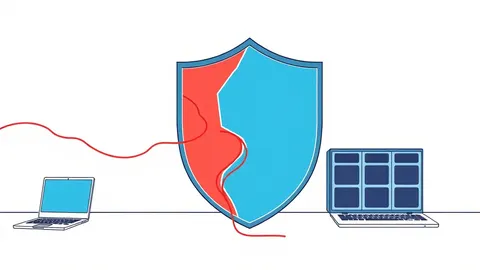
Attackers bypass credential theft by using legitimate authorisation screens to steal access tokens directly from trusted identity providers.
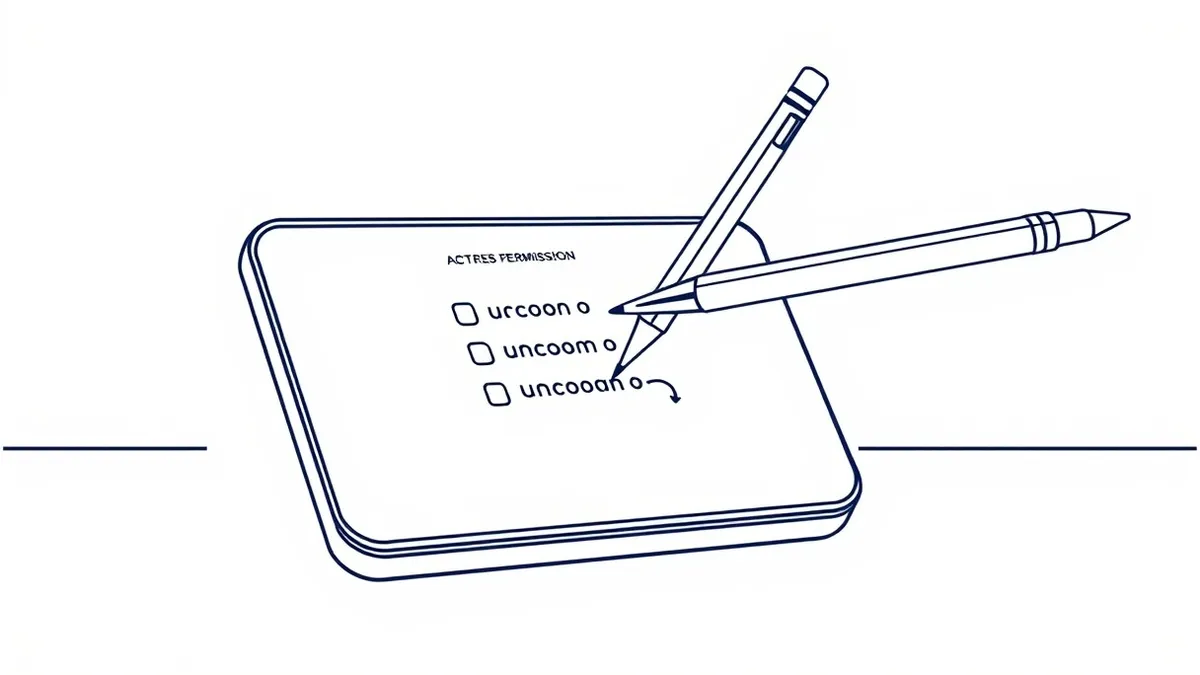
OAuth consent phishing tricks users into granting malicious apps permission to access their data. It exploits the trust users place in standard login screens, bypassing password checks entirely. Understanding the visual and technical differences between legitimate and fake consent prompts is vital for defence.
The Illusion of Trust
Imagine handing over the keys to your house to a builder you hired. You verify their identity, you check their credentials, and you willingly hand over the access. The problem arises only later, when you realise the builder was never authorised to remodel your kitchen, but to empty your safe.
OAuth consent phishing operates on this exact principle of misplaced trust. It does not ask you to reveal your password. Instead, it asks you to confirm a permission request that looks identical to a standard service integration. The attacker has already set up a legitimate application with an identity provider. When you log in, you are authenticating with the real service, not a fake clone.
This distinction makes the attack uniquely difficult to detect. Traditional phishing sites mimic the look and feel of a login page. Here, the login page is genuine. The deception lies in the consent screen that follows, which requests excessive permissions for a trivial task.
At a Glance
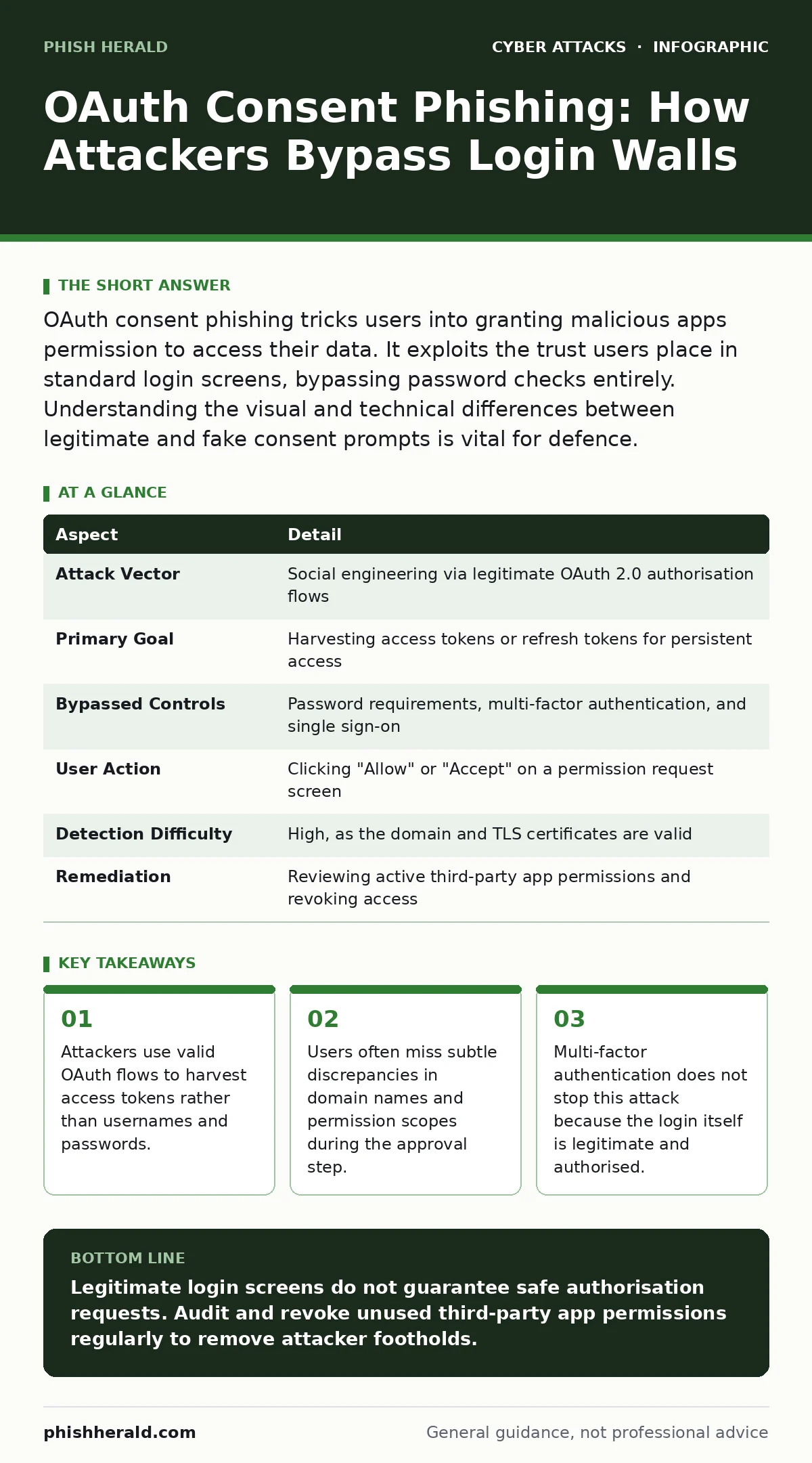
| Aspect | Detail |
|---|---|
| Attack Vector | Social engineering via legitimate OAuth 2.0 authorisation flows |
| Primary Goal | Harvesting access tokens or refresh tokens for persistent access |
| Bypassed Controls | Password requirements, multi-factor authentication, and single sign-on |
| User Action | Clicking "Allow" or "Accept" on a permission request screen |
| Detection Difficulty | High, as the domain and TLS certificates are valid |
| Remediation | Reviewing active third-party app permissions and revoking access |
How the Mechanism Works
The attack relies on the Open Authorization (OAuth) protocol, which allows applications to request access to your data without handling your credentials directly. In a legitimate scenario, you might grant a calendar app permission to read your schedule. The attacker registers a new application with a major identity provider, such as Google or Microsoft, giving it a benign name and icon.
They then craft a link that directs you to the real identity provider's login page. You enter your username and password. Because the site is genuine, your multi-factor authentication works as expected. You pass the security gate. The system then presents a consent screen asking if you want to allow the application to access your data.
This is the critical moment. The attacker designs the application to request broad permissions, such as "Read all your files" or "Manage your contacts," while the prompt suggests a limited function like "View your profile picture." If you click allow, the identity provider issues an access token. The attacker captures this token and uses it to access your data directly, bypassing the need for your password or further authentication.
The Scope of the Threat
This technique affects anyone who uses cloud-based services that support third-party integrations. It is not limited to corporate environments, though the impact is higher there due to the sensitivity of enterprise data. Personal accounts are equally vulnerable, particularly those linked to social media, email, and productivity suites.
The attack is effective because it exploits human psychology rather than technical vulnerabilities in the identity provider. Users are trained to look for HTTPS locks and familiar logos. They are rarely trained to scrutinise the specific permissions being requested. The cognitive load of evaluating a scope list is high, leading to rapid acceptance.
Common Forms and Variations
Attackers often disguise the malicious application as a popular tool. They might create an app named "Microsoft Teams Updater" or "Google Drive Cleaner." The branding is slightly off, but enough to pass a casual glance. The domain name used in the URL bar is the legitimate identity provider's domain, which further reinforces trust.
Another variation involves domain spoofing in the email that delivers the link. The sender address might look like an internal IT department or a well-known vendor. The link itself is short or masked, hiding the true destination until you hover over it. By the time you see the full URL, you have already clicked.
Some attackers use HTML smuggling to hide the malicious payload. The initial link appears safe, but the browser executes a script that reveals the phishing content only after a delay or upon user interaction. This bypasses some security scanners that analyse the initial page load.
What People Usually Get Wrong
A common misconception is that multi-factor authentication stops this attack. It does not. MFA verifies that you are who you say you are. It does not verify that the application requesting access is legitimate. Once you pass MFA, you are fully authenticated. The consent screen is the only remaining barrier, and it relies on your judgment.
Another error is assuming that changing your password will revoke the attacker's access. It will not. The attacker holds an access token, which is a separate credential. Unless the token expires or you explicitly revoke the application's permissions, the attacker retains access. This is why persistent monitoring of authorised apps is necessary.
Reducing the Risk
Defence against OAuth consent phishing requires a shift from credential protection to permission management. You must train users to pause before clicking "Allow." Encourage them to read the scope of permissions. If an app requests more access than it needs, they should deny the request.
Organisations should implement policies that restrict which applications can be authorised. Some identity providers allow administrators to block unknown apps or require approval for new integrations. This adds a layer of control that prevents rogue applications from being registered and used.
Regular audits of authorised applications are also necessary. Users should review their connected apps quarterly and remove any that are no longer in use. This limits the window of opportunity for attackers who may have obtained tokens in the past.
The Hidden Cost of Convenience
The convenience of single sign-on and third-party integrations comes with a hidden cost: expanded attack surface. Every app you authorise is a potential entry point. The more permissions you grant, the more damage a compromised token can cause.
This attack highlights a flaw in how we think about security. We focus on the door (the login) but ignore who is being let in (the application). Securing the door is no longer enough. You must also vet the visitors.
For those interested in related threats, understanding adversary-in-the-middle phishing provides context on how attackers manipulate legitimate flows. Similarly, reviewing account lockout policies helps mitigate brute-force attempts, though it offers no protection against consent phishing.
Final Considerations
OAuth consent phishing is a sophisticated attack that leverages trust in established systems. It cannot be defeated by technical controls alone. It requires user awareness and strict permission management.
By focusing on the consent screen and the permissions requested, you can identify and block these attacks. Remember, a legitimate login does not mean a legitimate request. Always verify the application and its scope before granting access.
Key takeaways
- Attackers use valid OAuth flows to harvest access tokens rather than usernames and passwords.
- Users often miss subtle discrepancies in domain names and permission scopes during the approval step.
- Multi-factor authentication does not stop this attack because the login itself is legitimate and authorised.
Legitimate login screens do not guarantee safe authorisation requests. Audit and revoke unused third-party app permissions regularly to remove attacker footholds.
Frequently asked questions
Does multi-factor authentication prevent OAuth consent phishing?
No. MFA verifies your identity, but the attack occurs after authentication when you grant permissions to a malicious app.
How can I tell if an OAuth request is legitimate?
Check the application name and the specific permissions requested. Legitimate apps request only the minimum necessary access for their function.
Will changing my password stop an attacker who has an access token?
No. Access tokens remain valid until they expire or are explicitly revoked by the user or administrator.
Can security software detect OAuth consent phishing?
Standard antivirus may not detect it. Advanced endpoint detection can flag suspicious behaviour, but user scrutiny of consent screens is the primary defence.
How this guide was produced: written by the Phish Herald editorial team with AI assistance, checked against the public references listed below, and reviewed when the facts change. See our editorial policy or report an error.