Account Lockout Policies: The Hidden Cost of Denial of Service
Misconfigured lockout thresholds transform legitimate user errors into self-inflicted outages, creating a vulnerability window for attackers.
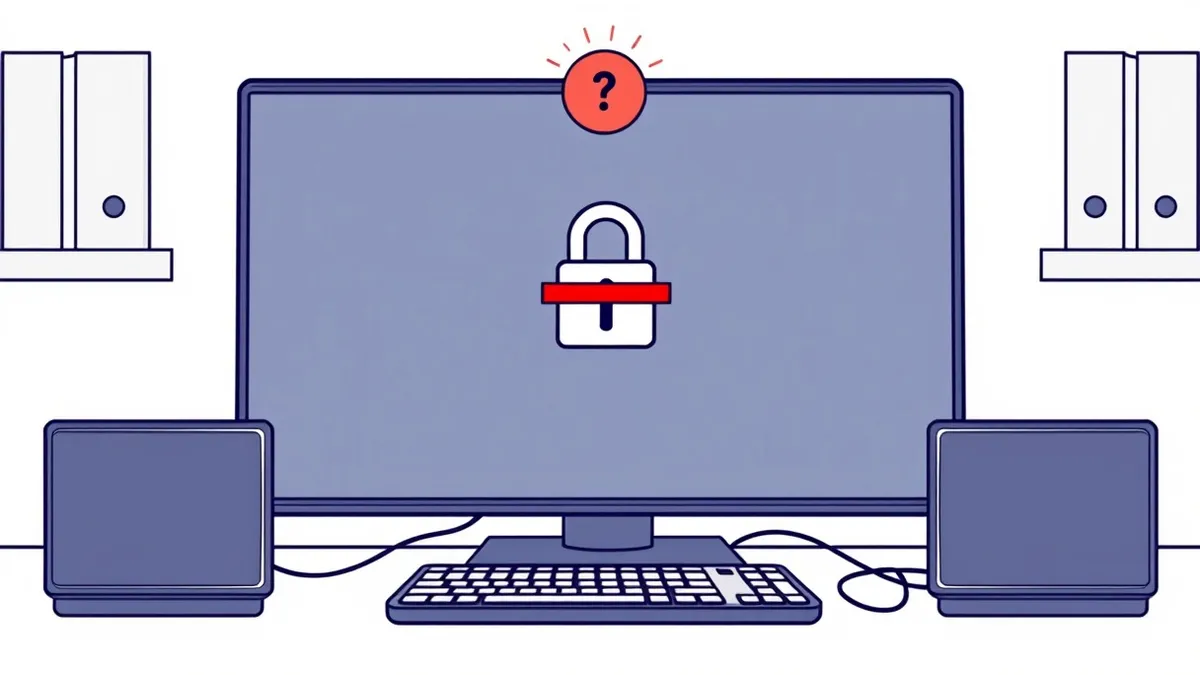
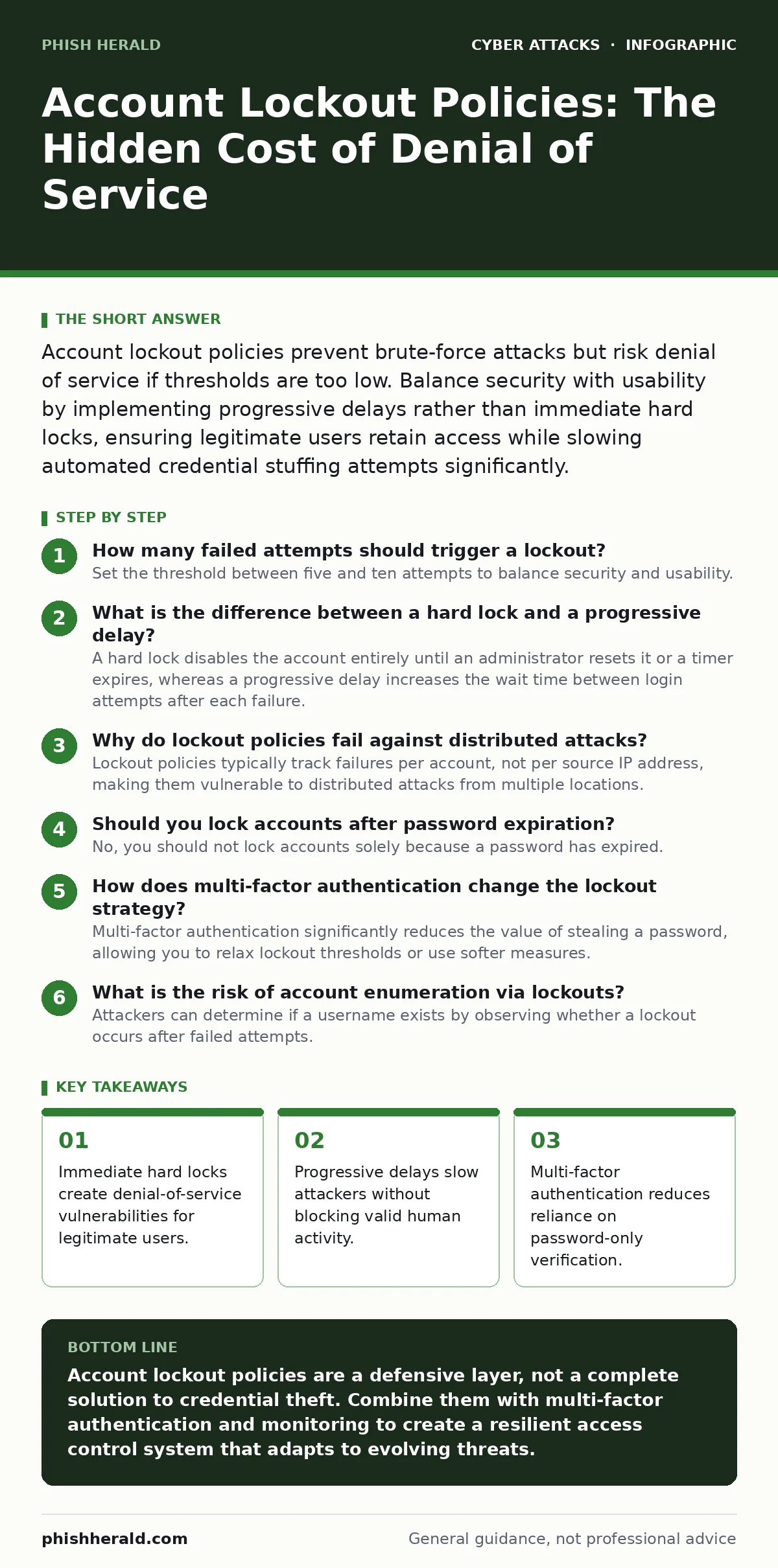
Account lockout policies prevent brute-force attacks but risk denial of service if thresholds are too low. Balance security with usability by implementing progressive delays rather than immediate hard locks, ensuring legitimate users retain access while slowing automated credential stuffing attempts significantly.
How many failed attempts should trigger a lockout?
Set the threshold between five and ten attempts to balance security and usability. Lower numbers increase the risk of locking out legitimate users who make typing errors, while higher numbers allow attackers more guesses before the account is secured. This range effectively stops casual brute-force scripts without disrupting daily operations for staff who occasionally mistype their credentials.
What is the difference between a hard lock and a progressive delay?
A hard lock disables the account entirely until an administrator resets it or a timer expires, whereas a progressive delay increases the wait time between login attempts after each failure. Hard locks are effective against automated bots but cause immediate friction for users who forget passwords. Progressive delays slow down attackers significantly while allowing determined humans to eventually log in, reducing support tickets and maintaining operational continuity.
Why do lockout policies fail against distributed attacks?
Lockout policies typically track failures per account, not per source IP address, making them vulnerable to distributed attacks from multiple locations. Suppose an attacker uses a botnet to send one failed attempt from thousands of different devices; the account never reaches the local threshold for locking. This method bypasses standard defences because the system sees many low-volume errors rather than a high-volume attack from a single point.
| Policy Type | Primary Benefit | Primary Risk | Best Use Case |
|---|---|---|---|
| Hard Lock | Stops automated bots instantly | High risk of denial of service | High-security admin accounts |
| Progressive Delay | Maintains user access during errors | Slower mitigation of fast attacks | Standard user accounts |
| IP-Based Throttling | Blocks source of attack | Blocks legitimate users on shared networks | External facing services |
| MFA Integration | Renders password guessing useless | Adds login friction | All remote access scenarios |
Should you lock accounts after password expiration?
No, you should not lock accounts solely because a password has expired. Expiration is an administrative state, not a security failure, and locking the account forces users to contact support for reset. This creates a bottleneck in your helpdesk and encourages users to write down new passwords or reuse old ones to avoid the friction. Instead, allow users to change their expired passwords during the login process, ensuring they can regain access without intervention.
How does multi-factor authentication change the lockout strategy?
Multi-factor authentication significantly reduces the value of stealing a password, allowing you to relax lockout thresholds or use softer measures. If an attacker has the password but not the second factor, they cannot access the account regardless of how many guesses they make. This shifts the focus from preventing password discovery to preventing the compromise of the second factor itself, which often involves separate vectors such as OAuth consent phishing where users are tricked into granting access directly.
What is the risk of account enumeration via lockouts?
Attackers can determine if a username exists by observing whether a lockout occurs after failed attempts. If the system locks the account or shows a generic "account locked" message, the attacker confirms the username is valid. This information is valuable for targeted attacks, such as business email compromise, where knowing the exact email address increases the success rate of social engineering. To mitigate this, use generic error messages for both invalid usernames and incorrect passwords.
How do you handle lockouts in multi-tenant environments?
In multi-tenant systems, a lockout policy must not allow one tenant to affect another or the entire platform. If an attacker targets a single tenant’s accounts aggressively, the system should isolate the lockout to that specific tenant’s namespace. Failure to segment these policies can result in a cascading denial of service, where the actions of one group disrupt access for unrelated users. This isolation is critical for maintaining trust and service level agreements in shared infrastructure.
Can lockout policies be bypassed by credential stuffing?
Yes, credential stuffing can bypass traditional lockouts if the attack is distributed across many IP addresses and uses valid credentials from other breaches. Since these are valid username and password pairs, the first attempt often succeeds, rendering the lockout policy irrelevant for that specific login. This highlights why relying solely on password strength and lockout thresholds is insufficient; you must combine these with behavioural analysis and multi-factor authentication to detect anomalies.
How do you recover from a mass lockout incident?
Recovery requires a pre-defined process that allows administrators to unlock accounts in bulk without compromising security. Suppose a misconfigured script triggers thousands of lockouts; manually resetting each account is impossible and delays business operations. You need a tool or script that can identify the pattern of the incident and release the locks, followed by an investigation to prevent recurrence. Documenting this procedure ensures your team can respond calmly and efficiently during high-pressure situations.
Does account lockout protect against offline attacks?
No, account lockout policies only protect the online authentication process and have no effect on offline attacks. If an attacker obtains a copy of your password hashes, they can attempt to crack them on their own hardware without triggering any lockout mechanisms. This is why strong hashing algorithms and salting are critical; they make offline cracking computationally expensive and time-consuming. Understanding this limitation is vital for a holistic security strategy that covers both online and offline threats.
Key takeaways
- Immediate hard locks create denial-of-service vulnerabilities for legitimate users.
- Progressive delays slow attackers without blocking valid human activity.
- Multi-factor authentication reduces reliance on password-only verification.
- Monitoring lockout events helps distinguish between human error and attacks.
Account lockout policies are a defensive layer, not a complete solution to credential theft. Combine them with multi-factor authentication and monitoring to create a resilient access control system that adapts to evolving threats.
Frequently asked questions
How do I prevent lockouts for service accounts?
Use application-specific passwords or API keys for service accounts instead of interactive login credentials. This allows you to manage access through key rotation and revocation, avoiding the friction and risk of interactive lockout policies.
Should I lock out based on IP address?
Locking out by IP address can block legitimate users on dynamic IPs or shared networks, causing denial of service. It is better to use IP throttling, which slows down requests, rather than hard locks, to balance security and accessibility.
How do lockouts affect mobile device management?
Mobile devices often retry authentication in the background, which can trigger lock
How this guide was produced: written by the Phish Herald editorial team with AI assistance, checked against the public references listed below, and reviewed when the facts change. See our editorial policy or report an error.