Mobile Device Management Examples: Policy, Security and Control
Mobile device management examples reveal that policy enforcement often fails when devices bridge personal and professional data without clear technical boundaries.
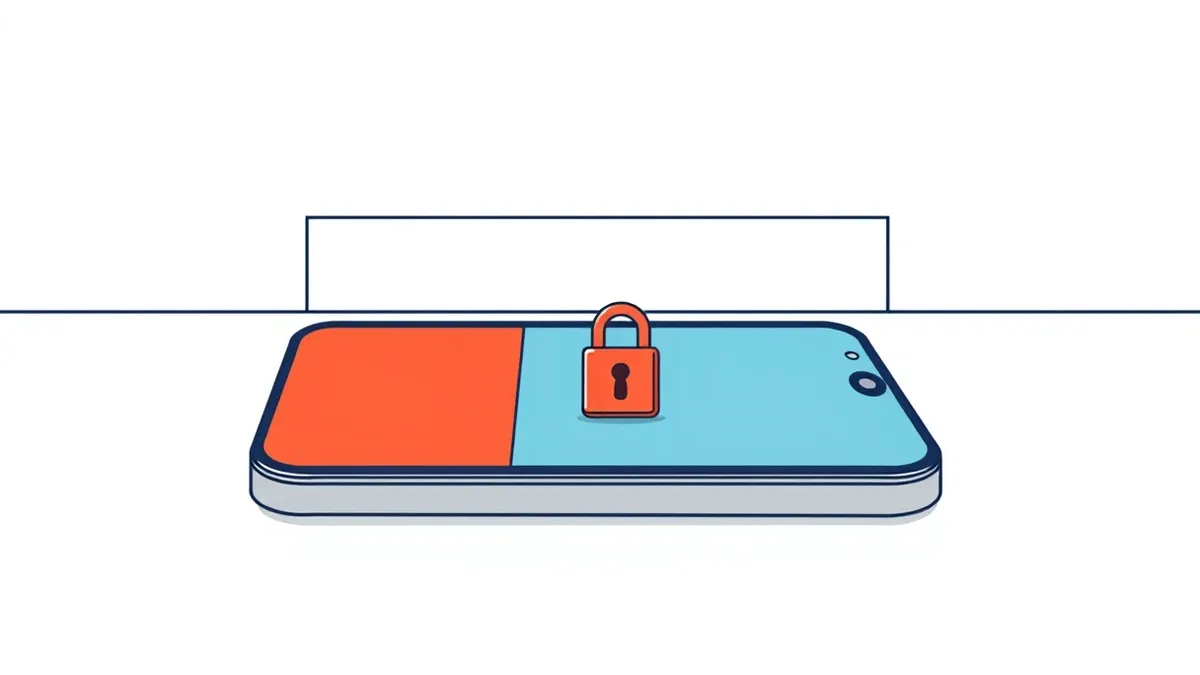
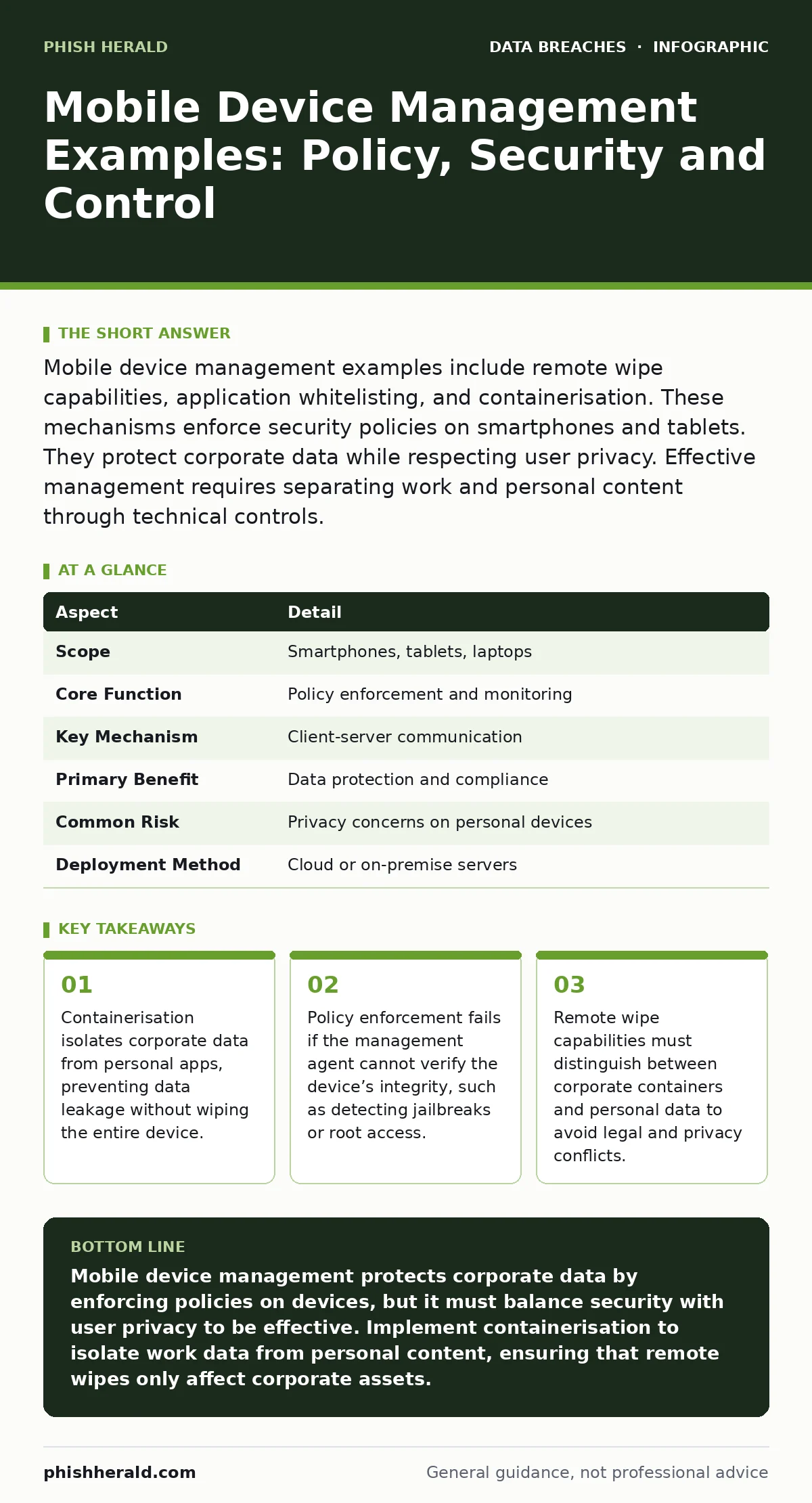
Mobile device management examples include remote wipe capabilities, application whitelisting, and containerisation. These mechanisms enforce security policies on smartphones and tablets. They protect corporate data while respecting user privacy. Effective management requires separating work and personal content through technical controls.
The Analogy: A Secure Briefcase in a Public Cafe
Imagine you work in a busy open-plan office. You carry a secure briefcase containing sensitive documents. The briefcase has a combination lock. Only authorised personnel can open it. You sit at a public table. People walk by. They might see you typing. They might try to steal the briefcase. Mobile device management acts as that lock. It ensures that even if the device is stolen or lost, the sensitive content remains inaccessible. The device itself is just hardware. The management system controls access to the data stored within specific containers on that hardware.
What Is Mobile Device Management?
Mobile device management is a security approach that uses software to monitor, manage, and secure mobile devices used across an enterprise. It allows organisations to enforce policies on smartphones, tablets, and laptops. The system ensures devices comply with security standards. It can lock devices, wipe data, and restrict app installations. This technology is critical for organisations that allow employees to use personal devices for work. It bridges the gap between convenience and security. The core function is policy enforcement. The management server sends commands to a client agent installed on the device. The agent executes these commands locally.
| Aspect | Detail |
|---|---|
| Scope | Smartphones, tablets, laptops |
| Core Function | Policy enforcement and monitoring |
| Key Mechanism | Client-server communication |
| Primary Benefit | Data protection and compliance |
| Common Risk | Privacy concerns on personal devices |
| Deployment Method | Cloud or on-premise servers |
Mobile Device Management Examples
People often search for mobile device management examples to understand practical applications. These examples range from simple password requirements to complex data isolation strategies. Understanding these examples helps in designing effective security policies. The following list details common implementations.
- Remote Wipe: The ability to erase data from a lost or stolen device. This can be a full wipe or a selective wipe of corporate data.
- Application Whitelisting: Allowing only approved applications to run on the device. This prevents malware installation.
- Containerisation: Creating a secure workspace for corporate apps and data. This workspace is isolated from personal apps.
- Geofencing: Restricting access to corporate data based on geographical location. This prevents access from untrusted regions.
- Jailbreak Detection: Identifying if a device has been modified to bypass security controls. This allows the system to restrict access.
- Camera Disabling: Preventing the use of the camera in secure areas. This protects sensitive physical documents from being photographed.
How It Works Technically
The technical foundation of mobile device management relies on a client-server model. The server holds the policies. The client agent on the device receives and executes them. Communication happens over encrypted channels. The agent runs in the background. It monitors device status. It reports back to the server. If a policy is violated, the agent can take action. For example, it might block access to corporate resources. This mechanism requires constant connectivity. Offline devices cannot receive updates. The agent must have sufficient permissions. This often requires device ownership or specific user consent. The balance between control and user rights is delicate.
Who It Affects
Mobile device management affects multiple stakeholders. Employees face restrictions on their personal devices. They may need to install management agents. They might lose some privacy. IT administrators gain visibility. They can enforce security standards. They can respond to incidents quickly. The organisation benefits from reduced risk. Compliance with regulations becomes easier. However, resistance from users is common. People dislike surveillance. Clear communication is necessary. Policies must be fair. The impact varies by industry. Healthcare and finance face stricter requirements. Retail and hospitality may have simpler needs. The scope depends on the sensitivity of the data.
Common Misconceptions
Many organisations misunderstand mobile device management. They believe it provides complete security. This is false. It is a layer of defence. It does not replace other security measures. Another misconception is that it invades privacy. Modern systems respect privacy boundaries. They only monitor corporate data. Some think it is only for lost devices. It is also for compliance. It ensures devices meet security standards. Finally, some believe it is a one-time setup. It requires ongoing management. Policies change. Threats evolve. The system must adapt. Ignoring these misconceptions leads to poor adoption and ineffective security.
What People Usually Get Wrong
The most common error is focusing only on the device. The data is the priority. Securing the device is a means to an end. Another mistake is ignoring the user experience. If the system is too restrictive, users will find ways around it. This creates shadow IT. Organisations often fail to test policies. They deploy them without validation. This leads to operational disruptions. For instance, blocking all USB connections might prevent legitimate charging. It is also wrong to assume one size fits all. Different roles need different access levels. A salesperson needs different controls than an engineer. Tailoring policies is complex but necessary.
Integration With Other Security Measures
Mobile device management does not work in isolation. It integrates with other security frameworks. For example, it works with full disk encryption to protect data if the device is lost. It complements password hashing and salting by enforcing strong authentication. It helps prevent accidental data disclosure by restricting copy-paste functions.
It also supports compliance with standards like PCI DSS. However, it does not replace public file share exposure controls. You must still manage where data is shared. It also does not stop data scraping from public sources. A layered approach is necessary. Each measure addresses a specific risk. Combining them creates a stronger defence.
Key takeaways
- Containerisation isolates corporate data from personal apps, preventing data leakage without wiping the entire device.
- Policy enforcement fails if the management agent cannot verify the device’s integrity, such as detecting jailbreaks or root access.
- Remote wipe capabilities must distinguish between corporate containers and personal data to avoid legal and privacy conflicts.
Mobile device management protects corporate data by enforcing policies on devices, but it must balance security with user privacy to be effective. Implement containerisation to isolate work data from personal content, ensuring that remote wipes only affect corporate assets.
Frequently asked questions
Does mobile device management spy on personal data?
No, modern mobile device management systems are designed to monitor only corporate data and apps. They do not access personal emails, photos, or messages.
Can employees refuse mobile device management?
Employees can often refuse if they use personal devices. However, they may then lose access to corporate resources. Organisations may require company-owned devices for certain roles.
Is mobile device management enough to prevent data breaches?
No, it is one layer of defence. It must be combined with other measures like encryption, user training, and network security to effectively prevent data breaches.
How does mobile device management handle lost devices?
It allows administrators to remotely lock or wipe the device. This prevents unauthorised access to corporate data. The wipe can be selective, removing only work-related data.
How this guide was produced: written by the Phish Herald editorial team with AI assistance, checked against the public references listed below, and reviewed when the facts change. See our editorial policy or report an error.