Eavesdropping Attacks Prevention Checklist for Secure Networks
Unencrypted local network traffic reveals sensitive data to anyone within physical or logical range of your wireless access points.

Prevent eavesdropping by enforcing end-to-end encryption on all devices, isolating guest networks from corporate systems, and disabling unused wireless interfaces. Regularly audit firewall rules to ensure only necessary ports remain open. This checklist helps you secure data in transit against passive interception.
Who Uses This Checklist
Organisations handling sensitive data must protect information during transmission. This checklist serves security teams responsible for maintaining network integrity. Use it to audit current configurations and identify gaps in your defensive posture. The items are grouped by control type to simplify implementation. Each item includes a brief reason explaining its security value.
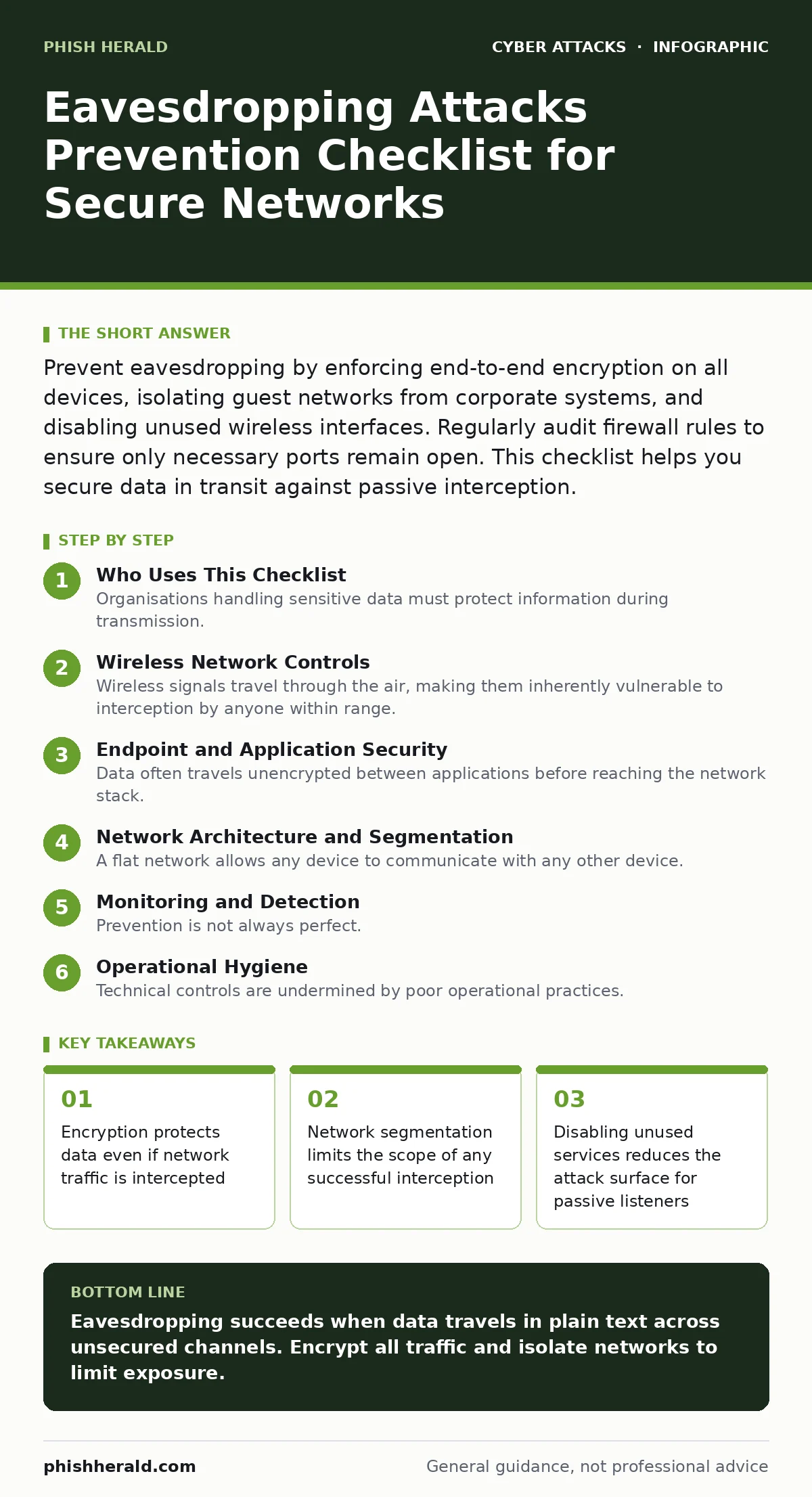
Wireless Network Controls
Wireless signals travel through the air, making them inherently vulnerable to interception by anyone within range. Securing these connections prevents casual eavesdropping by individuals nearby or those with specialised hardware.
- Enable WPA3 encryption on all Wi-Fi access points: this modern standard provides stronger individualised data encryption than older protocols, preventing offline dictionary attacks on captured handshakes.
- Disable WPS (Wi-Fi Protected Setup) on all routers: this feature contains known vulnerabilities that allow attackers to bypass passwords and gain network access without knowing the pre-shared key.
- Set up a separate guest network with client isolation: this ensures guests cannot communicate with each other or access internal corporate resources, limiting lateral movement if a guest device is compromised.
- Reduce transmit power to cover only necessary areas: limiting signal strength prevents the network from being visible outside the building, reducing the pool of potential attackers who can capture traffic.
Endpoint and Application Security
Data often travels unencrypted between applications before reaching the network stack. Securing the endpoints ensures that information is protected from the moment it is created until it is transmitted.
- Enforce TLS 1.2 or higher for all web services: this ensures that data exchanged between browsers and servers is encrypted using modern cryptographic algorithms, preventing man-in-the-middle decryption.
- Implement full-disk encryption on all laptops and mobile devices: this protects data at rest if a device is stolen, ensuring that eavesdroppers cannot access stored files even if they gain physical possession.
- Disable unused wireless interfaces on endpoints: turning off Bluetooth and Wi-Fi radios when not needed prevents attackers from using these radios to sniff local traffic or establish rogue connections.
- Verify certificate pinning in custom applications: this ensures that applications only accept traffic from trusted servers, preventing attackers from intercepting and modifying data using fraudulent certificates.
See our guide on endpoint protection for deeper strategies on securing individual devices against malware and theft.
Network Architecture and Segmentation
A flat network allows any device to communicate with any other device. This design enables an attacker who compromises one device to eavesdrop on traffic destined for any other device on the network.
- Implement VLANs to separate departments and functions: this logical separation ensures that traffic from finance, HR, and engineering does not mix, limiting the visibility of sensitive data to authorised users only.
- Use private Wi-Fi networks for IoT devices: smart cameras, printers, and sensors often have weak security; isolating them on a separate network prevents them from being used to eavesdrop on corporate traffic.
- Configure firewall rules to deny all traffic by default: this ensures that only explicitly allowed communications occur, reducing the amount of data available for an attacker to intercept and analyse.
- Enable DHCP snooping on network switches: this prevents attackers from spoofing DHCP servers and redirecting user traffic through their own devices for interception and manipulation.
Refer to network segmentation best practices for detailed implementation steps on dividing your network into secure zones.
Monitoring and Detection
Prevention is not always perfect. Detecting eavesdropping attempts allows you to respond before significant data loss occurs. Monitoring tools help identify anomalies in network behaviour that suggest passive listening.
- Deploy network intrusion detection systems: these tools analyse traffic patterns to identify unusual connections or data exfiltration attempts that may indicate an active eavesdropping campaign.
- Monitor for rogue access points: unauthorised Wi-Fi devices can be used to create rogue networks that capture user credentials and traffic; regular scans help identify and remove these threats.
- Log and alert on certificate mismatches: sudden changes in SSL/TLS certificates can indicate a man-in-the-middle attack where an attacker intercepts and decrypts traffic using a fake certificate.
- Review access logs for unusual data volumes: spikes in outbound traffic may indicate that an attacker is capturing and exfiltrating large amounts of sensitive data through an eavesdropping channel.
See also: Network segmentation examples: how to isolate threats and limit damage
Operational Hygiene
Technical controls are undermined by poor operational practices. Simple habits can close gaps that sophisticated tools cannot detect.
- Change default router credentials immediately: default passwords are publicly available and allow attackers to access router settings, disabling encryption and enabling traffic capture.
- Disable SSID broadcasting only as a secondary measure: while hiding the network name does not prevent encryption bypass, it reduces visibility to casual scanners; it must never replace strong encryption.
- Regularly update firmware on all networking equipment: manufacturers patch vulnerabilities that allow attackers to disable security features or access admin interfaces, keeping your infrastructure secure.
- Train staff to recognise rogue Wi-Fi networks: employees connecting to open networks with names similar to the corporate network expose themselves to eavesdropping; education reduces this risk.
Common Mistakes to Avoid
Misconfigurations often create false senses of security. Understanding where usual advice fails helps you build a more resilient defence.
- Do not rely on MAC address filtering alone: MAC addresses can be easily spoofed by attackers, making this control ineffective as a primary security measure against eavesdropping.
- Avoid using WEP or TKIP encryption: these older standards have known weaknesses that allow attackers to decrypt traffic in real-time; they must be replaced with WPA2 or WPA3.
- Do not assume encrypted tunnels are secure: if the endpoint is compromised, an attacker can read data before it is encrypted or after it is decrypted; endpoint security is critical.
- Ignore the risk of Bluetooth eavesdropping: Bluetooth signals can be intercepted over short distances; disable Bluetooth when not in use to prevent data leakage from mobile devices.
Key takeaways
- Encryption protects data even if network traffic is intercepted
- Network segmentation limits the scope of any successful interception
- Disabling unused services reduces the attack surface for passive listeners
Eavesdropping succeeds when data travels in plain text across unsecured channels. Encrypt all traffic and isolate networks to limit exposure.
Frequently asked questions
Can encryption prevent all eavesdropping attacks?
Encryption protects data in transit, but it does not prevent attackers from capturing encrypted traffic for later decryption or from compromising endpoints where data is visible in plain text.
How do I know if someone is eavesdropping on my network?
Unusual network traffic patterns, slow performance, or devices connecting to unknown access points may indicate eavesdropping; intrusion detection systems can help identify these anomalies.
Is WPA2 still considered secure for wireless networks?
WPA2 is still widely accepted, but WPA3 offers stronger protection against brute-force attacks and is recommended for new deployments where hardware support exists.
Do I need a VPN for internal network traffic?
VPNs are primarily for remote access; internal traffic should be secured through network segmentation and encryption between servers, rather than relying on VPN tunnels for local communication.
How this guide was produced: written by the Phish Herald editorial team with AI assistance, checked against the public references listed below, and reviewed when the facts change. See our editorial policy or report an error.