Website Defacement Myths: Why Visual Hacks Are Rarely The End
Defacement is often a noisy distraction that masks silent data theft, and the visual change is frequently the least damaging part of the compromise.
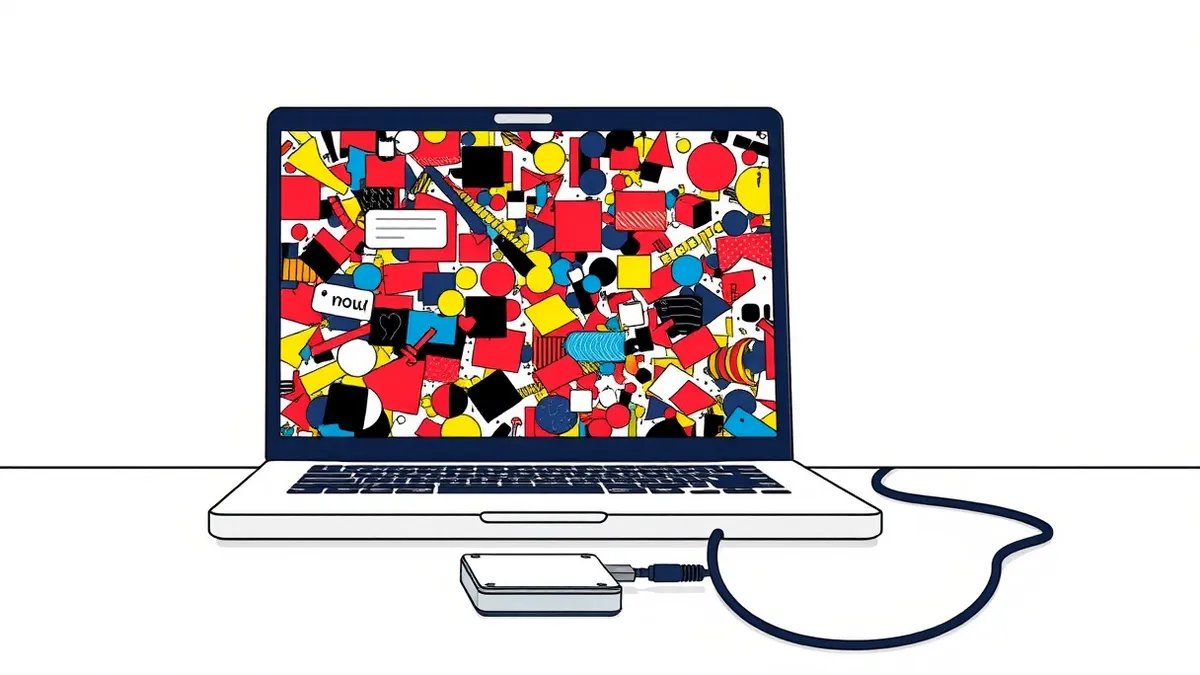
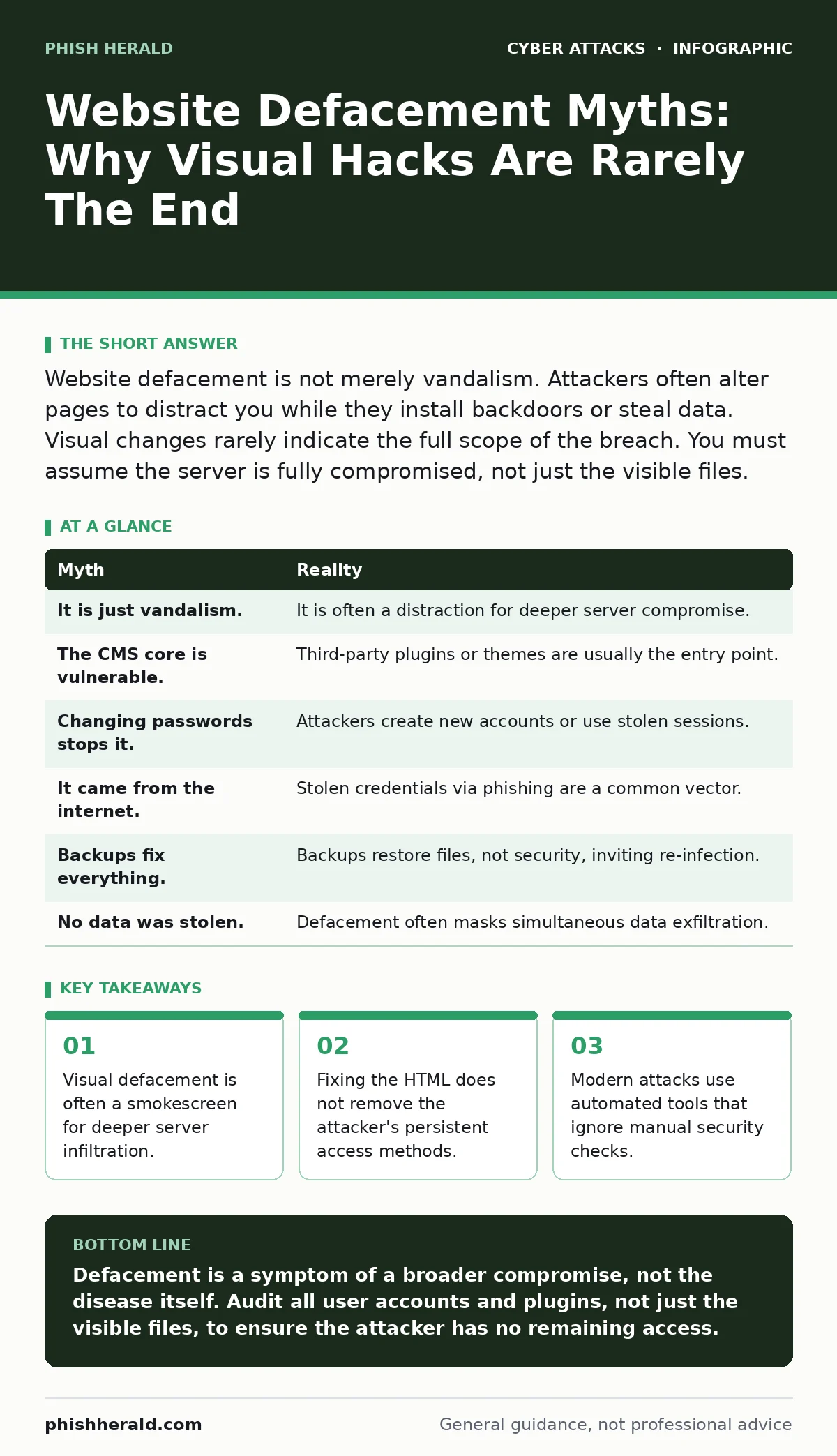
Website defacement is not merely vandalism. Attackers often alter pages to distract you while they install backdoors or steal data. Visual changes rarely indicate the full scope of the breach. You must assume the server is fully compromised, not just the visible files.
Myth: Defacement Is Just Vandalism
Reality: You treat the altered homepage as a prank, but the attacker likely used the same access to install a web shell. A web shell is a script that allows remote control of the server. The visual change draws your eye to the surface, while the real damage happens in the background. You may see a changed logo, but the attacker has already mapped your directory structure. They are not there to insult your brand; they are there to maintain presence. The defaced page is a trophy, but the backdoor is the objective.
Imagine a scenario where a hacker replaces your main banner with a political statement. You rush to restore the original image from backup. Meanwhile, the hacker executes commands on your server to harvest customer databases. The visual restoration gives you a false sense of security. The system remains open to further exploitation. You have fixed the symptom, not the cause.
Myth: It Was A Vulnerability In The CMS Core
Reality: The core content management system software may be perfectly patched, but a third-party plugin is often the weak link. Plugins extend functionality, which increases the attack surface. Attackers scan for known vulnerabilities in popular extensions rather than the core platform. Even if you update the main software daily, an outdated plugin can serve as a gateway. This is a common form of initial access that bypasses core security measures. The core is rarely the problem; the ecosystem around it is.
Myth: Changing Passwords Stops The Attack
Reality: Changing administrative passwords does not remove existing sessions or hidden access points. Attackers often create new user accounts with hidden privileges. They may also modify the database directly to alter credentials without knowing the plaintext password. If you only change the password for the account you know about, the attacker still controls the new account they created. Session tokens may remain valid until they expire. You must revoke all active sessions and audit all user accounts.
Suppose you change the root password after noticing the defacement. The attacker logs in using a secondary administrator account they created weeks ago. Your password change was effective for one account, but irrelevant for the other. The breach persists because you assumed there was only one entry point.
Myth: The Attack Came From The Internet Only
Reality: Internal credentials are often stolen via phishing or malware, not by hacking the web server directly. An employee might click a link in an adversary-in-the-middle phishing email, handing over their login details. The attacker then uses these legitimate credentials to access the admin panel. It looks like an external hack, but it is an insider threat enabled by social engineering. Firewalls and intrusion detection systems may not flag this traffic because it appears as normal user activity. You must monitor for impossible travel and unusual login times.
Myth: Backups Fix The Problem Completely
Reality: Restoring from backup returns the files to a previous state, but it does not remove the vulnerability that allowed the breach. If the underlying plugin or configuration remains insecure, the attacker will simply deface the site again. You are resetting the clock, not stopping the theft. Backups are a recovery tool, not a security control. You must identify and patch the entry point before restoring. Otherwise, you are inviting the attacker back.
Consider a site restored from a backup taken an hour ago. The vulnerable plugin is still installed. The attacker scans the site, finds the same flaw, and uploads their shell again within minutes. The backup saved your content, but it did not save your security posture.
Myth: Defacement Means Data Was Not Stolen
Reality: Attackers often deface a site to create a diversion while they exfiltrate data. The loud visual change draws your attention away from quiet data transfers. You focus on fixing the homepage, ignoring logs that show large outbound data transfers. Data theft is silent; defacement is noisy. The two can happen simultaneously. Assuming that because the site looks broken, no data was taken, is a dangerous error. You must review access logs for unusual activity, not just file changes.
Myth: Manual Reviews Are Enough
Reality: Automated scanners detect known signatures, but they miss custom scripts and logic flaws. Manual reviews by developers are thorough but slow and prone to human error. Relying on one method leaves gaps. A combination of automated scanning and manual code review is necessary. Even then, zero-day vulnerabilities exist that neither method will catch. You must assume some vulnerabilities will slip through. The goal is to reduce the window of exposure, not to achieve perfection.
| Myth | Reality |
|---|---|
| It is just vandalism. | It is often a distraction for deeper server compromise. |
| The CMS core is vulnerable. | Third-party plugins or themes are usually the entry point. |
| Changing passwords stops it. | Attackers create new accounts or use stolen sessions. |
| It came from the internet. | Stolen credentials via phishing are a common vector. |
| Backups fix everything. | Backups restore files, not security, inviting re-infection. |
| No data was stolen. | Defacement often masks simultaneous data exfiltration. |
Key takeaways
- Visual defacement is often a smokescreen for deeper server infiltration.
- Fixing the HTML does not remove the attacker's persistent access methods.
- Modern attacks use automated tools that ignore manual security checks.
Defacement is a symptom of a broader compromise, not the disease itself. Audit all user accounts and plugins, not just the visible files, to ensure the attacker has no remaining access.
Frequently asked questions
How do I know if my site has been defaced?
Look for unexpected changes in page content, layout, or redirects. Monitor server logs for unauthorized file modifications and unusual outbound traffic that may indicate data theft.
Should I take the site offline immediately?
Taking the site offline prevents further public embarrassment but does not stop the attacker from accessing the server. Isolate the server from the network to prevent lateral movement while you investigate.
Can I use a free scanner to find the vulnerability?
Free scanners can find common issues, but they often miss complex logic flaws. They are a starting point, not a guarantee. Professional penetration testing provides a deeper analysis.
How do I prevent future defacement?
Keep all software updated, use strong account lockout policies to prevent brute force, and restrict file permissions. Regularly review user accounts and remove unused plugins to reduce the attack surface.
How this guide was produced: written by the Phish Herald editorial team with AI assistance, checked against the public references listed below, and reviewed when the facts change. See our editorial policy or report an error.